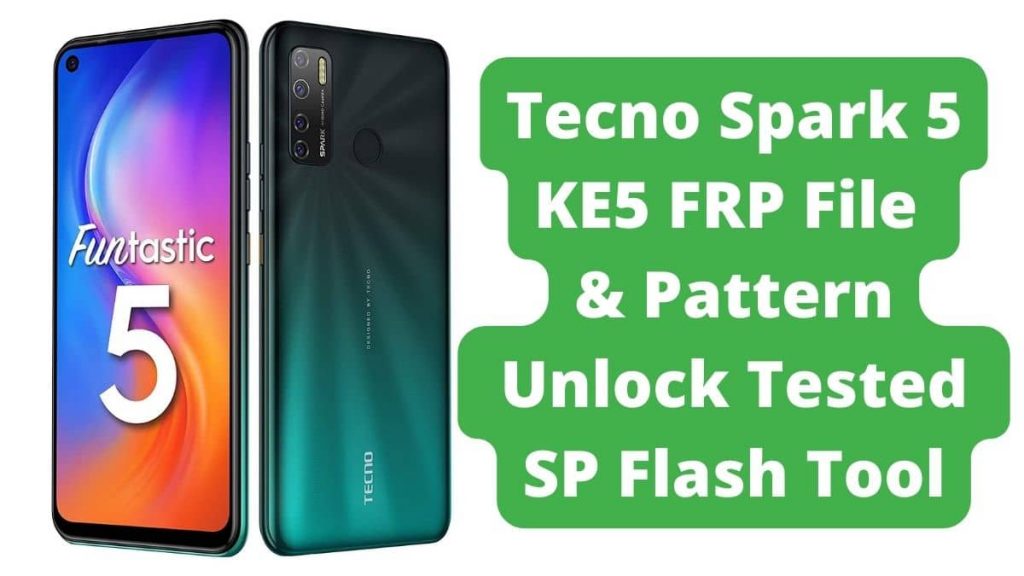
Tecno Spark 5 KE5 FRP File & Pattern Unlock File: To unlock your device without a password, download the free Tecno Spark 5 KE5 Screen Unlock. Without forgetting the password option, you can unlock your Tecno Spark Android device with a Google account on your phone. Unlocking the Tecno Spark 5 KE5 pattern PIN password with Wonder Tool Unlocking the Tecno Spark 5 KE5 without a password is simple.
Table of Contents
About Tecno Spark 5 KE5
This Tecno phone is powerful to the core as it lets you enjoy a breezy-smooth performance while accessing multiple apps since it is powered with Octa-core, 2 GHz, Cortex A53 MediaTek Helio A22. Moreover, the phone comes with 2 GB of RAM & 32 GB of internal storage so that you can store all your songs, videos, games, pictures, & other stuff without worrying about space constraints.
Download Tecno Spark 5 KE5 FRP File & Unlock File Tested
Password: officialroms.com
Read Also: MTK Auth Bypass Tool V31 Latest 5G CPU 2024
How to Unlock Pattern & Frp Lock In Tecno Spark 5 KE5:
- Download all of the Documents in the above links if the link is not Functioning.
- Only leave your comment on below comment box
- Install WinRAR software on your Pc or laptop to Get extract downloaded Hyperlinks
- Extract all Document & Then paste into desktop
- Initial Install libusb win32 devel filter 1.2.6.0 OR MediaTek USB Notebook & after that Reboot (Restart) Computer
- Open MCT MediaTek USB Driver Tool Click BYPASS
- Switch OFF Phone Press & Maintain Volume Up + Down & Add USB Cable
- Wait Until Improving
- When Done Disable Protection, You can Watch like Below Picture
- Open SP flash Instrument Click Scatter-loading Select button & Choose Scatter_Android_scatter Document
- Click Download-Agent & Select MTK_AllInOne_DA.
- Go to Option ► Connection & Set Com Port (COM:3) & Baud Rate (921600)
- Now Open Device Manager & Check Your Phone Com Port (Check below Image for more Information)
- Now go to Userdata Format Tab & click to Manual flash
- Copy 0x125800000 code & paste to Begin Address[HEX]
- Copy 0xc0000000 code & paste to Format Length[HEX]
- FRP Unlock Code Manual Format Flash.
- Copy 0x1888000 code & paste to Begin Address[HEX]
- Copy 0x100000 code & paste to Format Length[HEX]
- Click on the Start button
- Wait Until Completed.
Read Also: