The Motorola E7 Power XT2097-6 Pattern and FRP Removal File can be used to unlock all screen locks on the device. It has been tested with both Motorola’s official unlock patterns, pins, and FRP bypass codes specifically designed for use on the Moto E7.
Screen lock is an essential security measure for Android phones that can be enabled in the Security & Lock Screen menu. Pattern, Password and Pin are just some of the options available; Android has further strengthened security by including Fingerprint and Face Lock options as well. Once activated on your phone, you’ll need to enter or draw either your Password, Pattern, Pin lock or Fingerprint again in order to gain access.
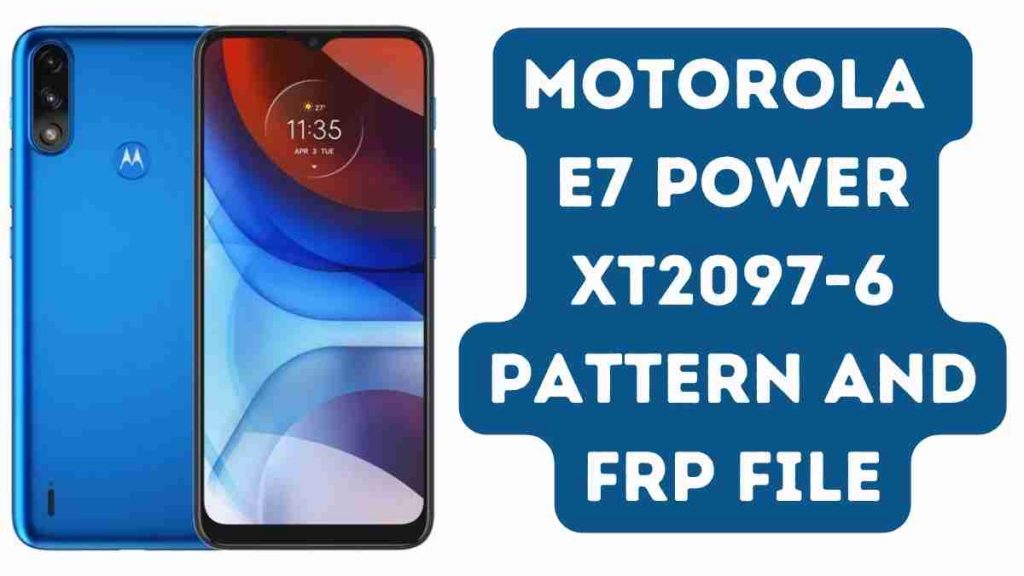
Download Motorola E7 Power XT2097-6 Pattern And Frp File Tested
Name: Moto_E7_Power_XT2097-6_((_4+64_))_FRP_File
Size: 65 MB
Password: officialroms
Link: MediaFire
How to Unlock Motorola E7 Power:
- Download and install the MediaTek driver on your PC. If you already have drivers installed, you may skip this step.
- Download the Motorola E7 Power XT2097-6 Pattern And FRP File and unzip it.
- Run Flash Tool.exe after downloading, extracting, and opening the SP flash tool folder.
- Once the SP flash program has been launched, select Scatter Loading File from FRP delete file folder.
- Select Manual Format Flash from the Format Menu.
- Enter the Start Address and Format Length from the Pattern And FRP Address Text File.
- Connect your phone by pressing the Start button (once SP flash tool detects your phone, flashing will begin automatically).
- After the flash has finished, remove and resume.
- All tasks have now been successfully completed.
Read Also:
- Moto E7 Power XT2097 Flash File (Stock ROM)
- Motorola Moto C Plus XT1721 FRP File & Pattern Remove 2024
- Redmi 9 Power Firmware Flash File (Stock Rom)
- xolo era x frp lock remove 100% working solution
- Oppo RealMe 1 Pattern Unlock, Frp Unlock (Test Point)
- Motorola Moto C Plus XT1721 FRP File & Pattern Remove