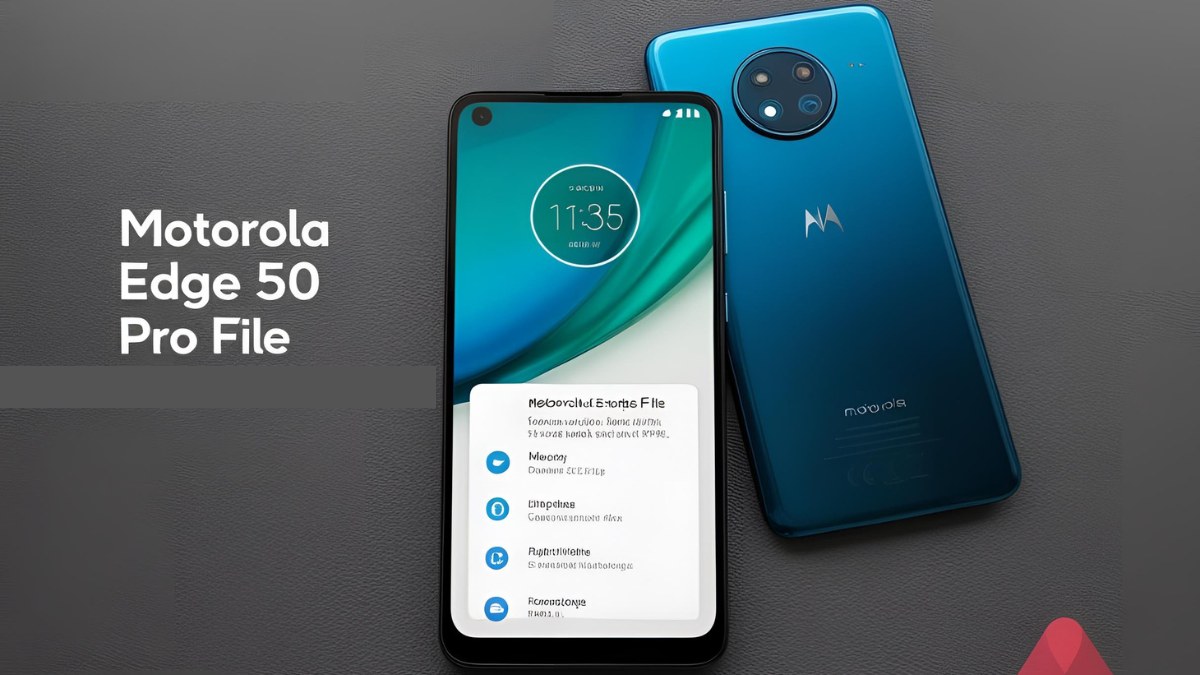
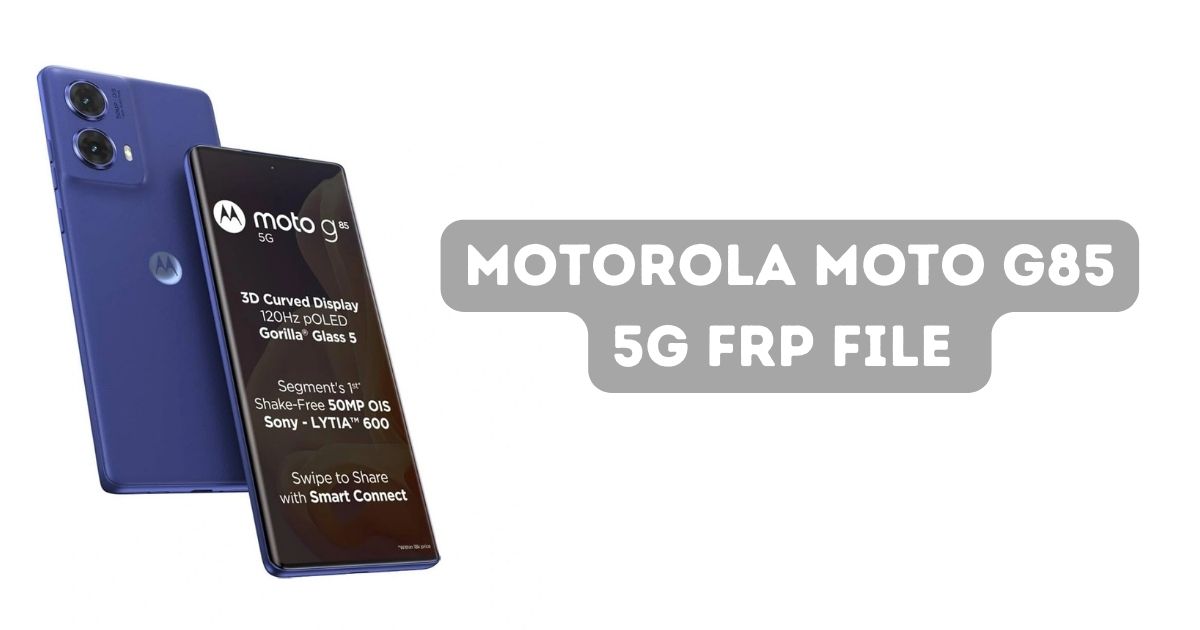
The Motorola Moto G85 5G is a popular Android device that comes with Factory Reset Protection (FRP). FRP is a built-in security feature designed to prevent unauthorized access to your phone after a factory reset. This article provides a comprehensive guide on Motorola Moto G85 5G FRP File (XT2427), explaining how FRP works, why it’s necessary, and how to bypass it safely.
Table of Contents
What is Factory Reset Protection (FRP)?
Factory Reset Protection (FRP) is a security feature in Android devices, including the Motorola Moto G85 5G, introduced with Android 5.0 (Lollipop). FRP ensures that if your phone is lost or stolen, no one can wipe it and use it without the original Google account credentials. When you perform a factory reset, the phone will require the Google account credentials linked to the device to complete the setup. This feature adds an extra layer of security to protect your data.
Why You Might Need the Motorola Moto G85 5G FRP File
In some cases, users may forget their Google account credentials or may need to bypass the FRP lock after performing a factory reset. This is where the Motorola Moto G85 5G FRP File comes into play. The FRP file is a tool used to unlock your device and remove the FRP lock, allowing you to gain access to your phone.
However, it’s important to note that bypassing FRP can sometimes violate the device’s terms of service and could present security risks. Users should proceed carefully and ensure they follow legal guidelines when attempting to unlock their device.
Download Motorola Moto G85 5G FRP File
| Name | Moto G85 XT2427 (MALMO) XT2427 |
| Size | 4.4 GB |
| Password | Gaya@123 |
| Contact whatsapp number | Officialroms , unlockerworld |
How to Use Motorola Moto G85 5G FRP File
To bypass the FRP lock on your Motorola Moto G85 5G, you’ll need to download the appropriate FRP file and use third-party software tools. Here’s a step-by-step guide on how to use the FRP file:
- Download the FRP File: Ensure you download the Motorola Moto G85 5G FRP file from a reliable and trusted source. Avoid downloading files from untrusted websites to prevent potential malware risks.
- Install Necessary Software: You will need tools like SP Flash Tool or Android Debug Bridge (ADB) to install the FRP file on your Motorola Moto G85 5G. Download and install these tools on your computer.
- Connect Your Device: Turn off your Motorola Moto G85 5G and boot it into recovery mode by pressing the required button combination. Once in recovery mode, connect your device to your computer using a USB cable.
- Flash the FRP File: Launch the software tool (SP Flash Tool, for example) and load the FRP file. Follow the on-screen instructions to flash the FRP file onto your Motorola Moto G85 5G.
- Reboot Your Device: After successfully flashing the FRP file, reboot your device. The FRP lock should now be bypassed, and you can access your device without needing the Google account credentials.
Is It Safe to Use the Motorola Moto G85 5G FRP File?
While using the Motorola Moto G85 5G FRP File can be effective in unlocking your device, it’s important to weigh the risks involved:
- Legal Risks: Bypassing the FRP lock may violate the terms of service of your device and may not be permitted under certain legal frameworks. Always ensure that you’re the legitimate owner of the device.
- Security Risks: Downloading FRP files from unverified sources can expose your device to malware, spyware, or viruses. It’s crucial to only use trusted and verified websites for downloading these files.
- Warranty Concerns: Using third-party tools and software to bypass FRP may void your device’s warranty. Always check your warranty terms before proceeding.
FAQs About Motorola Moto G85 5G FRP File
What is Factory Reset Protection (FRP)?
FRP is a security feature on Android devices like the Motorola Moto G85 5G that ensures your device remains secure after a factory reset. The phone will require the original Google account credentials to complete the setup.
How do I bypass FRP on Motorola Moto G85 5G?
To bypass FRP, you need the Motorola Moto G85 5G FRP file and a third-party tool like SP Flash Tool or ADB. After downloading the FRP file, you can flash it to your device to unlock it.
Is it safe to use FRP bypass files?
While FRP bypass files can help unlock your device, they come with risks. Always download FRP files from trusted sources, and consider the legal and security implications before proceeding.
What if I can’t remember my Google account credentials?
If you’ve forgotten your Google account credentials, try Google’s official account recovery tool. If you cannot recover your account, using the FRP bypass file could be an option, but ensure you follow legal and safe practices.
Can FRP bypass tools be used on other Android devices?
Yes, FRP bypass tools are often device-specific, so make sure to use the correct file for your device model. Always verify that you are using the correct FRP file for the Motorola Moto G85 5G to avoid issues.
Conclusion
The Motorola Moto G85 5G FRP File can be an effective solution for bypassing the FRP lock, but it’s essential to approach this process with caution. Factory Reset Protection is an important security feature that helps protect your device from unauthorized access, but if you’re locked out, using the FRP file could help you regain access. Make sure to use trusted sources for downloading the necessary files and tools, and always consider the potential legal and security risks before proceeding.