For the Motorola Moto C Plus XT1721, you can download a Firmware Reset Protection (FRP) File here. This original Motorola firmware file is included in a scatter file which explains how to flash and install drivers using SP FlashTool. Here’s how: with Scatter File Instruction Manual
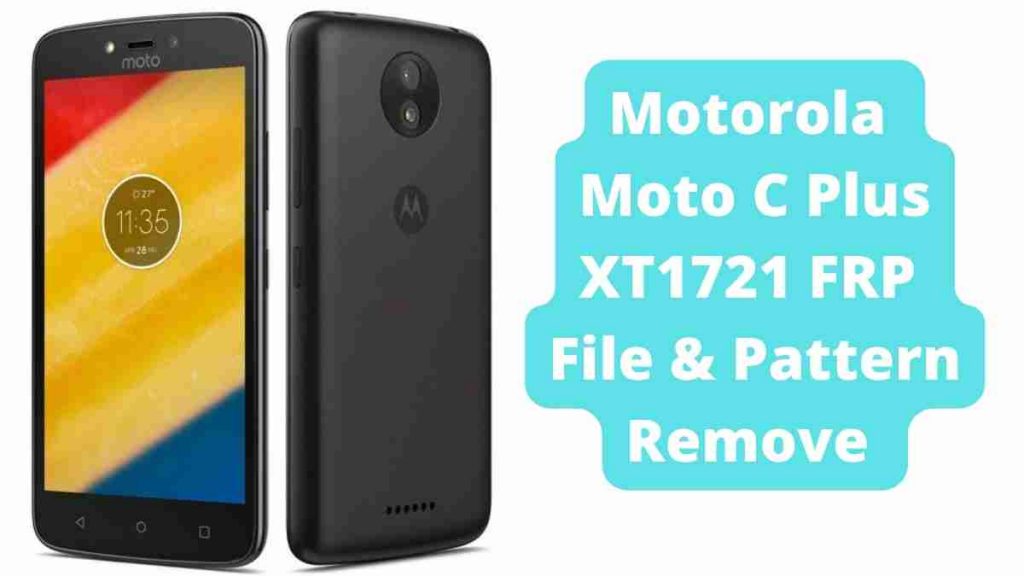
Motorola Moto C Plus XT1721 FRP File & Pattern Remove 2024
FRP Bypass Motorola Moto C Plus XT1721:
Download the FRP File and Mediatek Driver for the Motorola Moto C Plus XT1721.
- Select the scatter file from the provided flash file in the sp flash tool.
- Select the above-mentioned format.
- After that, choose manual format flash from the drop-down menu.
- By pressing control + F, open the scatter file in the firmware folder and look for FRP.
- “Begin address” and “format Length” should be copied and pasted into the manual option
- FRP CODE
(Begin address 0x6a00000 and Format Length 0x100000) - Pattern Unlock Code
(Begin address 0xcd000000 and Format Length 0x60000000) - After that, connect the phone to your computer by pressing the Start Play button
How to Unlock Motorola Moto C Plus:
first download the Motorola Moto C Plus XT1721 file and install the Mediatek driver.
Then charge the phone to 30% before flashing.
- To begin, download all of the files listed above.
- From the zip file, extract all of the files.
- Run flashtool.exe from the FlashTool folder.
- After that, launch the tool and go to the download agent tab to choose a download agent.
- Then, from the FlashTool folder, choose the MTK AllInOne DA.bin file.
- Then, on the scatter-loading file tab, pick the scatter file from the flash file folder by clicking Select.
- Then choose “Download” from the drop-down menu.
- After that, turn off the phone and connect it to Flashtool.
- Press the button and connect the data connection to the phone according to the phone’s boot mood.
- After the flashing is finished, the green tick choice will appear.
Read Also: