The mobile phone repair and GSM unlocking industry is rapidly evolving — and SamsTool Online is leading the charge. Developed as a powerful and affordable alternative to premium tools like Chimera, SamsTool Online is now the second tool in the world to offer one-time activation for Samsung Exynos device unlocking.
With no recurring fees, token requirements, or licensing hassles, this revolutionary tool empowers mobile technicians with unprecedented access to Samsung servicing features — all through a simple and user-friendly interface.
Table of Contents
What Makes SamsTool Online a Game-Changer?
Samsung’s increasing focus on software security has made unlocking and repairing devices more complex. SamsTool Online bridges this gap by delivering powerful capabilities that previously required expensive software or in-depth knowledge.
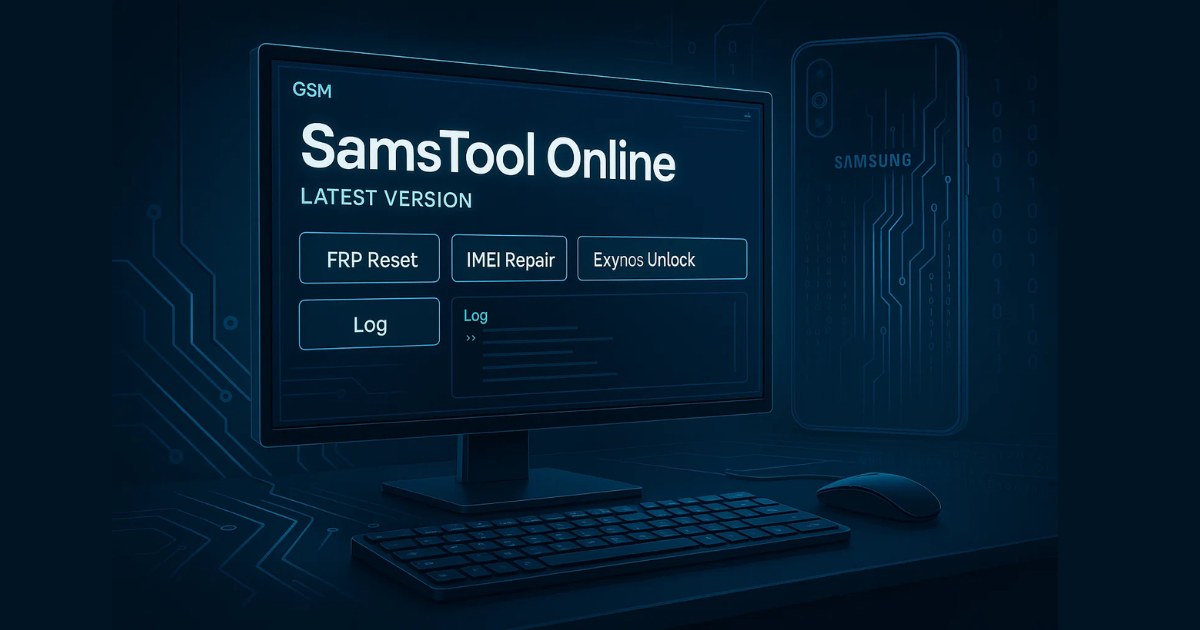
✅ Key Benefits:
- One-time payment – No monthly subscriptions or tokens
- Supports Exynos, MediaTek, Qualcomm, and Unisoc CPUs
- Fast, intuitive interface
- Regular updates with new device support
- Ideal for professionals and service shops
With SamsTool Online, users can carry out advanced repair and unlocking operations on a wide range of Samsung smartphones and tablets with just a few clicks.
Powerful Core Features of SamsTool Online
SamsTool Online offers an impressive suite of tools that streamline mobile repair and unlocking tasks. These include:
- Switch to EUB Mode
- Easy Partition Manager
- Factory Reset Protection (FRP) Reset
- Boot Repair
- Read/Write Device Backups
- Set KG State (Locked/Active)
- Change CSC (Country/Carrier Code)
- Remove Security Warnings
- Read Unlock Codes
- Unlock Region and Network Locks
- Bootloader Unlock & Relock
- Repair IMEI & Serial Number (SN)
- Update Firmware
- Read/Write Certificates
- Patch Certificate
- Export Device Info (TXT/CSV format)
- Reboot to Download, Recovery, or EDL modes
These features cater to both basic and advanced user needs, making the tool ideal for small shops and professional GSM technicians alike.
Version Updates: What’s New in SamsTool v1.9
The recently launched SamsTool v1.9 takes the tool to the next level by expanding chipset support and boosting stability.
✅ Newly Supported Exynos 1480 Devices:
- Galaxy A55 5G (SM-A5560 / SM-A556B / SM-A556E / SM-A556S)
- Galaxy F56 5G (SM-E566B)
- Galaxy A55 5G (SC-53E / SCG27 – Japan variants)
✅ Newly Supported MediaTek Devices:
- Galaxy A04e (SM-A042F / SM-A042M)
- Galaxy A04 (SM-A045F / SM-A045M)
- Galaxy A05 (SM-A055F / SM-A055M)
These new additions give technicians the tools needed to service the latest budget and mid-range Samsung smartphones efficiently.
Highlights from Previous Version: SamsTool v1.8
The v1.8 release introduced critical features and system enhancements that laid the foundation for SamsTool’s growing popularity:
- Auto EUB Detection – Eliminates the need for manual switching
- ADB Mode FRP Reset – Beta support for select devices
- Improved Certificate Reading/Writing on Exynos models
- Partition Manager bug fixes
- Better IMEI & Serial Repair success rate on MTK
- Optimized compatibility with Windows 11
- Reboot options to Recovery, Download, or EDL modes
- Background auto-updates and enhanced UI responsiveness
These refinements improved user workflow and ensured higher success rates during complex operations.
Supported Chipsets & Device Models
SamsTool Online supports an extensive array of Samsung smartphones across multiple chipset platforms:
✅ CPU Platforms:
- Samsung Exynos (latest gen including 1380, 1480, 2200)
- Samsung MediaTek (MTK)
- Samsung Qualcomm Snapdragon (SM6375 and more)
- Samsung Unisoc
✅ Popular Supported Models:
- Galaxy A14 / A24 / A55 / M14 / F54
- Galaxy A04 / A05 / A04e
- Galaxy F56
- Galaxy S series and Note series (selected models)
The list is growing daily with new builds and device support.
SamsTool Online v1.9 Free Download
| Tool Name | Download Link |
|---|---|
| SamsTool Online v1.9 (Latest) | Click Here to Download |
| SamsTool Online v1.8 | Click Here to Download |
| SamsTool Online v1.7 | Click Here to Download |
| Telegram Channel for Support | Join Now |
Designed for Technicians & Repair Businesses
SamsTool Online is purpose-built for mobile repair professionals and shop owners who need efficient, high-success tools. Key advantages include:
- No server dependency
- No internet token recharge headaches
- Use it offline once activated
- Future support for HWID Dongle (Multi-PC usage)
- Affordable pricing compared to competitors
Whether you’re an individual technician or managing a repair team, SamsTool Online provides flexibility, security, and long-term value.
Launch Offers & Future Enhancements
To celebrate its release, SamsTool Online is offering a limited-time discount for the first 3 months. Also, a dongle version is under development, which will allow you to use the tool on multiple machines without tying it to one PC.
Keep an eye on their official website or support channels for announcements.
Important Considerations
- This is the first public version, so minor bugs may still occur.
- The development team is actively pushing updates to fix issues and add new features.
- All operations should be performed by trained professionals to avoid accidental data loss or device issues.
Frequently Asked Questions (FAQs)
Is SamsTool Online safe to use?
Yes, it is safe for professional use. It is built by the Z3X team, a trusted name in the GSM industry. Always ensure you download the tool from official sources.
Does SamsTool support Android 14?
Yes, SamsTool Online supports Android 13 and 14, including FRP reset and KG state features on newer firmware.
Can I use SamsTool Online on multiple PCs?
Currently, activation is tied to a single machine. However, a HWID Dongle version is under development for multi-PC usage.
How is it different from Chimera Tool?
Chimera uses a token and monthly license system, while SamsTool offers one-time activation with no recurring fees, making it cost-effective.
What should I do if a feature fails?
Use the feedback or support options within the tool or contact the developers through official channels. Frequent updates fix most reported issues quickly.
Conclusion: SamsTool Online Is the Future of Samsung Unlocking
If you’re a mobile technician looking for a powerful, affordable, and reliable Samsung unlocking solution, SamsTool Online is your answer. It brings together everything you need — from FRP reset to IMEI repair — all in one place, with no monthly cost and regular updates.
Join the revolution in GSM servicing with SamsTool Online — where advanced functionality meets user-friendly performance.
Bonus Tip:
To stay up-to-date, follow the official Z3X team pages and changelogs. New features and model support are added regularly.
Disclaimer:
This article is for informational purposes only. SamsTool Online should be used by qualified technicians. Unauthorized use of unlocking or repair tools may void device warranties or violate local laws. Always follow manufacturer guidelines and use such tools responsibly.