Have you recently reset your Motorola Moto E13 only to find yourself locked out by the Factory Reset Protection (FRP) screen? You’re not alone. This frustrating situation can happen when you forget your Google account credentials after a factory reset. But don’t worry — you don’t need expensive tools or service center visits to unlock your device.
This full guide provides a free, verified Motorola Moto E13 FRP Bypass File (.PAC) along with step-by-step instructions to flash it using the trusted Research Download Tool. Whether you’re a smartphone technician or a regular user, this solution is easy to follow, 100% safe, and works with the latest Moto E13 firmware builds.
Let’s dive into the details and get your device working again in no time.
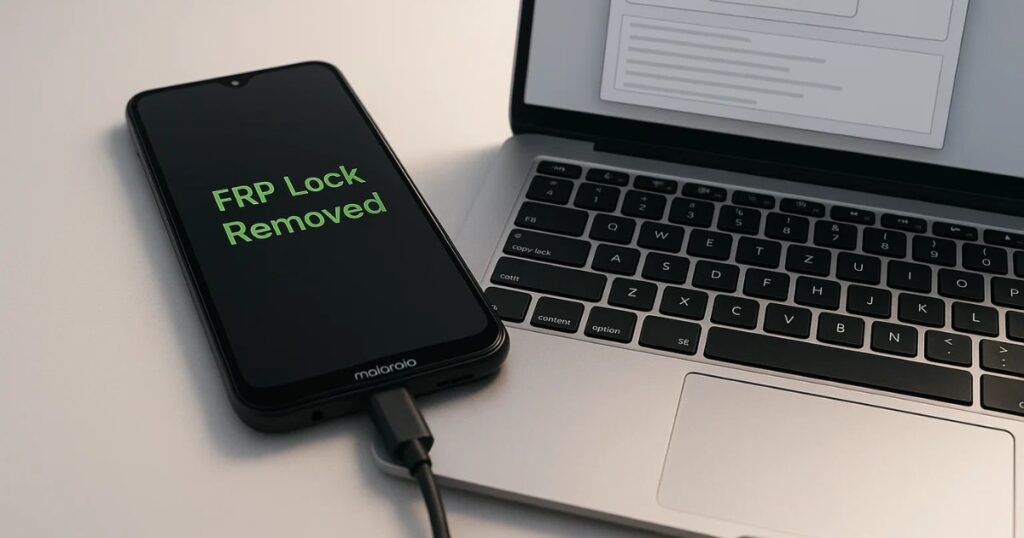
Table of Contents
Overview: Motorola Moto E13 and Its FRP Challenge
The Motorola Moto E13 is an affordable, entry-level smartphone powered by a Unisoc chipset, popular for its clean Android experience and lightweight design. However, like all Android 5.1+ devices, it comes with Google’s Factory Reset Protection — a feature meant to secure your data if the phone is lost or stolen.
While this feature adds a layer of protection, it can become a major hurdle if you perform a factory reset and don’t remember your linked Google credentials. The only way to regain full access? Bypass FRP using a tested flash file.
What is the Moto E13 FRP File (.PAC)?
Moto E13 FRP File (.PAC) is a special firmware package designed for Unisoc (Spreadtrum) devices like the Moto E13. It contains the necessary data to flash or reprogram the phone’s software.
✅ Download Latest File:
- Device Name: Motorola Moto E13
- File Name: sabahl_g_user_TLAS33.105_285_1_0403.pac
- File Type: Spreadtrum Flash File (.PAC)
- Tested On: Latest Moto E13 Firmware
- Verified By: Mobile technicians and developers
- Purpose: Remove FRP lock safely
What You Need Before You Start
Before proceeding with flashing, gather the following:
- A charged Motorola Moto E13 (at least 50%)
- Original USB cable
- A Windows PC or laptop
- Research Download Tool
- Unisoc (SPD) USB Drivers
- The verified FRP .pac file
Step-by-Step: How to Flash the FRP File Using Research Download Tool
Follow these instructions carefully to avoid any issues during flashing:
1. Install SPD/Unisoc Drivers
- Download and install Unisoc USB drivers on your PC.
- This allows your computer to detect the phone properly.
2. Launch the Research Download Tool
- Extract and open the ResearchDownload.exe file as Administrator.
3. Load the FRP File
- Click the Gear icon on the tool interface.
- Select and load the .PAC file:
sabahl_g_user_TLAS33.105_285_1_0403.pac
4. Start the Flashing Process
- Click the Start button (play icon).
- Power off your Moto E13 completely.
- Hold Volume Down and connect it to the PC via USB.
- The tool will detect the device and start the flashing process.
5. Complete the Flash
- Wait until the process completes.
- You’ll see a green “Passed” message.
- Disconnect the phone and power it ON.
Congratulations! Your Moto E13 is now FRP-unlocked.
Why You Might Need This FRP File
Here are some common scenarios where using this FRP bypass file becomes necessary:
- Bought a second-hand Moto E13 and it’s locked
- Forgot your Google credentials
- You’re a technician handling multiple phones
- Accidental factory reset triggered FRP lock
Safety, Legality & Ethics
Flashing FRP files should always be done:
- By the device owner or with the owner’s consent
- For educational or service center purposes
- In compliance with local digital laws
Never use such tools for unauthorized access or illegal activities.
FAQs About Moto E13 FRP File
❓ Will this work on all Moto E13 variants?
Yes, as long as it matches the firmware build mentioned in the .PAC file.
❓ Can I flash without a PC?
No, flashing requires a Windows PC with the right drivers and tools.
❓ Will this method void my warranty?
In some cases, flashing unofficial firmware can void warranty. Check Motorola’s policy before proceeding.
❓ Is there a chance my phone could get bricked?
Very rare, if steps are followed correctly and the right file is used.
❓ Can I use this method on other Motorola models?
No, this file is specific to Moto E13. Using it on other models may damage the device.
Final Thoughts
Dealing with FRP can be stressful — especially when you’re locked out of your own device. Thankfully, with the right tools and a trusted .PAC file, you can unlock your Motorola Moto E13 quickly and safely. This method, when performed responsibly, restores full access to your phone without the need for expensive services or technical complications.
Whether you’re a mobile technician or a DIY enthusiast, this guide empowers you to handle FRP lock issues confidently.
Disclaimer
This guide is strictly for educational purposes. We do not host, promote, or distribute firmware files or tools. Always comply with your local regulations and use these methods responsibly.