If you’re a technician, repair shop owner, or someone who frequently works with Motorola devices, then Motorola Flasher V1.0 might become one of your favorite tools. This Windows-based utility helps you flash official Motorola firmware (.xml format) through Fastboot Mode. Whether your device is stuck in a bootloop or needs a clean restore, this free tool is here to assist.
Let’s explore what Motorola Flasher v1.0 is, its key features, how to use it, and where to safely download it — all in this complete guide.
Table of Contents
What Is Motorola Flasher V1.0?
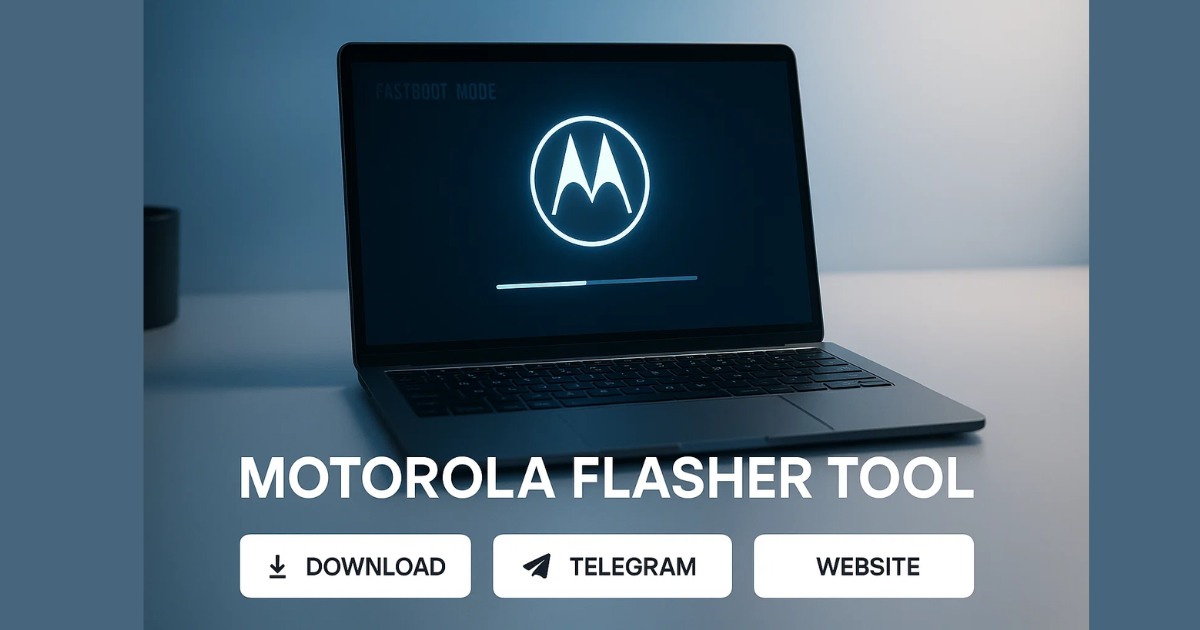
Motorola Flasher V1.0 is a lightweight software that allows users to flash firmware files with .xml structure on Motorola devices. It works in Fastboot Mode, automating the flashing process by reading the XML scripts and applying each command.
This tool is particularly useful for:
- Unbricking soft-dead Motorola devices
- Reinstalling full stock firmware
- Resetting devices without needing command-line input
Since it handles everything automatically, even users with limited technical knowledge can use it.
Key Features of Motorola Flasher V1.0
Here are the major highlights of the tool:
✅ 1. XML Flash File Support
You can load Motorola’s official fastboot firmware packages that are structured in .xml format. These are commonly used for full firmware flashes and system restores.
✅ 2. 100% Fastboot Mode Compatibility
The entire process takes place in Fastboot Mode. This is especially helpful when a device is bootlooped or won’t enter the Android OS.
✅ 3. Automatic File Parsing
The software automatically parses the XML file to:
- Read and list all firmware partitions
- Validate MD5 checksums
- Prepare each partition for flashing
This eliminates the need for manual command execution.
✅ 4. Real-Time Flash Logs
As the firmware gets flashed, you can monitor live logs in the interface. These logs show you:
- Which partitions are being flashed
- Progress status
- Any errors or skipped files
✅ 5. Lightweight and Modern UI
The interface is clean and simple. With easy-to-navigate buttons, minimal clutter, and shortcut icons for Telegram, Website, and Facebook page, it’s designed for beginners and experts alike.
✅ 6. Free Forever
The tool is completely free to use:
- No license required
- No activation needed
- No subscription fees
How to Use Motorola Flasher V1.0
Follow these step-by-step instructions to start using the tool:
1. Download the Tool
Get the latest version (v1.0) using the official download link.
2. Install the Setup File
Double-click the installer and complete the setup process on your Windows PC.
3. Launch the Program
Use the desktop shortcut or search in the Start menu to open the software.
4. Enter Fastboot Mode on Your Phone
Power off your Motorola device and boot into Fastboot Mode. Typically, you can do this by holding Power + Volume Down.
5. Connect the Device
Use a USB cable to connect the phone to your PC.
6. Load the XML Firmware File
Click the file picker inside the app, browse to the .xml firmware package, and select it.
7. Start Flashing
Click the START FLASH button. Wait for the tool to process and flash all partitions. Do not disconnect the phone during this step.
8. Done
Once flashing is complete, you’ll see a success message. The phone may reboot automatically.
Tool Specifications
| Property | Details |
|---|---|
| Tool Name | Motorola Flasher Tool |
| Version | v1.0 |
| File Size | 15.09 MB |
| Platform | Windows OS |
| License | Free (No activation required) |
Why Use This Tool?
Here’s why Motorola Flasher V1.0 is highly recommended for Motorola device users and technicians:
- User-Friendly: One-click flashing for all partitions
- Fast & Reliable: Quickly unbrick or restore devices
- No Technical Skills Required: No command line needed
- Official Firmware Support: Uses manufacturer-provided XML files
- Safe & Transparent: Real-time logging and MD5 checksums ensure reliability
Download Motorola Flasher V1.0
Click here to download Motorola Flasher v1.0
Always download from trusted sources. Avoid unofficial mirrors to ensure you get a clean version.
Tips for Best Results
- Use Official Firmware Only: Flashing custom or mismatched files can lead to device failure.
- Ensure Battery Is Charged: Keep your phone at least 50% charged during the process.
- Don’t Disconnect Mid-Flash: This can brick your phone permanently.
- Use Original USB Cable: Unreliable cables may cause flashing failures.
FAQs About Motorola Flasher
Q1. Is Motorola Flasher V1.0 completely free?
Yes, the tool is 100% free. It doesn’t require a license or activation.
Q2. Can I use this tool on all Motorola phones?
The tool supports most Motorola devices that accept XML-based fastboot firmware. However, very old or very new models may require additional support.
Q3. Will using this tool void my phone’s warranty?
Flashing stock firmware usually doesn’t void warranty, but unlocking bootloader or modifying system files might. Always check your warranty policy.
Q4. What operating systems are supported?
Motorola Flasher V1.0 is designed for Windows-based systems only.
Q5. My phone is not being detected in Fastboot Mode. What should I do?
Make sure:
Your USB drivers are correctly installed
You are using an original USB cable
The device is truly in Fastboot Mode
Q6. Is internet required to use the tool?
No, the tool runs offline after installation. Internet is only needed for downloading the firmware or the tool itself.
Final Words
Motorola Flasher V1.0 is a must-have tool for anyone dealing with Motorola smartphones. Whether you’re fixing software glitches, unbricking a device, or performing a full firmware restore, this utility simplifies the process with a clean interface and one-click operation. It’s especially helpful for beginners who want a hassle-free flashing experience.
With support for XML-based firmware, automatic partition handling, and real-time feedback — all packed into a free and lightweight package — this tool proves itself as a reliable option in any mobile repair toolkit.
If you work in the mobile servicing field or simply want to restore your Motorola device safely, Motorola Flasher V1.0 is worth downloading and keeping handy.
Disclaimer
This tool is provided for educational and technical support purposes only. Use it at your own risk. We are not responsible for any damage to your device resulting from misuse.