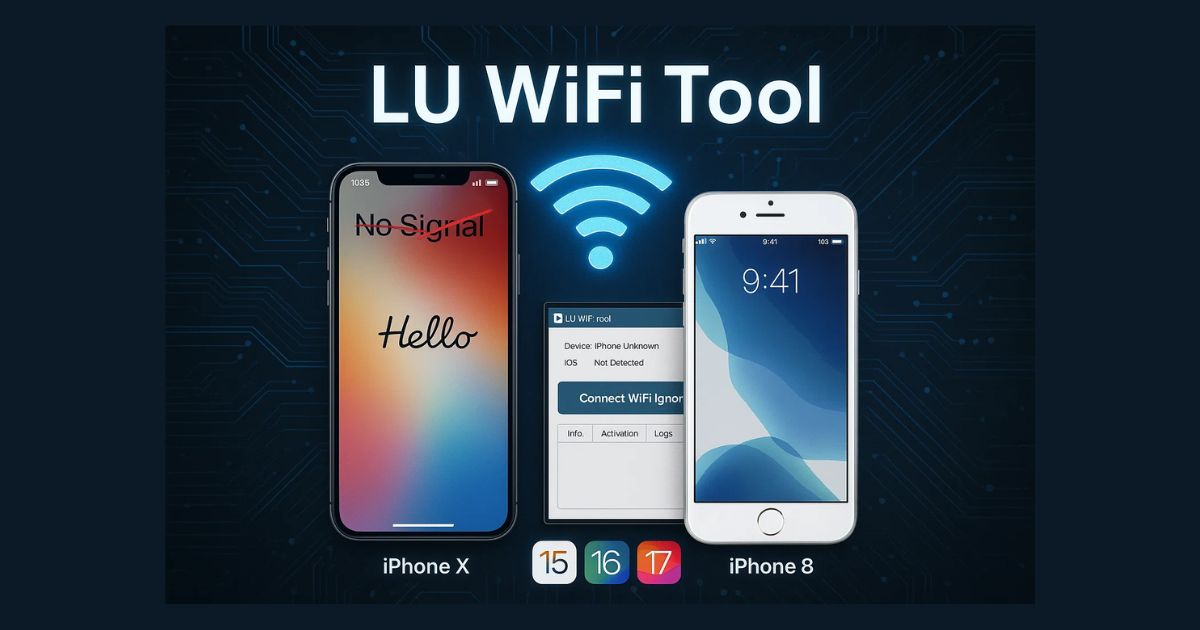
If you’re struggling with Hello No Signal issues after unlocking your iPhone on iOS 15–18.x, the LU WiFi Tool V2.7 offers a promising solution. In this guide, we’ll explore what the tool is, how it works, supported models, setup instructions, and safety tips to ensure a smooth experience.
Table of Contents
What is LU WiFi Tool ?
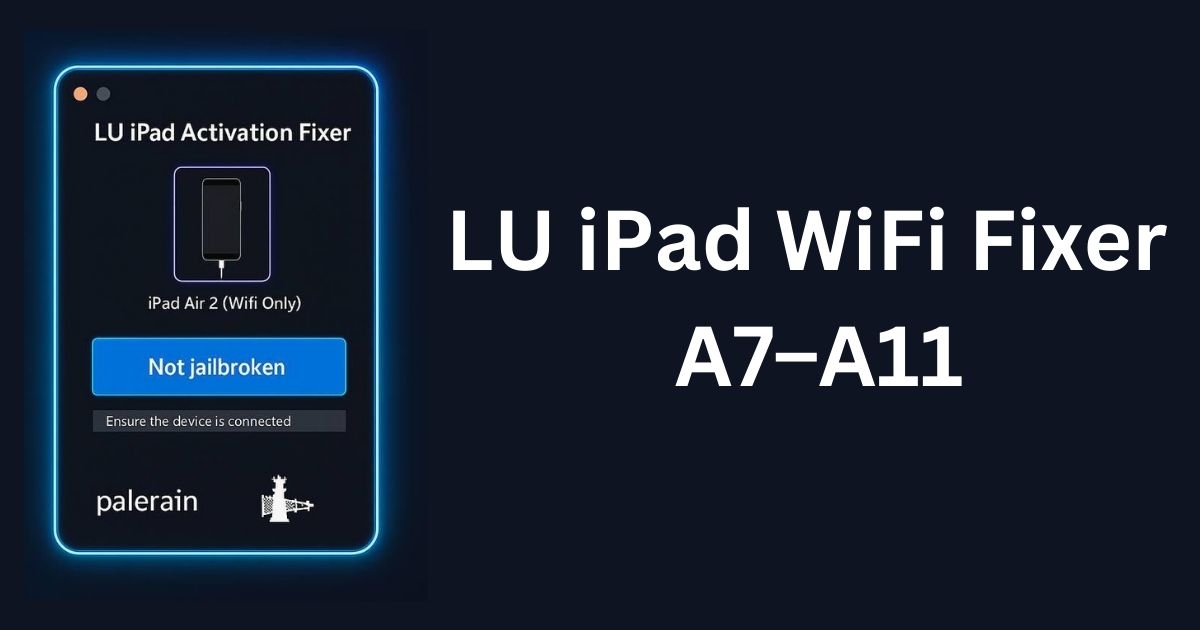
LU WiFi Tool is a Windows-based software solution developed to bypass Hello screen issues and restore WiFi functionality after unlocking certain iPhone models. Specifically built for iOS 15 to 18.x, the tool is widely used by technicians and individual users looking for a signal-stable unlocking process.
Unlike many tools that require complex setup, LU WiFi Tool boasts:
- One-click activation
- Jailbreak-based architecture (Palera1n)
- Compatibility with a wide range of iPhones
- Integrated tools like Purple Configurator for serial number changes
✅ Key Features of LU WiFi Tool
Here are the most important features that make LU WiFi Tool a powerful utility:
1. Hello No Signal Bypass
The tool eliminates the “Hello” screen issue that often leads to signal loss after bypassing or unlocking older iPhones.
2. iOS Support
Works seamlessly with iOS 15 to iOS 18.x, including beta versions and stable builds.
3. Jailbreak-Based Solution
Built on Palera1n Jailbreak, the tool requires a jailbroken device but doesn’t rely on RAMDisk or external payloads.
4. Fast & Reliable Activation
One-click activation ensures a simple and smooth experience with minimal technical expertise required.
5. Built-in Purple Configurator
This allows you to change your device’s serial number (important for some iPads and WiFi-only models).
6. Processor Compatibility
Supports both Intel and AMD CPUs. No need to worry about your PC’s chipset compatibility.
7. Windows Compatibility
The tool supports major Windows versions:
- Windows 7
- Windows 8
- Windows 10
- Windows 11
Note: iTunes must be installed from Apple’s official website, not from the Microsoft Store.
Supported iPhone Models
LU WiFi Tool V2.7 supports a wide range of older iPhone models that commonly face Hello screen or signal issues:
- iPhone X
- iPhone 8, 8 Plus
- iPhone 7, 7 Plus
- iPhone 6s, 6s Plus
- iPhone SE (1st generation)
These models are ideal for testing, repairing, or repurposing after unlocking.
Supported iPad Models (WiFi and 4G Variants)
While LU WiFi Tool is optimized for iPhones, it also supports a selection of iPads. However, iPads require DCSD (Device Configuration System Download) for Hello bypass:
- iPad Air 2 (WiFi and 4G)
- iPad Mini 4 (WiFi and 4G)
- iPad 5th Gen (2017)
- iPad 6th Gen (2018)
- iPad 7th Gen (2019)
- iPad Pro (9.7″, 10.5″, 12.9″ 1st & 2nd Gen)
Important Note: For WiFi-only iPads, changing the serial number using Purple Configurator is essential.
LU WiFi Tool download
Here’s a safe and simple way to download the latest version of the tool:
| Tool Name | Download Link |
|---|---|
| LU WiFi Tool V2.4 | Mega Server |
| Telegram Channel for Support | Join Now |
How to Use LU WiFi Tool V2.7 (Step-by-Step Guide)
Here’s how to set up and use the tool safely:
Step 1: Download the Tool
Download the official ZIP file of LU WiFi Tool V2.7 from a trusted source. Avoid cracked or modified versions to stay safe.
Step 2: Extract Files
Unzip all contents to the C:\ Drive for better compatibility with scripts and dependencies.
Step 3: Install Setup
Run the setup.exe file and follow the on-screen instructions. Ensure your antivirus is temporarily disabled to avoid false positives.
Step 4: Install iTunes
Install iTunes directly from the Apple website (not Microsoft Store).
Step 5: Jailbreak Your iPhone
Use the Palera1n jailbreak method compatible with your iOS version. Ensure the jailbreak is complete before proceeding.
Step 6: Run LU WiFi Tool as Administrator
Right-click on the LU WiFi Tool icon and select Run as Administrator.
Step 7: Register Your Device
Registration is based on ECID. Some functions won’t work without this.
Step 8: Use the Tool
Follow the prompts to:
- Activate the device
- Change serial numbers (if needed)
- Bypass Hello screen issues
Step 9: Reboot and Test
Restart your device and check for proper signal and WiFi functionality.
Tips for Safe Use
- Always create a full backup before starting.
- Avoid third-party cracked versions — they often contain malware.
- Do not update iOS after using the tool unless you verify compatibility.
- Make sure DCSD is properly set up for iPad Hello bypass.
- Keep your system drivers and jailbreak tools updated.
Disclaimer
This article is for educational and informational purposes only. Unlocking tools should only be used on devices that you own or have permission to work on. Misuse of unlocking software may violate Apple’s terms or local laws.
Using LU WiFi Tool V2.7 for stolen, lost, or blacklisted devices is illegal and not endorsed in any way.
FAQs – LU WiFi Tool V2.7
Q1. Is LU WiFi Tool free to use?
Yes, the core version is available for free, but some features may require registration.
Q2. Can I use this on macOS?
No. It is currently compatible only with Windows-based systems.
Q3. Does it work without jailbreak?
No. Jailbreaking is required to use the tool successfully.
Q4. Will it work with iPhone 11 or newer?
No. It is specifically designed for older models like iPhone X and below.
Final Thoughts
The LU WiFi Tool V2.7 is a robust utility for those looking to bypass the Hello screen and resolve signal issues on jailbroken iPhones running iOS 15–18.x. It’s easy to use, supports multiple devices, and includes helpful features like one-click activation and serial number configuration.
If used responsibly, this tool can help extend the life of older Apple devices, especially for technicians, refurbishers, or personal users.