Asus ROG Phone 3 ZS661KS RAW Flash File QFIL. if Your Devices is not Working Properly Like Hang on logo, Pattern Lock, Password FRP Lock Easy to Fixed All The issue. Asus ROG Phone 3 ZS661KS Qualcomm SDM865+ It A Original Firmware File Full Tested File.
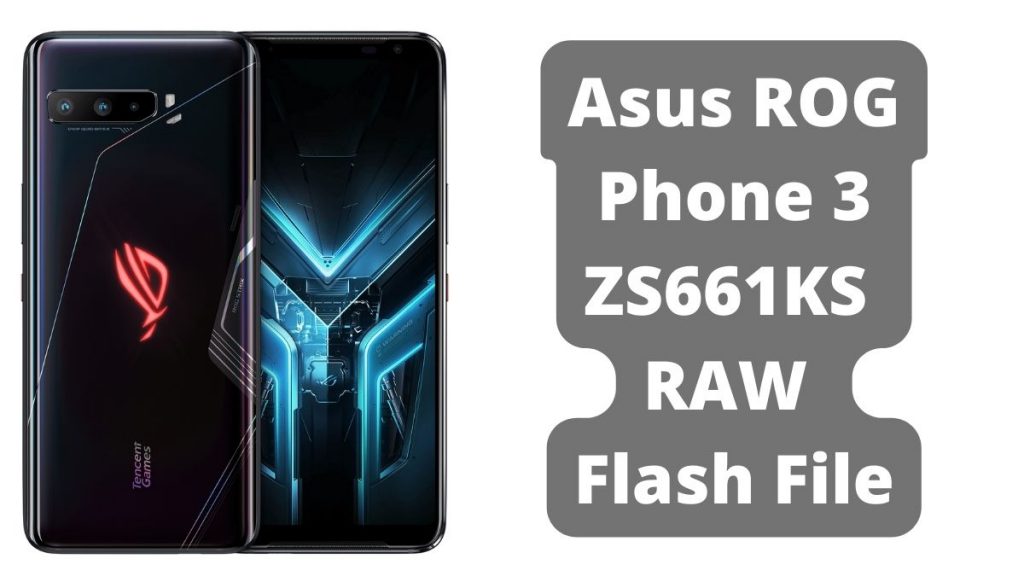
About Asus ROG Phone 3 ZS661KS
The Asus ROG Phone 3 is primarily built for gaming, but it also aspires to be a well-rounded flagship phone. It’s big and hefty because to the 6000mAh battery and cooling system, but it’s also very strong thanks to the Snapdragon 865+ processor. A full-HD+ AMOLED panel with a 144Hz refresh rate and HDR10+ compatibility is included, as well as fast RAM and storage. The ROG Phone 3 has also been customised by Asus with its ultrasonic AirTriggers, which operate as physical gamepad-like buttons.
Download Asus ROG Phone 3 ZS661KS Flash File
Name: Asus ROG Phone 3 ZS661KS RAW.zip
Size: 4.33 GB
Password: officialroms
File: UFS Preprogram File
Link:
| WW_ZS661KS_17.0822.2005.11_M2.23.3.20-ASUS_1.1.9_Phone-user.raw.zip |
| CSC_ZS661KS_17.0501.2001.62_withoutunlock_0813.zip |
| ZS661KS-factory-redownload-QMSCT-FUSED-17.0501.2001.57-0-F.zip |
How to Flash Asus ROG Phone 3 ZS661KS RAW Flash File :
- First Download Qualcomm Tool, Driver
- Install It.
- Now Install QPST Tool On You PC Latest Version Download .
- Now Open QFIL Tool & Select Build Type (Flat Build).
- Select Programmer File Like This (prog_firehose_ddr.elf).
- Connect You Mobile EDL Mode (Point Short). & Other Method IS Paid (Click Here)
- Go To The Tool Option & Select Partition Manager.
- Userdata Now Click Left Button Showing (Manage Partition Data).
- Now Restart Your Mobile Done.
Read Also: