In today’s fast-paced world, mobile unlocking has become a vital need for technicians, repair shops, and even everyday users who want more flexibility with their devices. Whether you’re switching carriers or resolving network restrictions, having the right tool can make all the difference. One such powerful and user-friendly software is Key Tool v7.1. Known for its efficiency and a wide range of features, Key Tool v7.1 delivers everything you need for unlocking, managing, and servicing mobile devices.
This article offers a complete overview of Key Tool, its features, supported operations, compatible devices, and step-by-step usage – ensuring you get the most out of it without violating any software or unlocking policies.
Table of Contents
What is Key Tool?
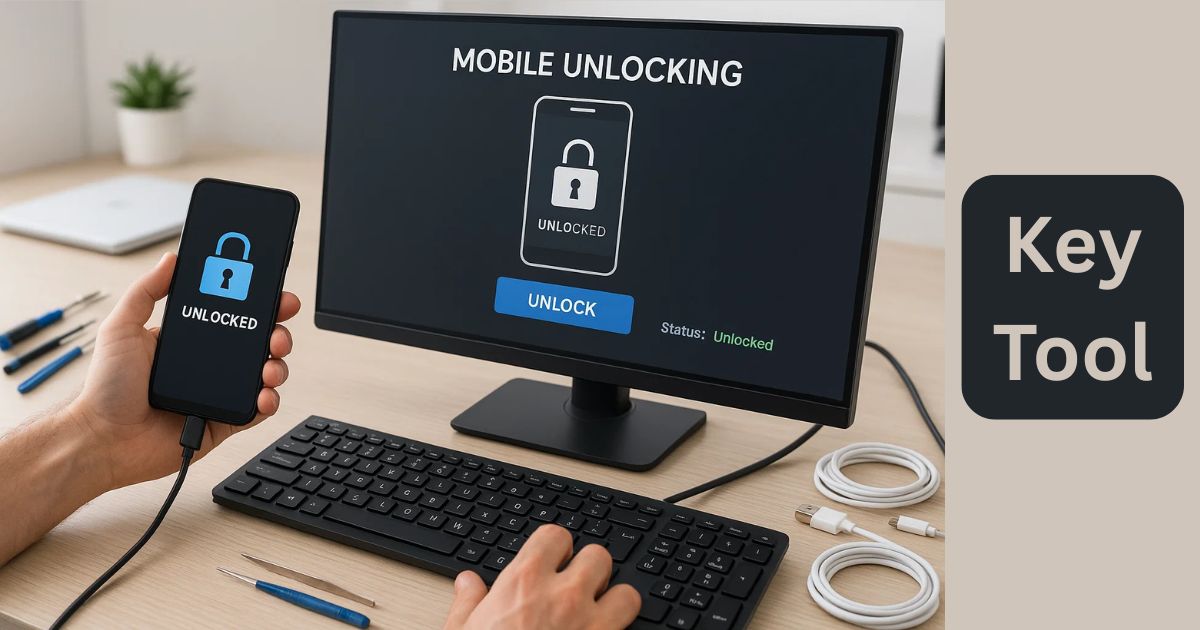
Key Tool is an all-in-one mobile unlocking and servicing utility designed for technicians and service centers. It simplifies common tasks like Direct Unlock, Read Code, Carrier Re-lock, and Read Info, helping you manage devices smoothly and efficiently. With its clean user interface and streamlined functionality, it stands out as a powerful tool in the GSM toolkit.
Key Features of Key Tool
The software boasts a variety of features that cater to both beginners and advanced users. Here are the main features of Key Tool:
Direct Unlock
Unlock your smartphone or supported feature phone instantly. No need for long procedures or flashing—just connect and unlock.
Read Code
Retrieve network unlock codes from supported devices without root or complicated methods.
Carrier Re-Lock
Reverse the unlock process and restore the carrier lock if needed—a useful feature for device testing or resale.
Change CS (Carrier Settings)
Adjust carrier-related configurations to align with new network standards or unlock requirements.
Info Operations
Read complete device information, including model, IMEI, software version, and more. Essential for diagnostics and verification.
History Tracking
Keep track of past actions performed with the tool. Useful for technicians managing multiple devices.
Supported Devices
Key Tool v7.1 supports a wide variety of devices from brands like Vortex, FIH, and more. Here’s a list of some popular supported models for Direct Unlock:
- A24
- Btab10
- CG65
- CM62
- CMG101
- HD55, HD60L, HD62, HD65 series (Choice, Plus, Select, Ultra)
- HD67
- J24
- T10M Series (Standard, Pro, Pro Plus)
- V22, V22s, V20
- Z22, Z23
- ZG55, ZG65, ZG65 Pro, ZG65H
- Ztab10
In addition, Fih Devices benefit from improved unlocking support in this version, making it a better choice for wider coverage.
Key Tool download
Here’s a safe and simple way to download the latest version of the tool:
| Tool Name | Download Link |
|---|---|
| KEY-Tool7.1.zip | Click Here to Download |
| Telegram Channel for Support | Join Now |
How to Use Key Tool (Step-by-Step Guide)
Getting started with Key Tool is simple. Just follow the steps below to set it up:
- Download the Tool
Visit the official website or trusted sources like officialroms.com, and download the latest version of Key Tool v7.1. - Unzip the File
After downloading, unzip the entire package to the C:\ drive for smooth installation. - Install the Setup
Open the folder and run the Key Tool.exe file as an administrator. - Install Drivers (if needed)
If your system doesn’t already have the required USB drivers for the phone brand, install them now. - Connect Your Device
Use a USB cable to connect the device to your computer. - Run Operations
Choose from options like Direct Unlock, Read Code, or Read Info, depending on your requirement. - Done!
Enjoy seamless unlocking and servicing without the need for flashing firmware or rooting the device.
Why Choose Key Tool?
Here are a few reasons why Key Tool is the preferred choice for mobile technicians:
- Easy to Use – Simple interface, no complex learning curve.
- Fast Operations – Most unlocks happen within seconds.
- Reliable Performance – Works on a wide range of supported devices without crashing.
- No Data Loss – Most operations are safe and preserve personal data.
- Offline Support – Works without internet for most features.
Legal Compliance
This tool is designed for use by mobile repair professionals and is intended for legal unlocking of devices that users own or have authorization to unlock. It does not promote bypassing FRP, IMEI tampering, or illegal unlocks — actions that violate local laws.
Always use tools like Key Tool responsibly and ethically. Unlocking phones without permission from the owner or violating carrier agreements may be illegal in some countries.
FAQs
Q1: Is Key Tool v7.1 free to use?
A: It depends on the version. Some versions are available for free, while others may require licensing for full features.
Q2: Will it work on all Android phones?
A: No, it works only with a specific list of supported devices. Always check the compatibility list before proceeding.
Q3: Is it legal to unlock my device using this tool?
A: Yes, as long as the device belongs to you or you have permission from the owner, and local laws permit unlocking.
Q4: Does it remove FRP (Factory Reset Protection)?
A: Key Tool v7.1 mainly focuses on direct unlocking, read code, and carrier settings. For FRP removal, dedicated tools may be required.
Final Thoughts
Key Tool is an all-rounder when it comes to mobile unlocking and device management. With its powerful features, wide device support, and easy-to-use interface, it’s a top pick for mobile technicians who need a reliable and fast unlocking solution.
So, whether you’re running a mobile repair business or simply want to unlock your personal device, Key Tool v7.1 is a trustworthy companion for hassle-free unlocking.
Disclaimer
This article is for educational and informational purposes only. We do not promote or support illegal activities such as unauthorized unlocking, IMEI tampering, or bypassing security features. Always ensure that you have proper ownership or permission before using mobile unlocking tools. Use such software responsibly and in accordance with local laws and regulations.