Download the LYF Jio LF2403N Flash File to install KaiOS on your phone. (Hang On Logo). The LYF Jio Flash File (Firmware ROM) is fully tested, and the firmware flash tool is here. Today, we’ll go over in detail how to flash the official stock ROM on the Jio LF2403N phone. Jio LF2403N was released in 2023, but it is still the most popular low-cost keypad mobile for Jio users.
About JIO LF2403N
Jio Phone Battery LF-2403N 3.7V 2000 Mah 7.4Wh Model RBTSN37V06 1lCP6/44/60 Best Results with Original Brand Charger 2000 mAh Battery If there is anything did not go right with our product or services, please feel free to contact us.
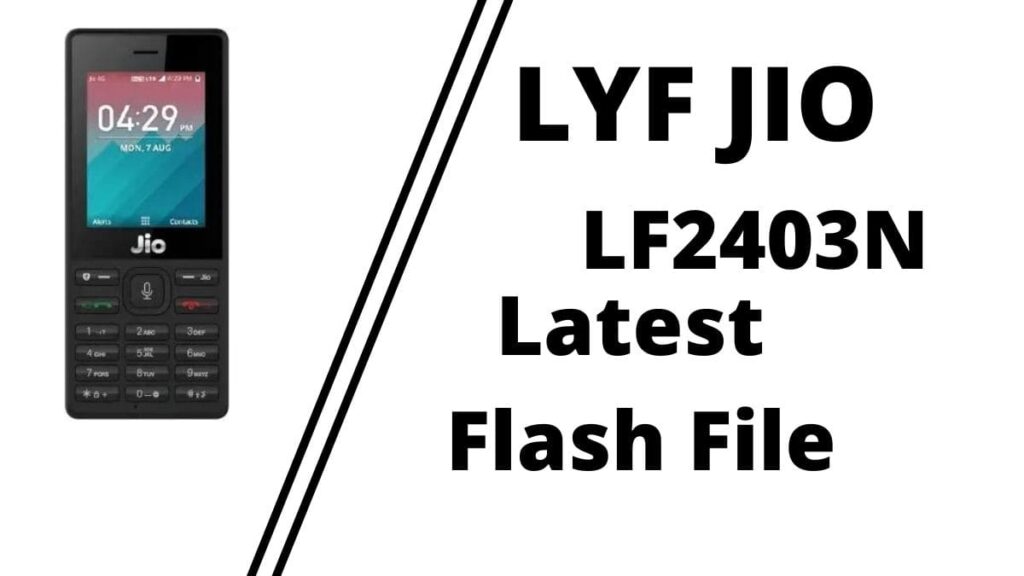
Download LYF Jio LF2403N Flash File (Stock ROM)
Old File Password: officialroms
| Name |
|---|
| LYF-LF2403N-001-02-45-240221.zip (New Paid) |
| LYF-LF2403N-001-02-27-180919.zip |
| QFlash_Tool_v9.1.7 |
Readme: QFlash Tool Download All Version Best JIO Mobile 2023 | v9.1.7
How to Flash Jio LF2402N:
Flash file can only be flashing with Contents.xml in QFlashTool such as: Jio LF2403N, jio F220b, F90m etc.
- Download the new QFlash tool version i.e. v9.1.7 & Double click on exe file.
- Install Driver (Qualcomm Driver)
- Connect Phone in ON mode to cross-check driver installation. It will make port named “Qualcomm HS-USB Diagnostics 9008”
- It means the driver has been installed successfully.
- Install Flash Tool, which will install a shortcut on Desktop named QFLASH Tool.
- Connect phone (Press * & # as Boot key)& Click on Load Content and from Flash File Folder select Content.xml
- It will show Port in tool.
- Click on Download Content to start Upgrading.
- Wait till done appears.
- After graduation, the device will shift to download mode.
- Disconnect Phone & reinsert the battery.
Readme: