How to Take Cover In GTA 5? Understanding how taking cover works in GTA 5 can greatly enrich your gaming experience, making it more enjoyable and immersive. Not only will mastering this art add fluidity to gameplay, it will reduce your chances of death significantly when encountering rival players online. We will discuss its fundamentals here while emphasizing its significance and unveil an unexpected benefit you might not know about.
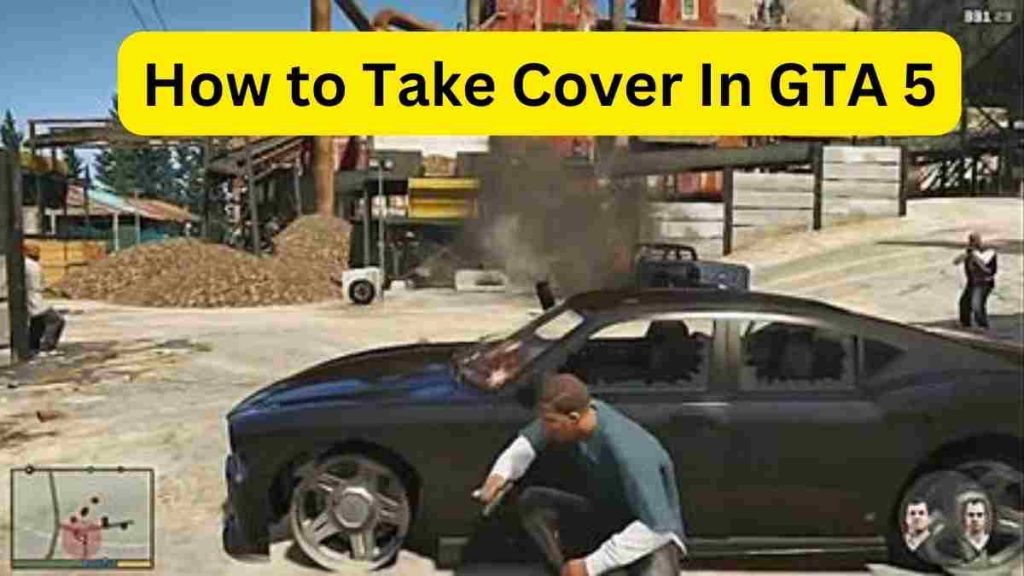
How to take cover in PC (GTA 5)
- To take cover, press the Q button once.
- Press the Q button again to exit the cover.
- Once in cover, use the left-click button on the mouse to engage and shoot enemies.
- Utilize arrow keys on the keyboard to move player.
How to take cover in GTA 5 Xbox
To take cover in GTA 5 Xbox, press the RB button, and press it again to exit the defensive stance. Utilize the trigger (R2 button) on the PlayStation controller to engage in firing or shooting. Employ the Left Stick to control the player’s movement.
How to take cover In GTA 5 Playstation?
- Press R1 button to enter in cover position and press it again to exit the cover.
- Utilize the trigger (R2 button) on the PlayStation controller to initiate firing or shooting.
- Employ the Left Stick to move the player.
Why taking cover is so important?
Now that you understand how to take cover in GTA 5, understanding why taking cover is so essential is key to survival. For starters, taking cover offers protection from gunfire; being able to duck behind cover before emerging to fire some rounds is an invaluable survival skill. Furthermore, using cover allows for quieter movement around town – this feature comes into play especially handy in GTA Online missions where NPC detection may occur or when following other players so as to ambush them more successfully.
Readme also