Motorola Edge 50 Fusion 5G FRP File Download 2025 :Factory Reset Protection (FRP) is a security feature implemented by Google on Android devices, including the Motorola Edge 50 Fusion 5G (XT2429-2). FRP prevents unauthorized access to a device after a factory reset unless the original Google account credentials are entered. If you’ve forgotten your Google account details or purchased a second-hand device locked with FRP, you may need an FRP bypass solution.
This guide provides information on downloading the FRP file for the Motorola Edge 50 Fusion 5G XT2429-2, along with step-by-step instructions to remove the FRP lock safely.
Table of Contents
What is FRP (Factory Reset Protection)?
FRP is designed to protect your device from unauthorized access. If a factory reset is performed, the system will ask for the previously synced Google account credentials before granting access. This ensures that stolen or lost devices cannot be easily wiped and resold.
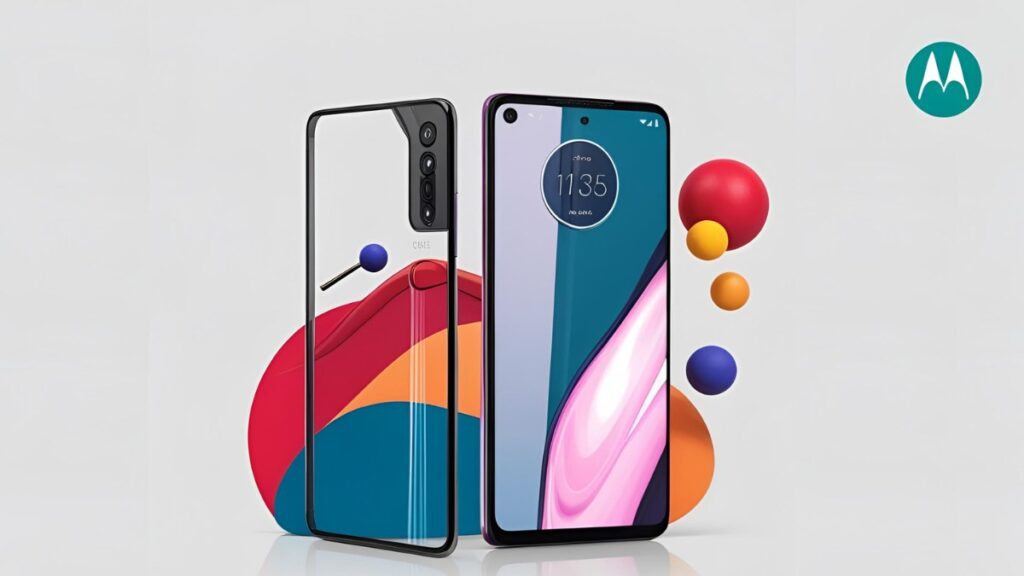
Why Do You Need the Motorola Edge 50 Fusion 5G FRP File (XT2429-2)?
The Motorola Edge 50 Fusion 5G XT2429-2 FRP file is essential for bypassing the Factory Reset Protection (FRP) lock on your device. Here’s why you might need it:
1. Forgot Google Account Credentials
If you performed a factory reset and forgot your Google account details, your phone will be locked with FRP. The FRP file helps you regain access without the original credentials.
2. Purchased a Second-Hand Device
If you bought a used Motorola Edge 50 Fusion 5G, and the previous owner’s Google account is still linked, the FRP file allows you to remove the lock and set up a new account.
3. Stuck on Google Verification Screen
After a factory reset, if you can’t get past the Google verification screen, flashing the FRP file removes this restriction and lets you set up the device from scratch.
4. Reset Due to Software Issues
If you reset your device to fix bugs, lag, or performance issues, but FRP prevents you from accessing it, using the FRP file allows you to bypass this roadblock.
5. Avoid Paying for FRP Unlock Services
Many services charge fees to remove FRP locks. Downloading and flashing the FRP file yourself provides a free or low-cost alternative to unlocking your device.
How to Download the Motorola Edge 50 Fusion 5G FRP File (XT2429-2)
To bypass FRP on your Motorola Edge 50 Fusion 5G, you need an FRP file along with the necessary tools.
Requirements:
- A computer (Windows recommended)
- USB cable to connect your phone
- Motorola Edge 50 Fusion 5G XT2429-2 FRP file (Download from a trusted source)
- SP Flash Tool or Miracle Box (for flashing the file)
- Motorola USB drivers installed on your PC
Download Links:
| Name | Motorola Edge 50 Fusion 5G XT2429-2 |
| Size | 4.4 GB |
| Password | MotorolaEdge@1990@# |
| Contact whatsapp number | Officialroms , unlockerworld |
Steps to Remove FRP Lock on Motorola Edge 50 Fusion 5G XT2429-2
- Install USB Drivers – Download and install Motorola USB drivers on your PC.
- Extract FRP File – Extract the downloaded FRP file using WinRAR or 7-Zip.
- Open SP Flash Tool – Launch SP Flash Tool on your PC.
- Load Scatter File – Click on ‘Choose’ and select the scatter file from the FRP folder.
- Uncheck Everything Except FRP – Only the FRP partition should be selected.
- Connect Your Phone – Turn off your device and connect it to the PC while holding the Volume Down button.
- Flash the FRP File – Click on ‘Download’ in SP Flash Tool. The process should take a few seconds.
- Reboot the Device – Once done, disconnect your phone and restart it.
- Set Up Your Phone – The FRP lock should be removed, allowing you to set up a new Google account.
Read also: Unlock Motorola MOTO G34 5G FRP File & Flash File Guide 2025
FAQs About Motorola Edge 50 Fusion 5G FRP File Download
Q1: Is it legal to bypass FRP on my Motorola Edge 50 Fusion 5G XT2429-2?
A: Yes, if you own the device and have forgotten your credentials. However, bypassing FRP on a stolen or unauthorized device is illegal.
Q2: Will bypassing FRP erase my data?
A: No, the FRP bypass process itself doesn’t erase data, but a factory reset before it does.
Q3: Can I bypass FRP without a PC?
A: Yes, you can use an FRP bypass APK if you can access the device’s browser.
Q4: Where can I download the FRP file safely?
A: Download from trusted sources such as official forums or verified firmware sites.
Q5: What if the FRP bypass doesn’t work?
A: Try another method or visit a Motorola service center for official assistance.
Conclusion
Bypassing FRP on the Motorola Edge 50 Fusion 5G XT2429-2 can be done using the correct tools and methods. Always ensure you’re following legal guidelines and using official or trusted sources for FRP file downloads. If you’re unsure, seeking professional help is always a good option.
Read also: Motorola Edge 50 Pro FRP File Download (XT2403-2)