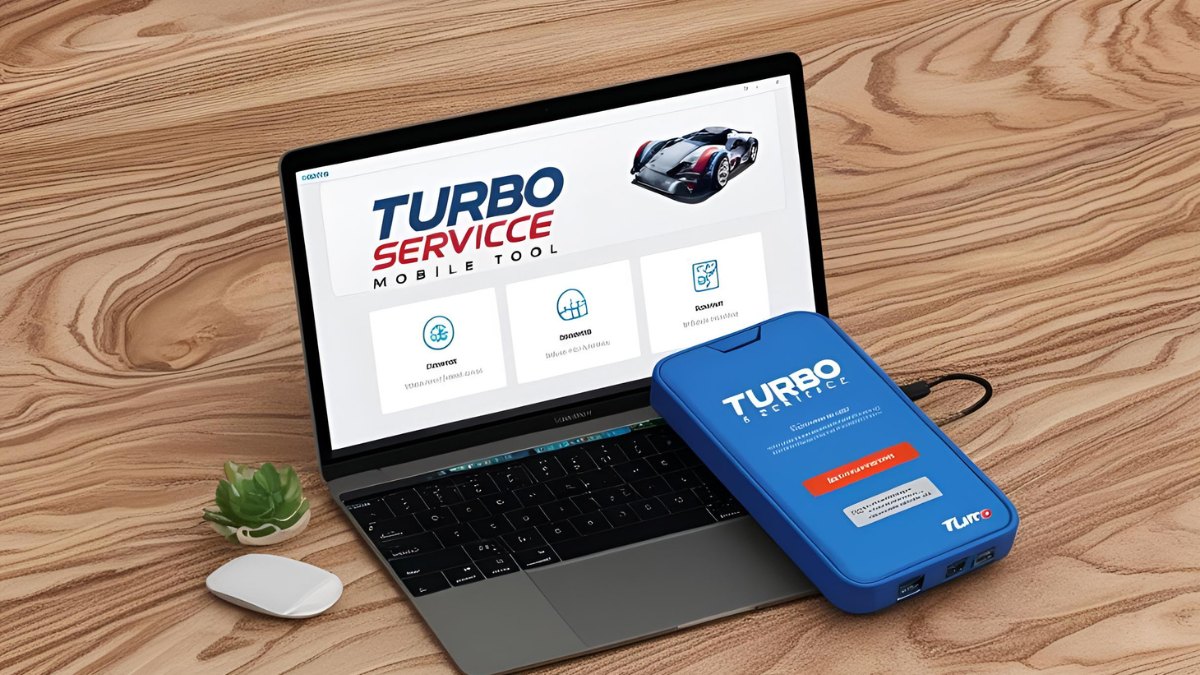
Turbo Service Mobile Tool Free New Update 2025: In the fast-evolving world of mobile servicing, the Turbo Service Mobile (TSM) Tool has emerged as a leading software solution for repairing and unlocking smartphones. The latest 2025 update introduces a suite of new features, enhanced functionalities, and expanded device support, making it an indispensable tool for mobile technicians. This article provides an in-depth look at the new update, detailing its features, supported devices, and how users can leverage its capabilities for mobile repairs.
Table of Contents
What is Turbo Service Mobile (TSM) Tool?
The Turbo Service Mobile Tool is a professional software designed for smartphone servicing, unlocking, and repairing. It supports a wide range of devices, including Samsung, Honor, and MediaTek (MTK) chipsets, providing functions such as:
- Factory reset
- FRP (Factory Reset Protection) removal
- MDM (Mobile Device Management) bypass
- Scatter file reading and writing
- Bootloader unlocking
The tool is widely used by technicians who need a reliable solution for handling software-related issues on mobile devices.
Key Features of the TSM Tool 2025 Update
The new update, version 2.0.3, released in April 2025, brings several improvements and new capabilities. Here are the most notable features:
1. Expanded Samsung Device Support
Samsung users will benefit significantly from this update, which includes support for new models, such as:
- Galaxy A15 (SM-A155F/M)
- Galaxy A15 5G (SM-A156B/U)
- Galaxy A16 (SM-A165F)
- Galaxy A16 5G (SM-A166P)
- Galaxy A24 (SM-A245F)
- Galaxy Tab A9 (SM-X110)
- Galaxy Tab A9+ (SM-X115)
For these models, the TSM Tool offers enhanced features, including:
- FRP removal
- Factory reset
- MDM bypass
- Change SN (Serial Number) in MTP mode
2. Enhanced Factory Reset for MTK V6 Models
A major addition to the update is the improved factory reset capability for MTK V6 chipset devices. The update introduces two distinct methods for factory resetting, ensuring that users have alternatives if one method fails.
3. Honor Device Support
The update expands support for Honor devices featuring the MT6768 chipset. The supported models now include:
- Honor X6b (JDY-LX1/LX2)
- Honor Play 20 Pro (HJC-L29/LX2)
For these models, the tool provides:
- FRP removal
- Factory reset
- Scatter file reading and writing
4. Protocol Enhancements and Bug Fixes
The update brings refinements to several existing functions, including:
- Improved MediaTek (MTK) protocol for faster and more reliable servicing
- Enhanced port detection algorithms for better device recognition
- Updated Samsung FRP Test Mode removal functionality
- General bug fixes for improved stability and performance
How to Download and Install TSM Tool 2025 Update
To access the latest version of the TSM Tool, follow these steps:
- Visit the official website: TSM-Tool.com
- Navigate to the downloads section.
- Download the latest version of the TSM Tool (Version 2.0.3).
- Extract the downloaded file and install the software by following the on-screen instructions.
- Ensure you have the necessary credentials to activate and use the tool.
How to Use Turbo Service Mobile Tool for Mobile Repairs
The TSM Tool provides an easy-to-use interface for mobile technicians. Here’s a step-by-step guide on using some of its key features:
1. Removing FRP (Factory Reset Protection) on Samsung Devices
FRP is a security feature on Android devices that prevents unauthorized access after a factory reset. The TSM Tool allows users to bypass FRP easily.
Steps:
- Open the TSM Tool and connect the Samsung device via USB.
- Enable USB debugging mode.
- Navigate to the “Remove FRP” section.
- Select the device model from the supported list.
- Click “Start” and wait for the process to complete.
- Once finished, restart the device and set it up as new.
2. Factory Resetting an MTK Device
Performing a factory reset can help resolve software glitches and remove user data.
Steps:
- Connect the MTK device to the PC using a USB cable.
- Open the TSM Tool and select “MTK Factory Reset.”
- Choose one of the two available reset methods.
- Click “Start” and wait for the process to finish.
- Reboot the device.
3. Changing Samsung Serial Number in MTP Mode
The tool allows users to change a Samsung device’s serial number in MTP mode.
Steps:
- Put the Samsung device in MTP mode.
- Open the TSM Tool and select “Change SN.”
- Enter the desired serial number.
- Click “Apply Changes” and restart the device.
Read also: Unlock Motorola MOTO G34 5G FRP File & Flash File Guide 2025
Why Choose Turbo Service Mobile Tool?
Here are a few reasons why the TSM Tool stands out among mobile servicing software:
- Free updates: The developers frequently release updates to support new devices and fix bugs.
- User-friendly interface: Even beginners can navigate the tool without extensive technical knowledge.
- Comprehensive device support: Works with a wide range of brands and chipsets.
- Fast and reliable: The latest update improves speed and efficiency for repairing devices.
Conclusion
The Turbo Service Mobile Tool’s 2025 update solidifies its position as a top-tier mobile servicing software. With expanded device support, improved functionalities, and bug fixes, it remains an essential tool for mobile repair professionals. Whether you’re unlocking devices, bypassing FRP, or performing factory resets, the TSM Tool provides a reliable and efficient solution.
Read also: NCK Online Tool MTK Preloader Tool Latest Version 2025