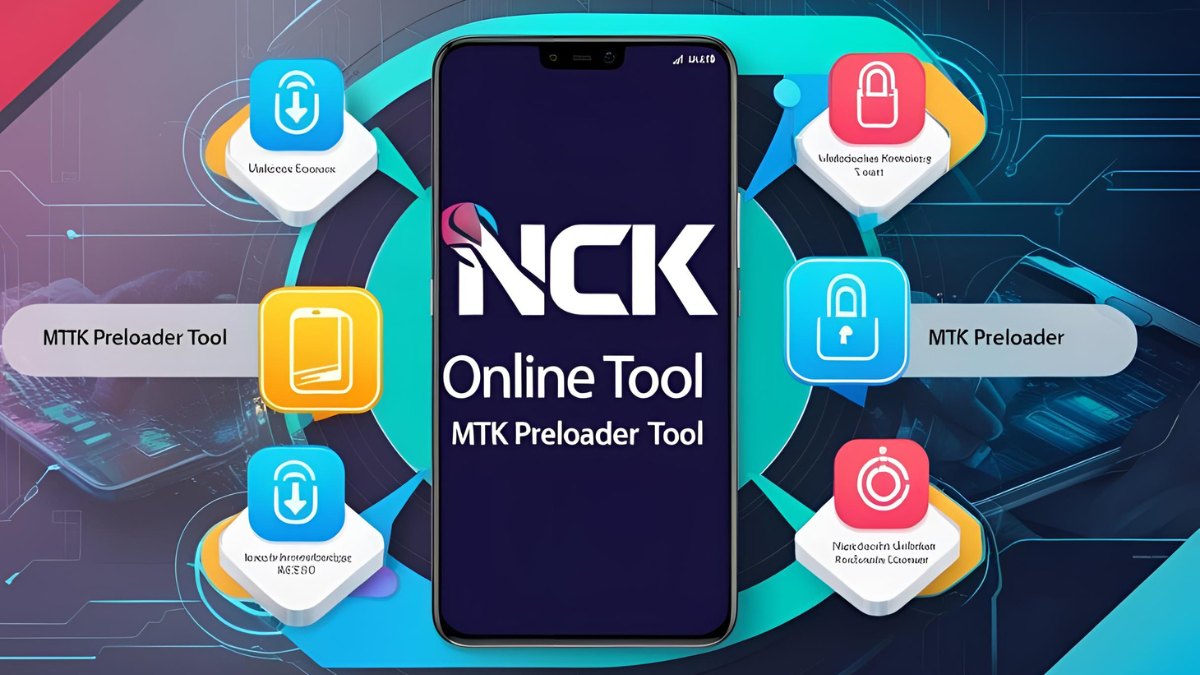
The NCK Online Tool MTK Preloader Tool is a powerful software solution designed to efficiently manage MediaTek (MTK) devices. Whether you’re a mobile technician or an advanced user, this tool offers essential features such as flashing, unlocking, and repairing MTK-based smartphones. The latest 2025 version introduces several new features, enhancements, and improved device compatibility, ensuring seamless functionality with modern smartphones.
Table of Contents
What is the NCK Online Tool MTK Preloader Tool?
The NCK Online Tool MTK Preloader Tool is a specialized utility designed for servicing MTK chipset-based smartphones. It allows users to repair IMEI, unlock bootloaders, bypass FRP (Factory Reset Protection), and perform other critical functions required for mobile phone maintenance.
Key Features of NCK Online Tool MTK Preloader Tool (2025 Latest Version)
1. IMEI Repair for MTK Devices
- Enhanced IMEI repair functionality for a wide range of MediaTek-powered devices.
- Ensures compliance with network registration regulations.
2. New Device Support
- Expanded compatibility for the latest smartphone models, including:
- Nothing Phone PL Exploit (Beta)
- Xiaomi Redmi 14C (Lake)
- Redmi A3 Pro (Lake)
- POCO C75 (Lake)
3. Read Info Function
- Retrieves critical device information, including firmware version, security patch level, and baseband status.
4. Custom DA Loader Support
- Enables users to load a custom Download Agent (DA) to service specific MTK devices.
5. V6 (XML) Protocol Support in BROM Mode
- Enhances device communication efficiency with the latest V6 protocol in BootROM mode.
6. FRP Bypass and Bootloader Unlock
- Removes Google account locks (FRP) from supported devices.
- Unlocks bootloaders for advanced system modifications.
7. Secure Boot Handling
- Provides seamless support for devices with secure boot protection.
8. Performance Enhancements and Bug Fixes
- Optimized stability for improved communication between software and device.
- Bug fixes ensure a smoother user experience.
How to Use NCK Online Tool MTK Preloader Tool
1. Download and Install
- Visit the official NCK Online Tool website.
- Download the latest version of the MTK Preloader Tool.
- Extract the files and install the software on your computer.
2. Connect Your Device
- Use a USB cable to connect your MTK device to your PC.
- Enable USB debugging mode if required.
3. Select the Desired Function
- Choose from the available options, such as IMEI repair, bootloader unlock, or FRP bypass.
4. Execute the Process
- Click the corresponding function to initiate the selected operation.
- Wait for the process to complete and verify the results.
Read also: How to Use Motorola Moto G85 5G FRP File to Unlock Your Device
System Requirements
To ensure optimal performance, your system should meet the following requirements:
| Requirement | Specification |
|---|---|
| Operating System | Windows 7/8/10/11 (64-bit recommended) |
| RAM | Minimum 4GB (8GB recommended) |
| Processor | Intel Core i3 or higher |
| Storage | At least 500MB of free space |
| USB Drivers | Ensure MTK USB drivers are installed |
Safety and Precautions
- Use Official Sources: Download the tool only from the official NCK Online Tool website to avoid malware and corrupted files.
- Backup Your Data: Before performing any operation, back up all essential data to prevent loss.
- Follow Instructions Carefully: Incorrect usage may lead to device malfunction or data corruption.
Read also: Unlock Motorola MOTO G34 5G FRP File & Flash File Guide 2025
Conclusion
The NCK Online Tool MTK Preloader Tool (2025 latest version) is an essential tool for mobile technicians and advanced users working with MTK chipset-based smartphones. With enhanced functionality, broader device support, and improved security features, it simplifies various phone servicing operations. By following the recommended safety precautions and usage guidelines, users can fully unlock the potential of their MediaTek-powered devices with ease.