This file may be used for repairing hang on logo and bricked device and other software issues. Download Redmi 10C MIUI 13 Flash File Latest Version. Read all flashing instructions before flashing the phone. Use latest SP Flash Tool to troubleshoot any issues encountered while using this version.
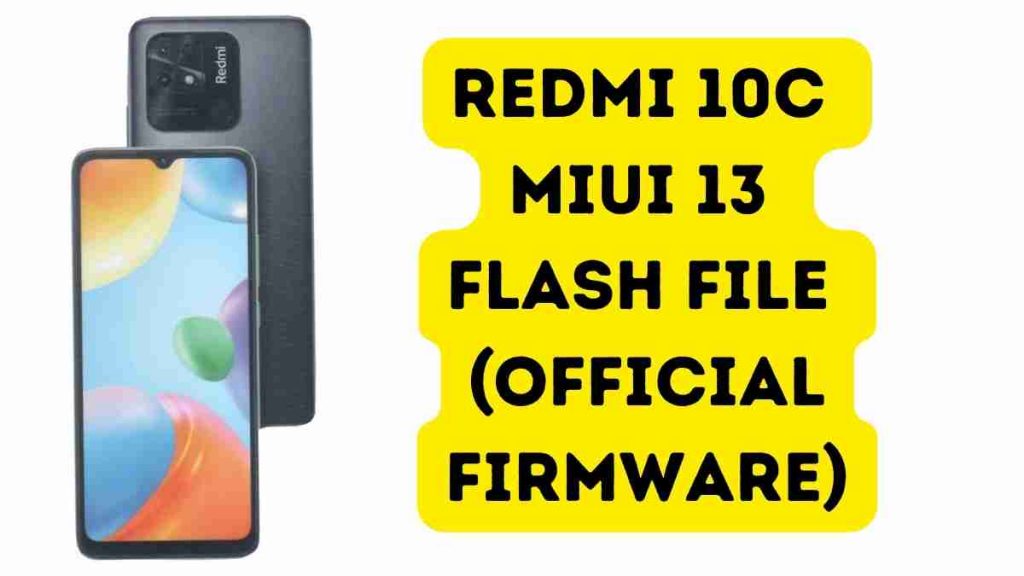
About Redmi 10C
The Redmi 10C boasts 3GB of RAM and 32GB of internal storage. The device also includes a microSD card support, which permits storage extension up to 512GB. The gadget is equipped with an octa-core Helio G25 CPU. The Xiaomi Redmi 10C comes fitted with a 5,100mAh battery
Download Redmi 10C MIUI 13 Flash File
Name: fog_in_global_images_V13.0.4.0.RGEINXM_20220311.0000.00_11.0
Size: 3.4 GB
Password: officialroms
Driver: Visit Here
Online Flash Join Telegram Group Ask By admin
Link: MediaFire
Read me: Mi Flash Tool 2022 – Official Xiaomi Flash Tool
The Benefits of Stock ROM:
Unbrick your Redmi 10C by flashing the stock ROM.
To resolve the boot loop issue, flash the stock ROM.
Redmi 10C Upgrades and Downgrades
Fix issues on your phone by unrooting it.
To solve the lag or stutter on your Redmi 10C, follow these steps.
You can fix software issues by flashing Stock ROM.
Return to Stock to reclaim your warranty.
How to Flash Redmi 10C:
- Redmi 10C Gaming Edition FlashFile Download
- Unplug the battery and connect the phone to the PC via USB cord.
- Connect the battery to the short test point.
- The Qualcomm HS USB QLoader 9008 port will display under Device Manager.
- Get the MI Flash Tool and run it.
- Save the Flash File to your computer’s desktop.
- Assign a path to the Folder.
- Press the Refresh button, then the Flash button.
Read Also: