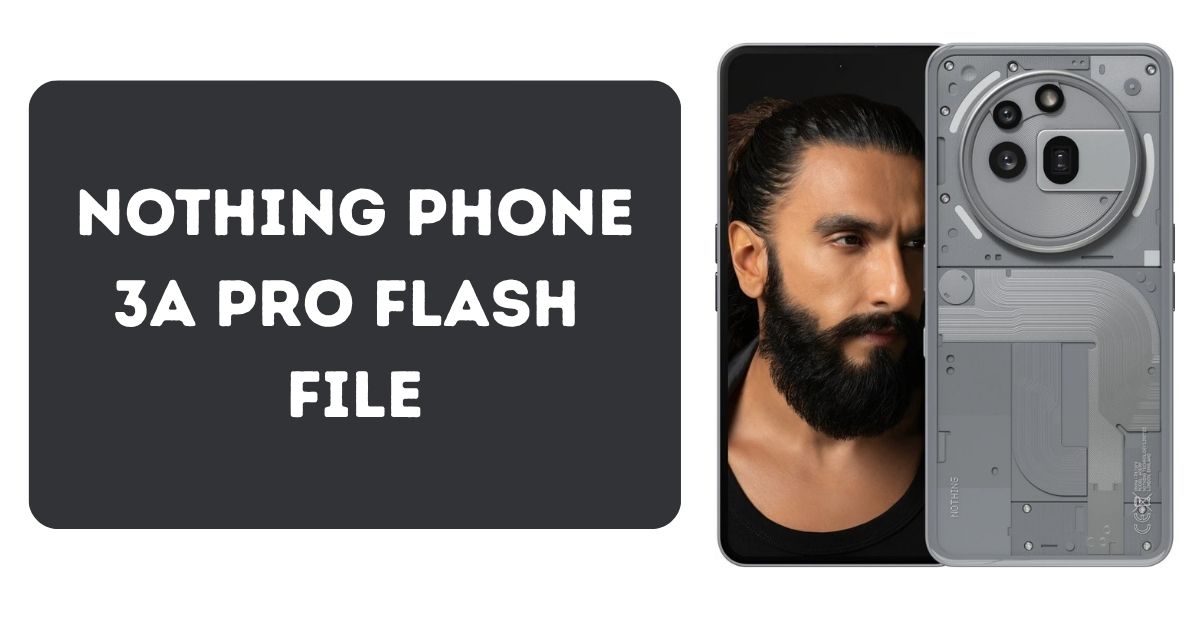
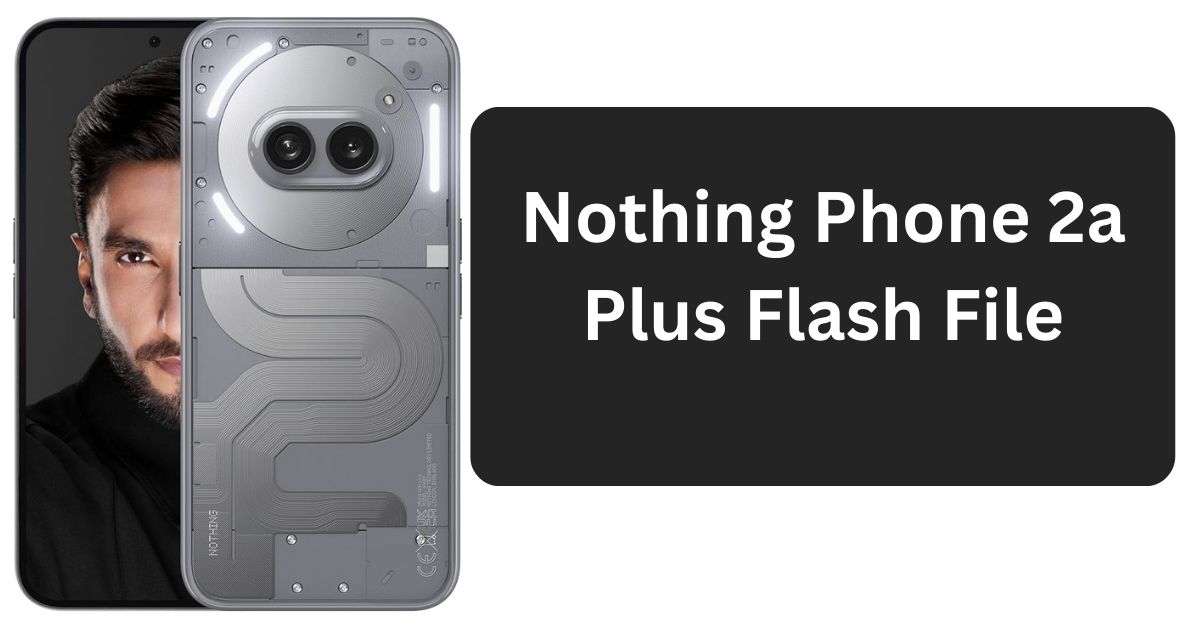
The Nothing Phone 3a is a stylish and feature-rich Android smartphone, but like many modern devices, it may occasionally face software issues requiring a complete reset. Whether your phone is stuck on the boot logo, caught in a bootloop, or experiencing system instability, flashing the stock ROM (also known as the flash file) is a proven solution.
This guide provides an easy-to-follow, how to download and use the official Nothing Phone 3a Flash File:
Table of Contents
What is a Flash File?
A flash file (firmware or stock ROM) is the official software package released by the manufacturer. It typically includes:
- Android operating system
- Bootloader and recovery
- Kernel and security patches
- Default system apps
Flashing this file returns your Nothing Phone 3a to its original factory state.
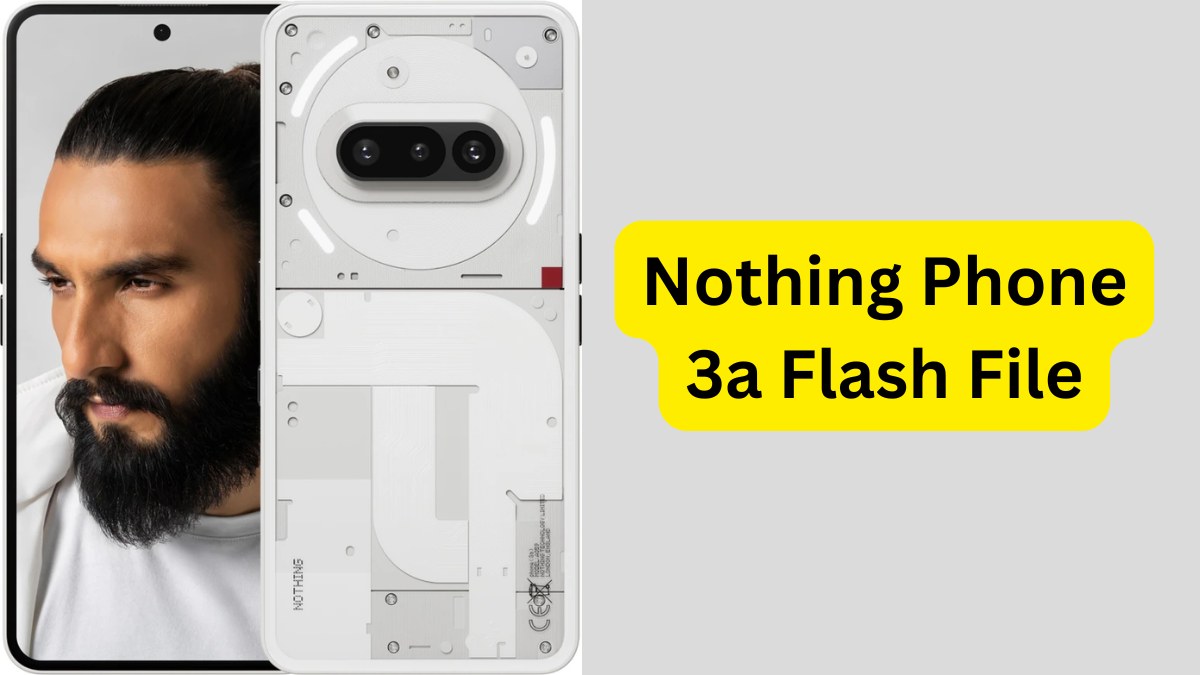
When Should You Flash the Nothing Phone 3a?
Flashing may be necessary in the following scenarios:
- Device stuck on boot logo
- Bootloop issues
- Forgotten password or screen lock
- System app crashes or UI malfunction
- Corrupt or failed system update
- Reverting from a custom ROM to stock
Benefits of Flashing Stock ROM
- Restores original performance and software stability
- Removes malicious or unwanted system software
- Fixes bugs and compatibility issues
- Unfreezes devices stuck during boot
- Helps prepare the phone for resale or reassignment
System Requirements
- A Windows PC (Windows 7, 8, 10, or 11)
- Minimum 4 GB RAM
- Ensure you have a minimum of 5 GB of free storage space on your PC.
Required Tools and Files
- Official Nothing Phone 3a Flash File (ZIP format)
- Nothing USB Drivers
- ADB & Fastboot drivers or Qualcomm Flash Tool
- Original or certified USB cable
- Battery charge level: 50% or more
Recommended Preparations
- Create a full device backup (data will be wiped)
- Temporarily disable antivirus and firewall software
Download the Nothing Phone 3a Flash File
- Visit the official Nothing support page or a reputable source like Officialroms.
- Search for the exact model: “Nothing Phone 3a Flash File.”
- Ensure compatibility with your phone variant.
- Download the file to your computer.
- Extract the ZIP using WinRAR, 7-Zip, or similar software.
Password: officialroms
| Name | Server |
|---|---|
| Nothing Phone(3a)_Nothing_OS_3.0 | Google Drive |
Oppo F29 5G CPH2721 Flash File | Stock ROM (Download)
How to Flashing Nothing Phone 3a Stock ROM
Step 1: Install USB and Flashing Drivers
- Install Nothing USB Drivers.
- Depending on your chipset, also install ADB & Fastboot drivers or Qualcomm drivers.
Step 2: Boot Device into Fastboot or EDL Mode
- Power off your phone.
- Hold Volume Down + Power buttons simultaneously.
- Alternatively, use ADB commands to enter Fastboot mode from your PC.
Step 3: Launch the Flashing Tool
- Open the Qualcomm Flash Tool or Nothing Flasher.
- Select the folder where you extracted the firmware.
Step 4: Connect the Device
- Use the USB cable to connect your phone to the computer.
- Wait for the tool to detect your device in EDL or Fastboot mode.
Step 5: Begin Flashing
- Click the Flash button.
- Wait patiently (usually 5–10 minutes).
- After the flashing process finishes, your device will restart on its own.
Octoplus FRP Tool v2.8.0 Update: New FRP & Firmware Support
What to Do If Flashing Fails?
If the flashing process doesn’t complete successfully:
- Reinstall USB and Fastboot drivers
- Use a different USB cable or port
- Double-check firmware compatibility with your device
- Temporarily disable antivirus/firewall software
- Run the flashing tool as Administrator
After Flashing: What Next?
- Complete Android’s initial setup
- Verify firmware version in Settings > About Phone
- Update apps through Google Play
- Restore data from backup (if available)
- Perform a factory reset if performance lags
JBB021B1 Flash File 2025: How to Flash Jio Bharat B1 Easily
FAQs About Nothing Phone 3a Flash File
Q1: Is flashing safe for the Nothing Phone 3a?
Yes, as long as you use the official flash file and follow correct procedures.
Q2: Will I lose my personal data?
Yes, flashing stock ROM typically wipes all user data.
Q3: Can I bypass FRP with this flash file?
No, Factory Reset Protection (FRP) may still remain after flashing.
Q4: My phone doesn’t power on. Can flashing fix it?
Yes, if it’s due to software corruption or bootloop issues.
Q5: Is rooting required?
No, flashing a stock ROM does not require root access.
ASR Flash Tool Guide 2025: Flash ASR Devices Easily
Final Thoughts
Flashing the Nothing Phone 3a Flash File is an effective and reliable way to restore your smartphone from system errors, bootloops, or firmware damage. By following the steps in this guide, you can safely bring your device back to its original state.
Be sure to double-check compatibility, follow every instruction precisely, and only use trusted sources for downloads.
Disclaimer
This content is provided solely for educational and informational purposes. We do not provide or distribute any proprietary firmware. Always obtain flash files from official or reputable sources. Please note that flashing your device can result in data loss or void your warranty. Proceed with caution and at your own discretion.