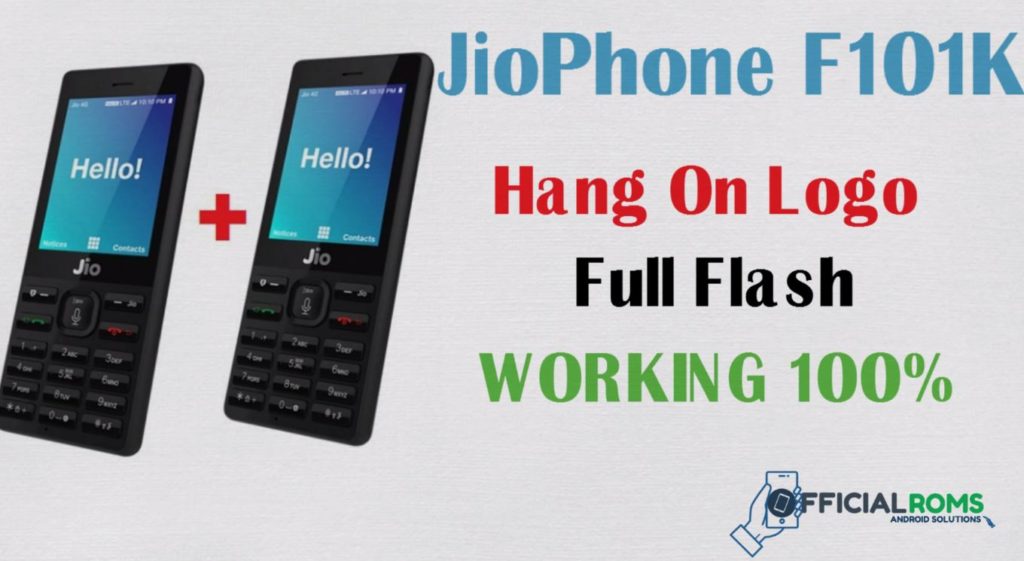
Download LYF Jio F101K Flash File to download and install KAIOS OS on your mobile devices. It will help you get out of the logo loop in case your phone gets stuck there. The LYF Jio Flash File, also known as Firmware ROM, has been tested fully; so for the firmware flash tool, it’s included too. Today, we are going to provide a detailed guide on flashing the official stock ROM on your Jio F101K Mobile. The device Jio F101K was launched in 2021, but it is still a very good budget keypad phone for users with Jio.
Table of Contents
We have shared below the official link to download the LYF Jio F101K Stock Firmware ROM (flash file) directly to the computer. Inside the zip file of the firmware, you will find the Flash File, Flash Tool, USB Driver, and a How-to Flash Manual.
LYF JIO F101K Flash File (New UPDATED)
Old File Password: officialroms
New Password: LYF-F101K-000officialroms
Join telegram Channel: officialromshelper
| LYF-F101K-000-02-34-200121 (FREE ) |
| LYF-F101K-000-02-29-091019 |
| LYF-F101K-000-01-45-300119 |
| LYF-F101K-000-02-29-091019 |
| Research Flash Tool |
| Upgrade Flash Tool |
Problem List:
- JIO F101K stuck on the Jio logo
- Trapped in a boot loop
- Hanging difficulties
- Null IMEI issues
- Auto reboot issues, among others.
- If your experiencing any of these problems don’t panic.
How to Flash JIO F101K:
- Download the package and extract Flash tool
- You should double-click on the icon called UpgradeDownload.exe ; This will open the tool automatically on the PC
- You should click on Load Packed button and select Firmware with extension.pac at end.
- Finally, clicking Downloading button which should be in third position.
- Mobile Switch it off & connect it to PC by pressing 1 + 3 key simultaneously – this should lead to successful flashing!
Read Also: