On this page, you will find the official link to download the Xiaomi Redmi Note 8 Pro stock firmware ROM (flash file) on your computer. Firmware comes in a zip package, which contains Flash File, Flash Tool, USB Driver and How-to Flash Manual.
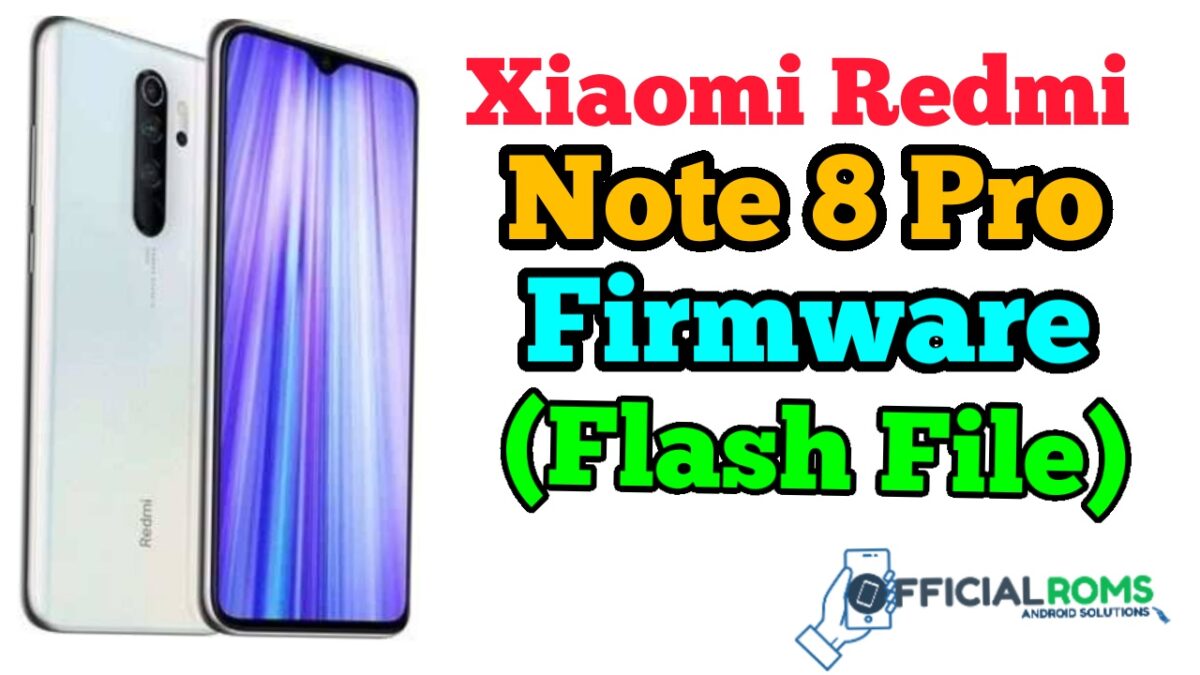
The flash file will help you upgrade, downgrade, or reinstall the stock firmware (OS) on your mobile device. The flash file (ROM) also allows you to repair the mobile device if it has a software problem, bootloop problem, IMEI problem, or is dead.
Redmi Note 8 Pro Flash File (Stock ROM)
How To Flash Redmi Note 8 Pro:
To flash a Redmi Note 8 Pro, you will need to follow these steps:
- Download the firmware for your specific Redmi Note 8 Pro model.
- Extract the firmware to a convenient location on your computer.
- Download and install the Xiaomi Mi Flash Tool.
- Open the Xiaomi Mi Flash Tool and click on the “Select” button to choose the firmware folder.
- Connect your Redmi Note 8 Pro to your computer using a USB cable.
- Make sure that the device is in fastboot mode.
- Click on the “Refresh” button in the Xiaomi Mi Flash Tool to detect the device.
- Click on the “Flash” button to start the flashing process.
Please note that flashing firmware can be risky and may void your device’s warranty. It is important to be careful and follow the instructions carefully. If you are not familiar with flashing firmware, it’s better to get help from a professional or the device manufacturer.
It’s also recommendable to backup your data before start the flashing process, as it will erase all the data stored in the device.
Read Also: