Samsung J3 FRP Unlock-SM-J320P ENG Boot File Android 8.1.0, A.O. If You Are A Samsung J3 SM-J320P User And You Flash Or Factory Reset Your Device To Previous Google Account Owner Verify But Can’t Recovery Account, Don’t Worry Because There Is An Easy Solution: Enable ENG Boot Mode On Your Device and ADB Mode To Bypass Owner Verification With Z3X Or Other Samsung FRP Unlock Tool.
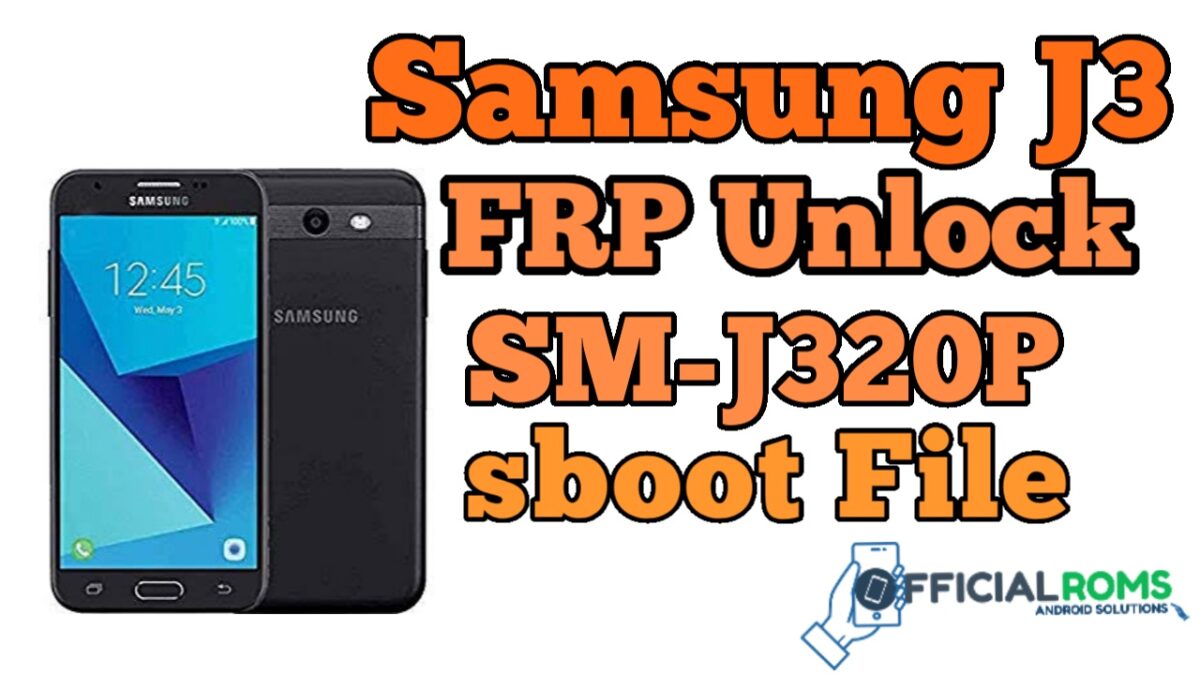
Samsung J3 FRP Unlock-SM-J320P ENG Boot File
Size: 10MB
Password: officialroms
Requirements
- Samsung USB Device Drivers for Pc.
- Download Odin Flash Tool.
- Samsung Galaxy J3 SM-J320P ENG S,boot File
- Download Any Adb Tool To Unlock Any Samsung Mobile Like (Miracle Thunder 2.82).
How To Flash Samsung ENG S, boot File
- Download the required files and tools
- Extract files with using Winrar or 7zip
- Get your device into Download Mode
- Press and hold ( HOME + Volume Down + Power On key for 10 seconds)
- Press Volume up key for confirming Download mode
- Install downloaded Samsung USB drivers
- Open Odin tool and run the setup
- Connect your device with your computer or laptop
- When Device Connection Done Odin shows the Blue sign with device added Message
- Select ENG Sboot file in Odin using AP or PDA button
- Make sure not ticked on re-partition
- Hit the start button to the flashing process
- Sit back and wait for the process successful
- After the complete process, Your device will reboot automatically
Now How To Remove FRP Lock SM-J320P
- Open Z3x Or any Samsung device supported Flashing
- From Z3x select your device model number Like SM-J320P
- Connect Your Samsung J3 SM-J320P With computer
- From selecting the FRP tab using Your Z3x Or Samsung Related flashing device or Miracle Thunder 2.82 Without Box.
- After connecting your device get ADB to enable notice
- select ADB to on debug mode from your mobile
- Press on FRP remove the button and wait
- After FRP reset your device reboot Automatically
- After reboot, your device configures it And enjoy Your SAMSUNG device.
Readme also