Frp unlock TrickOppo Pattern UnlockPattern UnlockRealme Frp Unlock

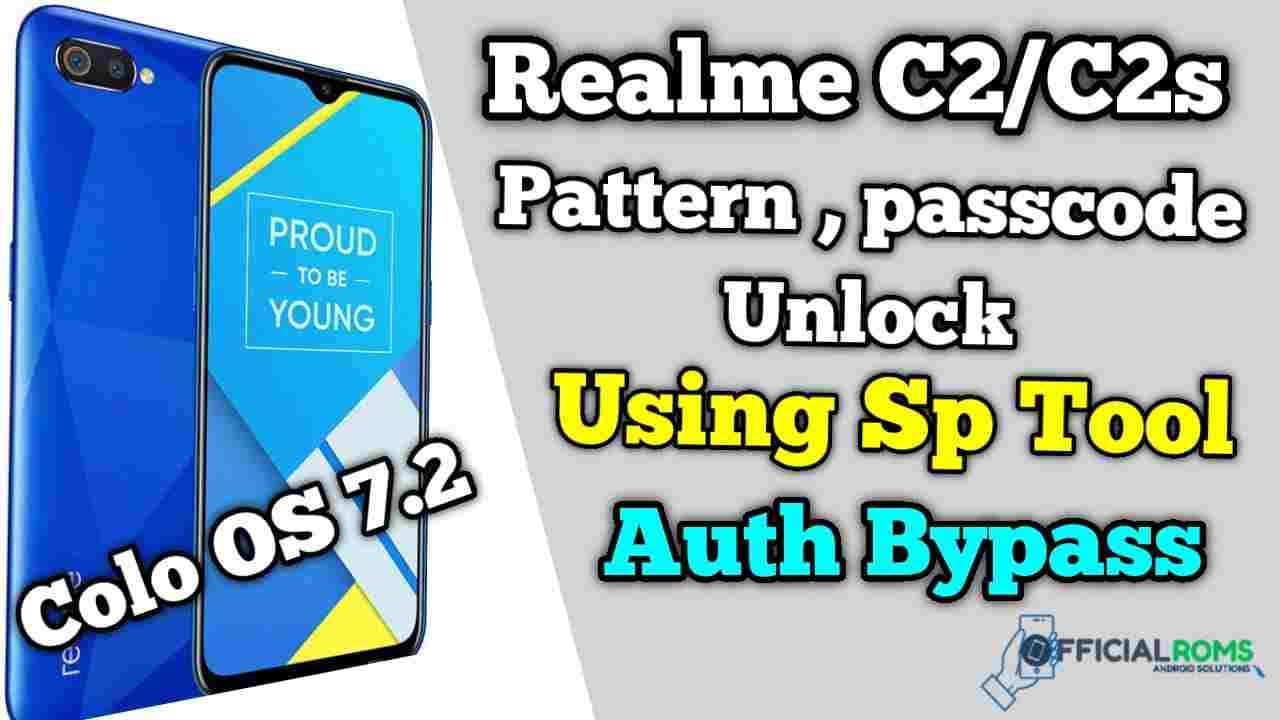
Realme C2/C2s Pattern Unlock & Passcode Remove SP Tool
Here’s the way to unlock Realme C2/C2s Pattern Unlock, DA File & Scatter File Unlock Pattern, Passcode Remove Frp Free New Security Patch Method From SP Tool (Shade OS 6.0.1 into 8.0 Software), an excellent software for eliminating passwords from Android apparatus: download and install this application on your PC then link device into computer via USB link then remove password, passphrase then bypass Google Account quickly Realme C2/C2s Hard Disk Pattern Unlock
How Many Issue
- If your device is dead, you can unbrick using Stock ROM file
- You can fix or repair the IMEI on your device using DB files from Stock ROM
- Remove any malware or Adwares from Realme C2/C2s
- You can select the boot loop issue on Realme C2/C2s Boot Dead
- Fix Unfortunately, the app has stopped error on Realme C2/C2s
- Fix Network related issue
- Patch Boot image to Root using Magisk
- You can unroot Realme C2/C2s
- To Reset or Remove FRP on your device
- Restore Realme C2/C2s to Factory State
Realme C2/C2s Pattern Unlock & Passcode Remove SP Tool
Password: officialroms
You can Use any File Unlock RMX1941 or RMX1945 Same File
| Name | Password |
|---|---|
| REALME C2 RMX1941.zip | officialroms |
| REALME C2 RMX1945.zip | officialroms |
| REALME C2s Scatter & DA File.zip | ,, |
| Very Important Driver | ,, |
| Mediatek Auth Bypass Tool V3 | ,, |
| SP Flash Tool V5.1804 by officialroms | ,, |
Readme: Pattern Unlock Without any Box Full Tested 100% Working No Risk
How to Unlock FRP Realme C2/C2s No Need Auth SP Tool
Download & unzip the Realme C2/C2s by officialroms.com.zip to your Computer
Install LibUSB and Filter MTK Driver:
- Now Run LibUSB and install it on your Computer
- Open LibUSB and Install it on your Computer
- Click Next =>> Agree =>> Install =>> Finish
- Open the extracted folder => Realme C2/C2s =>> Driver
- Select CDC-ACM and Right Click on it
- Tap Install = >> OK
- Open LibUSB driver window
- Click Install a device filter
- Now Power Off and connect your phone to the Computer
- Press Volume Up and Insert USB Driver
- Now you can see the device’s MTK USB COM Port in the LibUSB window and Click Install.
- Click OK
Run SP Flash Tool and Select FRP File:
- Run SPFlash.exe
- Click on Choose from Scatter-Loading File Tab
- Choose the Realme C2/C2s scatter.txt file and Click Open.
- Now Select Options from the top-left corner and choose Option.
- Select Connection Change Boud rate to 921600 (Leave it as it is)
- Now you have to bypass the USB Security of your phone.
Bypass the USB Protection and Flash Realme C2/C2s phone
- Open First Disable DAA and SLA Authentication
- Reconnect your Redmi phone
- It will detect your device Port and disable the USB protection
- Now Open the SP Flash Tool and select the COMPORT in the Connection window; that’s it.
- Untick the Preloader, Click on Download, Wait for finished.
- Once finished, disconnect and Power On Realme C2/C2s
- Setup all initial steps.
- Now you have Realme C2/C2s passcode FRP Bypass successfully with File quickly.
- After Remove Pattern Unlock. Than Use Emergency Call And Type *#813#
- Now You Frp Unlock Without Any Box Or Pc
- Done.
Readme: