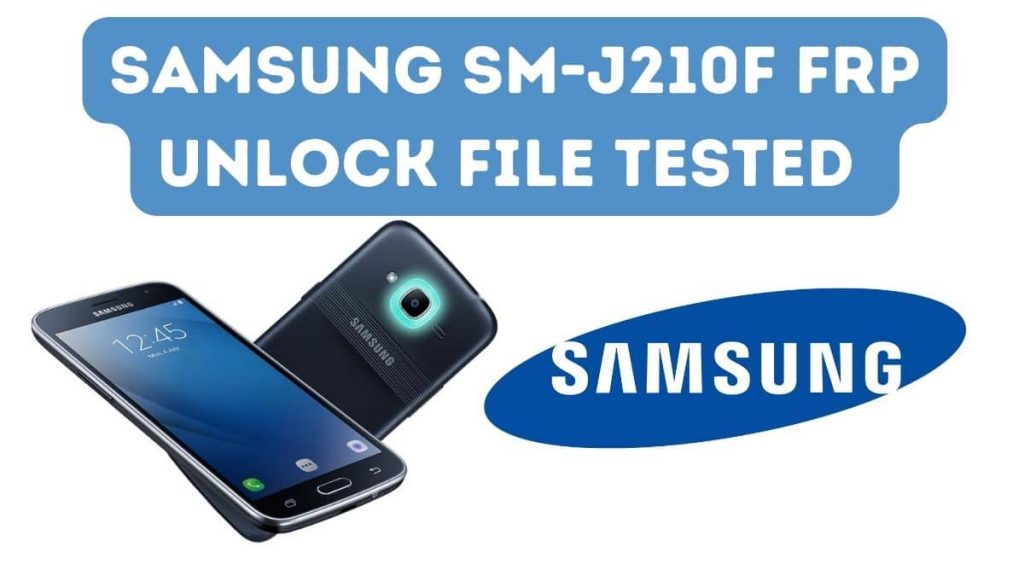
Samsung J210F Factory Reset File Android Mobile.it’s Easy To Unlock FRP Lock Pattern,Password & Pin Lock With One Click If you’re a Samsung J2 SM-J210F user who flashed or factory reset their device due to any reason, your device will now be linked with your previous Google account for owner verification purposes.
If you’ve forgotten your Google password and cannot recover it, don’t despair; there’s a simple solution – activating your machine with an Unlock Fil file. With Z3X or another Samsung Odin Tool & FRP File, bypass verification of ownership with ADB mode.
Download Samsung SM-J210F FRP Unlock File Tested
Password: officialroms
| SM-J210F Frp File.zip |
| USB Device Drivers |
| Odin Flash Tool |
Requirements
- Samsung USB Device Drivers for Pc.
- Download Odin Flash Tool.
- Samsung Galaxy J2 SM-J200H ENG S,boot File
- Download Any Adb Tool To Unlock Any Samsung Mobile Like (Miracle Thunder 2.82).HiJacker Tool.
How to Flash Samsung SM-J210F Tested:
Make sure that your computer is charged at least 30 per cent to light.
- First Download Samsung USB Driver & Odin Flash Tool.
- Switch off the mobile.
- First Press Volume Down+Home+ Power Key To Move to Download Mode.
- Android symbol will appear and now click volume to enter download mode.
- Unzip the Update file for Samsung SM-J210F.
- Now open the flash tool Odin.
- In PDA or AP pick flash file.
- When device range is automatically identified and an Added message is displayed.
- Now press Device Start & Install is in phase.
- App restart after activation of its own.
Read Also:
- Samsung J2 FRP Unlock SM-J210F ENG Boot File
- Samsung Galaxy J2 Stock Firmware (SM-J250F) Flash File
- The Samsung J2 Core Frp Bypass SM-J260M Google Account (Without Pc)
- Samsung J2 Pro SM-J250F Combination File Lock Remove
- Samsung J2 FRP Unlock SM-J200F ENG Boot File