Official Stock Firmware Flash for the Tecno Pop 5 Go BD1 Flash File is now available and can be downloaded from the link below. This firmware will fix any software issues on your Tecno Pop 5 Go BD1, including hang logos, fastboot mode, and frp lock.
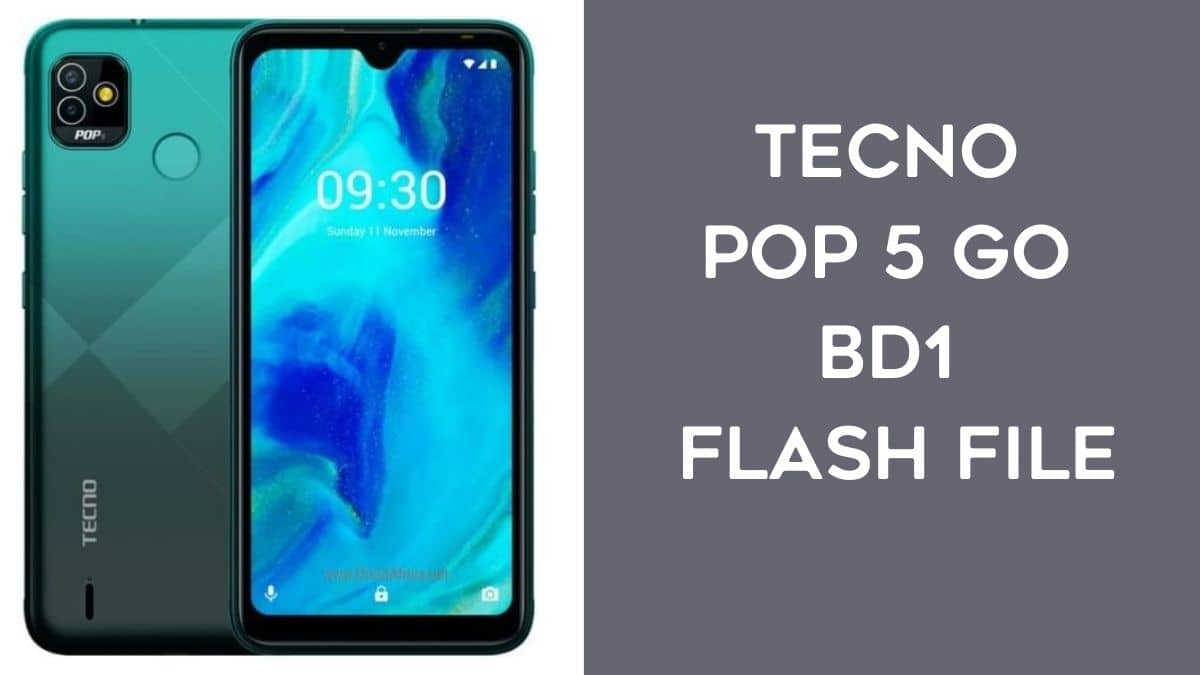
About Tecno Pop 5 Go BD1
Dual Sim, 3G, Wi-Fi. Spreadtrum SC7731, Quad Core, 1.3 GHz Processor. 1 GB RAM, 16 GB inbuilt. 4000 mAh Battery.
Download Tecno Pop 5 Go BD1 Flash File (official Firmware)
Device Name: Tecno Pop 5 Go BD1
Type: Full ROM
Size: up to 4.0GB
SoC: Mediatek MT6785
Firmware Version: BD1-SP575AB-RGo-OP-211111V8
How to flash Tecno Pop 5 Go BD1:
Install MTK Driver.
1 Download the file and extract SP Flash Tool.
2. Out of the icon Double click on Flash_tool.exe
3. Once it is launched, the program on your computer 3. Click on the Scatter-Loading icon on the right Side of the Tool.
4- Now, assign the firmware which will be in form “Android_scatter.txt”.
5. Click Download to begin flashing.
6. Turn off your Mobile and connect it to your PC by pressing the Volume down or the Volume up key.
7- It will guide you to a successful flashing
Read Also: