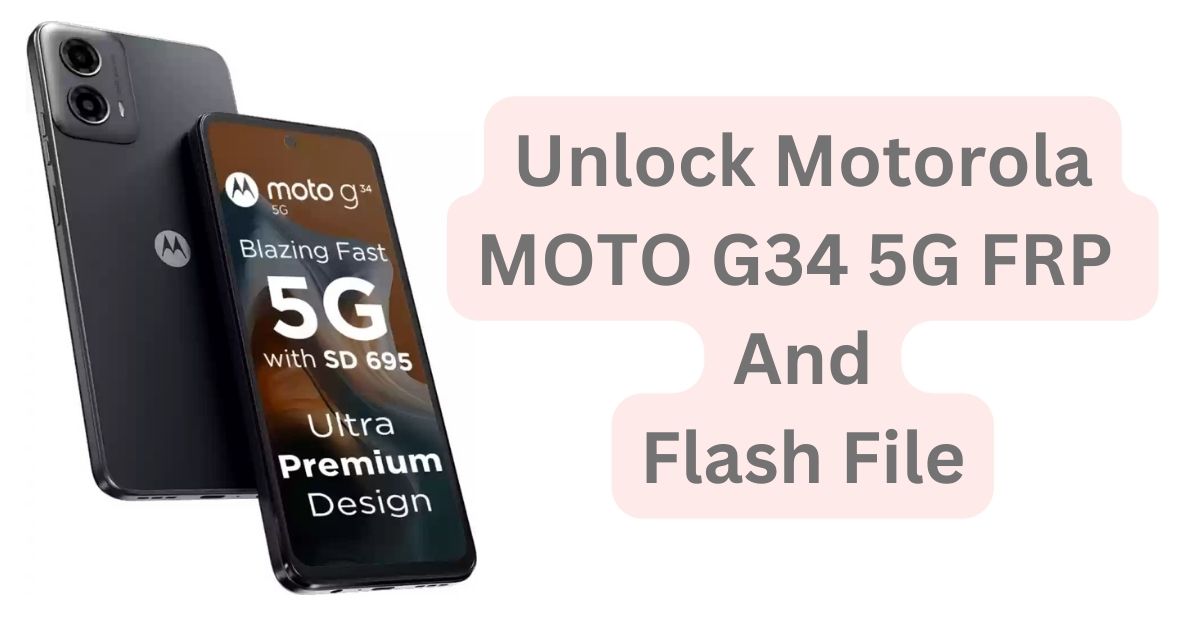
The Motorola MOTO G34 5G has gained popularity for its high-performance features and 5G capabilities. However, users may occasionally encounter challenges, including issues with Factory Reset Protection (FRP) or the need to flash the device. In this comprehensive guide, we’ll explore the Motorola MOTO G34 5G FRP file and Flash file, covering essential information, procedures, and FAQs. Whether you’re troubleshooting an FRP lock or looking to flash your device, this guide provides tested solutions for the Motorola MOTO G34 5G in 2025.
Table of Contents
What is FRP (Factory Reset Protection)?
Factory Reset Protection (FRP) is a security feature designed to prevent unauthorized access to a device after it has been reset to factory settings. When enabled, FRP ensures that the user must enter the Google account credentials previously used on the device to access it post-reset. If you’re locked out of your Motorola MOTO G34 5G due to FRP, you’ll need an FRP bypass file to regain access.
Why Do You Need the Motorola MOTO G34 5G FRP File?
The Motorola MOTO G34 5G FRP file is essential when users face the issue of being locked out of their devices after a factory reset. If you’ve forgotten your Google account details or purchased a second-hand phone with FRP enabled, using the correct FRP file can help you bypass this security feature without requiring the original Google account credentials.
What is a Flash File for Motorola MOTO G34 5G?
A Flash file for the Motorola MOTO G34 5G is a firmware file used to restore or update the software on the device. Flashing your Motorola MOTO G34 5G can resolve software-related issues like boot loops, system crashes, or performance lags. Flashing the correct firmware file will essentially reinstall the operating system, ensuring the device functions smoothly.
Motorola MOTO G34 5G Flash File & FRP File Download
To download the Motorola MOTO G34 5G FRP file or Flash file, you must rely on trusted sources. Websites like Motorola’s official support page or trusted third-party platforms such as XDA Developers offer reliable firmware files. Always ensure that the downloaded files are compatible with your device model to avoid compatibility issues or device damage.
| Name | Moto G34 5G XT2363-8_FOGOS_RETIN |
| Size | 4.4 GB |
| Password | Moto1997@# |
| server Services | Officialroms |
How to Use the Motorola MOTO G34 5G FRP File
Follow these steps to bypass the FRP lock on your Motorola MOTO G34 5G:
- Download the FRP bypass file from a trustworthy source.
- Install ADB drivers on your PC to ensure the phone is recognized.
- Enable Developer Options and USB Debugging on the phone (if accessible).
- Connect your phone to the PC using a USB cable.
- Use ADB commands or a dedicated FRP bypass tool to unlock the phone and remove the FRP lock.
How to Flash Motorola MOTO G34 5G Using the Flash File
To flash your Motorola MOTO G34 5G using the flash file, follow these steps:
- Download the appropriate flash file for your Motorola MOTO G34 5G.
- Install the necessary Motorola USB drivers and flashing tool on your computer.
- Boot your device into Fastboot or Recovery Mode.
- Connect the phone to the computer via USB.
- Select the flash file in the flashing tool and start the flashing process.
- Wait for the process to complete, then reboot the device.
Precautions Before Flashing Your Motorola MOTO G34 5G
Before flashing your Motorola MOTO G34 5G, take the following precautions:
- Backup Important Data: Flashing your phone will erase all data, so ensure you back up essential files like contacts, photos, and apps.
- Ensure Sufficient Battery: Make sure your phone has at least 50% battery charge to avoid interruptions during the flashing process.
- Use Correct Flash Files: Always download the correct flash file designed for your specific Motorola MOTO G34 5G model.
Common Issues and Troubleshooting
- Device Not Recognized by PC: Ensure you have installed the correct USB drivers and enabled USB Debugging.
- Flashing Failures: Double-check that you are using the right flash file and that your phone is in the correct mode (Fastboot/Recovery).
- FRP Lock Not Bypassed: If the FRP lock persists, try using a different FRP bypass method or tool designed for the Motorola MOTO G34 5G.
Frequently Asked Questions (FAQs)
What is the difference between an FRP file and a Flash file for the Motorola MOTO G34 5G?
The FRP file is used to bypass Factory Reset Protection, while the Flash file is used to restore or upgrade the phone’s firmware.
Can flashing my Motorola MOTO G34 5G void my warranty?
Yes, flashing the device may void your warranty, particularly if you use non-official or incorrect firmware files.
Where can I download the Motorola MOTO G34 5G FRP and Flash files?
You can download the FRP and Flash files from Motorola’s official website or trusted platforms like XDA Developers.
What happens if the flashing process is interrupted?
Interrupting the flashing process can lead to a bricked device. If this occurs, professional repair services may be required.
Is flashing safe for my Motorola MOTO G34 5G?
Flashing is safe when done correctly using the proper files and following the correct steps. Make sure to use the right firmware for your device model to avoid potential issues.
Conclusion
Dealing with FRP locks and the need for a flash file can be frustrating for Motorola MOTO G34 5G users. However, by following the correct steps and using the appropriate files, you can restore functionality to your device and unlock its full potential. Always ensure that you download files from trusted sources and take the necessary precautions to avoid causing any harm to your device.