TAMBO TA-40 Flash File V14 India Official Firmware Stock ROM/Flash File Download’100% Tested Pin Remove, Password Remove, Pattern Remove, LCD FIX Display Problems, Bootloop, Hang On Logo, Dead Recovery, Repair ‘[Free]-TAMBO TA-40 V14 India Official Firmware Stock Rome/Flash File Download’ And How to Flash ‘[Free]-TAMBOTA-40 Flash File V14 India Official Firmware Stock Rome/Flash File Down 2022
Tambo TA-40 smartphone was launched in December 2018. The phone comes with a 5.45-inch display. Tambo TA-40 is powered by a 1.3GHz quad-core processor. It comes with 1 GB of RAM. The Tambo TA-40 is powered by a 2400mAh battery, running Android Oreo (Go Edition).
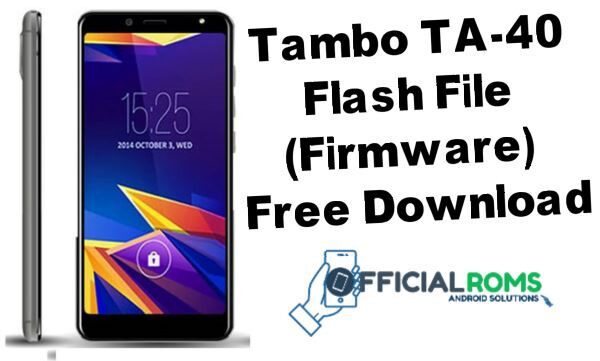
TAMBO TA-40 V14 India Official Firmware Flash File
| Name | Password |
|---|---|
| TAMBO_TA-40_V14_India(sign by 360)-20181126.zip | officialroms |
| YGDP V3.1.9 assembly ase.zip | officialroms |
| QDLoader HS-USB Driver 32-bit & 64-bit | officialroms |
How to Flash Tambo TA-40:
- Only Qualcomm CPU with Firmware extension .cpb can be flashed using the QGDP tool.
- Download the latest version of QGDP.
- Install driver with ADB.
- Now connect mobile to boot key holding a PC.
- Open the system manager and confirm PC has found your smartphone.
- Unzip tool and conduct setup.
- Please enter when the tool interface appears.
- To use that tool, click on Login.
- Select Flash File & Flash.
Read Also: