Here you may get the Infinix Zero 5G X6815 Flash File Stock ROM. The original Software Update file for the Infinix firmware is included in the scatter file that describes how to flash and install drivers using the SP Flash Tool. Here’s how to flash an Infinix Mobile using a Scatter file, which is mentioned below. Instructions on how to flash.
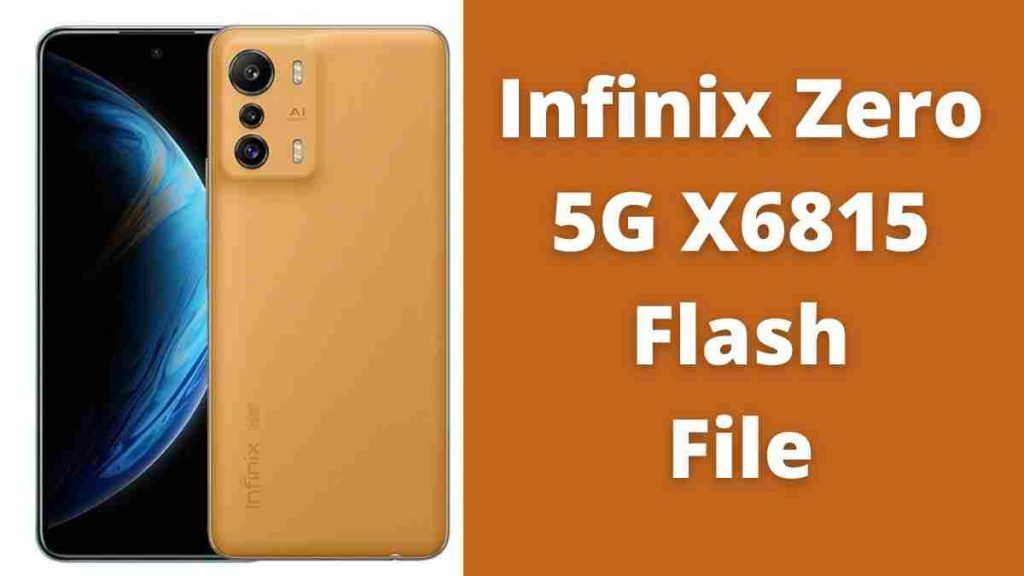
Download Infinix Zero 5G X6815 Flash File
Read Also: MTK Auth Bypass Tool V48 Latest 5G CPU 2024
| Name |
|---|
| X6815-H771A-S-INFK-DC-220926V87 (Latest) |
| X6815-H771A-R-INFK-220823V181 |
| X6815-H771A-R-INFK-220223V149 |
| X6815-H771A-R-INFK-220223V149 |
| X6815-H771A-R-INFK-220123V114 |
Read Also: Download SP Flash Tool V6 in Windows & Linux 2024
How to Flash Infinix 5G X6815:
Download MTK Driver.
1. Download the program and extract the SP Flash Tool.
2. Out of the icon that appears, Double click on Flash_tool.exe
3. It will start the program on your computer, Click on Scatter-Loading on the right part of the program.
4. Now, assign the firmware, which will be in the form “Android_scatter.txt”.
5. Click Download to begin flashing.
6. Turn off your Mobile and connect it to the PC by pressing Volume down or the Volume up key.
7. It’ll guide you to successful Flashing.
When your device is not working, the logo doesn’t work, or your phone has been locked following flashing this file, all issues will be resolved in a single flash. If you’re locked using FRP, flashing will allow you to unlock it.
If your phone is locked with an FRP lock and you want to unblock the FRP lock without flash, the phone can be unlocked using the help of this application. Follow the steps below to unlock FRP only.
Read Also: