Do you want to download the stock ROM firmware for your LYF Water 3 LS-5503 Flash File device? We’ve included an official link to get the stock firmware rom in this post (stockrom). Install it on your smartphone to reclaim the original Android experience.
This Rom is useful if your device’s screen only shows the logo after booting, if it reboots, if it hangs, if it runs slowly, if it doesn’t operate correctly, or if you want to restore your device’s factory settings, and so on.
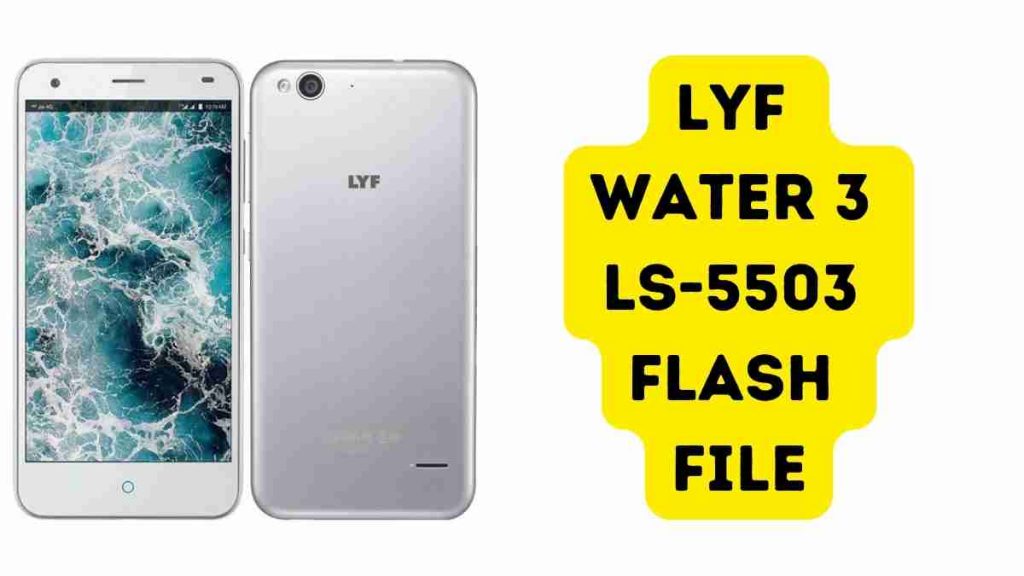
Download LYF Water 3 LS-5503 Flash File (Stock ROM)
Name: Lyf_Water_3_LS_5503_RJIO_IN_P839F50V1.0.0B08_DL
Size: 788 MB
Password: officialroms
Link: MediaFire
How to Flash LYF Water 3 LS-5503:
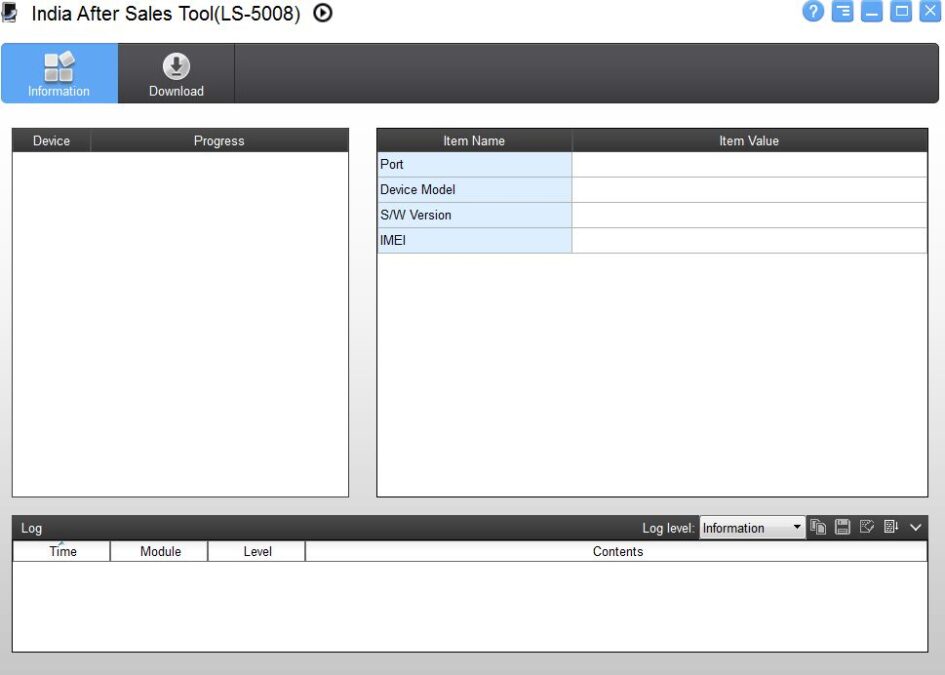
- Download LYF Water 3 LS-5503 Flash File
- Install After Sales tool
- Install Driver
- Open After Sales tool
- To flash your phone, it should be on download mode.
- Hold Volume Up and Down Together, and plug in the data cable
- Now , you can see Qualcomm integration within Flashtool
- After clicking Browse, choose Programmer after which you can choose File
- Now Click On Load XML and Select rawprogram_unsparse.xml From Flash File Folder
- Click Patch File to Select patch0.xml
- After you click on Download Bottom and then wait for the flashing process to complete.
Read Also: