Itel A11 Flash File (Official Firmware).The firmware file given by Itel Mobile is the official original file. It is provided in the PAC file that describes how to flash the firmware and install the driver using SPD Reserach Tool. This is how you may flash an Itel phone using a PAC file.
When your smartphone is dead and the logo doesn’t function or the device is not locked, then after flashing from this file, all difficulties will be cured at the same time. If you’re locked using FRP, flashing will enable you to unlock it. Before flashing Before flashing, get this Itel A11 Flash File from the above site and install the driver.
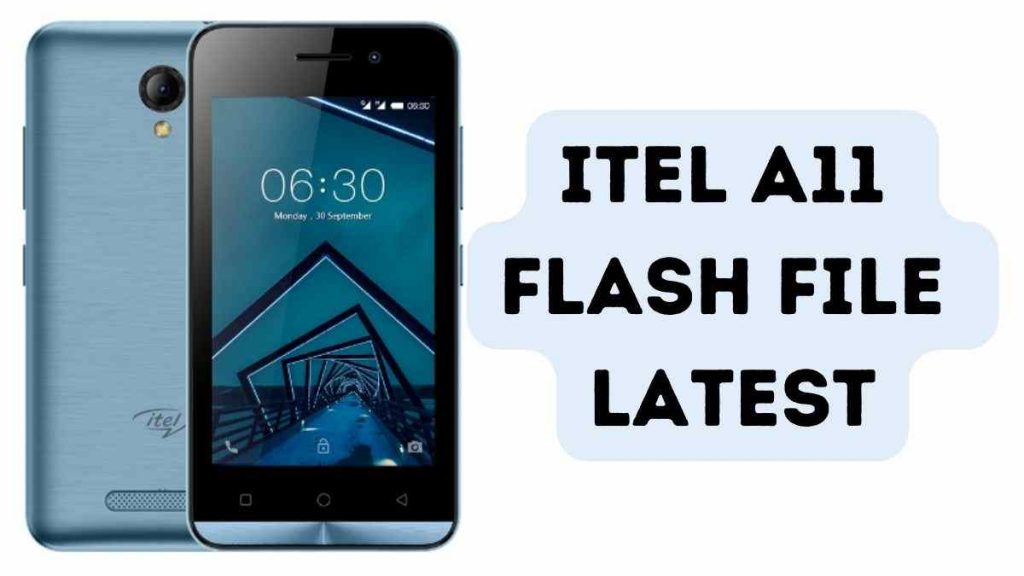
Download Itel A11 Flash File Latest (official Firmware)
Name: Itel_A11_V024_IN_20170614_6.0_SPD
Size: 890 MB
Password: officialroms
Link: Google Drive
How to Flash Itel A11:
Install SPD Driver
1. Download the package and Extract Flash Tool.
2. Once you have the icon, Double click SPD Research Tool.exe & Upgrade Tool.
3. It will launch the program on your PC.
4. Click on the load packed button and select the Firmware that has an extension of .pac at the end.
5. Click on the Downloading button located in the third spot.
6. Switch off your mobile phone and connect it to the PC with the volume down button.
7. It will guide you to a successful flashing.
Read Also: