Here, you will download this page, which contains the Official Vivo S10 /S10 Pro PD2121 Flash File. The Firmware is available in an unzip package that contains USB Driver Flash File, and a How-to Flash Guide.
About Vivo S10 /S10 Pro
Vivo S10 /S10 Pro PD2121 Run on Android 11 & it is Powered by Mediatek Dimensity 1100 Processor. it is a dual SIM smartphone support Nano SIM card, connectivity features Include hotspot, GPS, WIFI, bluetooth 3G & 4G. The device come with 8/12GB of RAM and 128/256GB of storage that can be expandable via SD card.
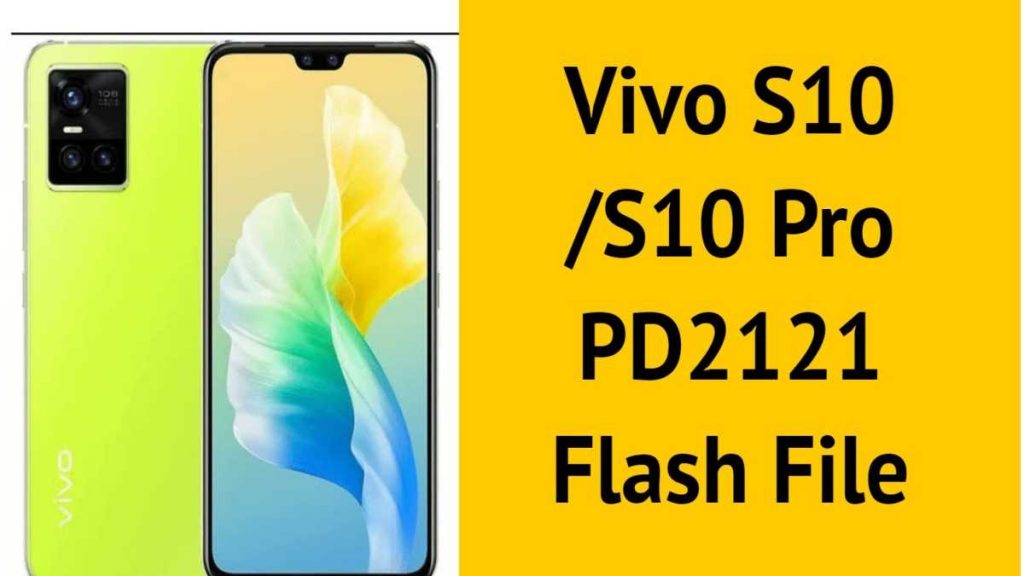
Download Vivo S10/S10 Pro PD2121 Flash File
Name: PD2166F_EX_A_3.9.18
Size: 5.6 GB
Password: officialroms
Server: Vivo Server
File: OTA
Vivo S10 Pro PD2121 Flashing Instructions:
MTK Driver should be installed.
1- Download and extract the SP Flash tool from the package.
2- Double-click Flash tool.exe from the icon that appears.
3- It will start the tool on your computer; click Scatter-Loading on the tool’s right side.
4- Now, assign the firmware in the format “Android scatter.txt.”
5- To begin flashing, click Download.
6- Press the Volume Down or Volume Up keys to turn off your phone and connect it to your computer.
7- You will be able to flash successfully as a result of it.
Read Also: