Vivo X50 Pro PD2005F Flash File :Firmware for Official Stocks The flashfile for the Vivo X50 Pro is now available and downloaded from the link below. With this firmware, you can fix all software issues on your Vivo X50 Pro including hung logo, FRP lock, fastboot mode, display blank or white after flash, slow recovery, dead after a moment, and more.
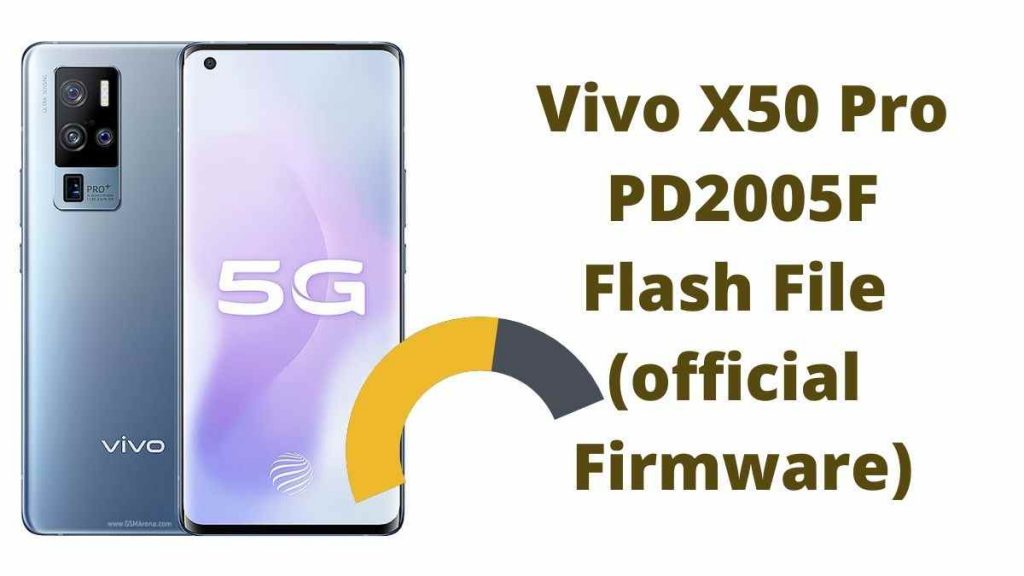
The Vivo X50 Pro is powered by a QCOM SD 765 processor and runs on Android 10. It’s a Dual SIM (GSM and GSM) Smartphone with Nano-SIM card support. Wi-Fi, GPS, Bluetooth, USB OTG, FM 3G 4G, and 5G are all available connectivity options.
Vivo X50 Pro PD2005F Flash File (official Firmware)
Device Name: Vivo X50 Pro
Type: Full ROM+ OTA’s
ROM Size: up to 3-7GB
SoC: QCOM SD865
Os: Android 11
Firmware Version: VIVO_X50_PRO_PD2005F_EX_A_6.70.25_vivo_qcom
How to Flash Vivo X50 Pro PD2005F :
- Download Vivo X50 Pro PD2005F Flash file from above links
- Download QPST (Qualcomm Product Support Tool).
- Then Install Qualcomm driver.
- Run your QPST tool.
- Add new port (Check device manager).
- Now, Click Load XML and browse for rawprogram_unsparse.xml in Stock ROM file.
- Now, Click Load Patch and browse for patch0.xml in Stock ROM file folder.
- Select the firmware by clicking in Browser Search Path.
- Select Download and then wait for the flashing to be finish.