Official Stock Flash Firmware Now Available for the Vivo X70 Pro Plus PD2145F Flash File. This firmware can be used to solve any software issues in your Vivo X70 Pro Plus PD2145F, such as hang-on logo, fastboot Mode, and FRP lock. It also allows you to display blank or white after flashing, uneventful recovery, dead after Flash, etc.
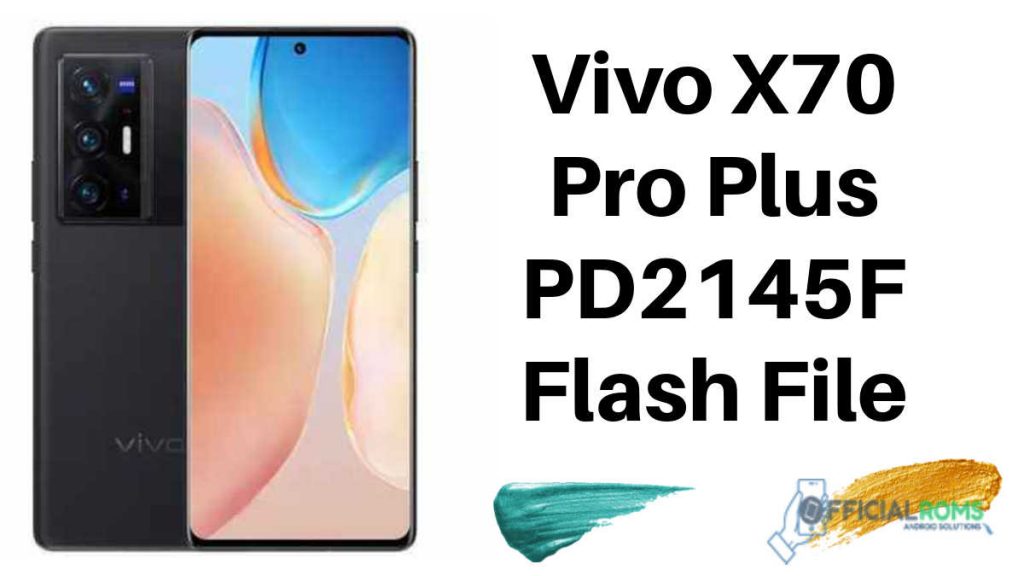
About Vivo X70 Pro Plus PD2145F
Vivo X70 Pro Plus Run on Android 11, and it is Powered by QCOM SD888 Processor. It’s a dual SIM smartphone that supports a Nano SIM card and connectivity features such as Wi-Fi, GPS, hotspot, Bluetooth 3G 4G, and 5G. The phone comes loaded with eight GB of memory and 128GB of internal storage that can be expanded via an SD card.
Download Vivo X70 Pro PD2135F Flash File
Device Name: PD2145F_EX_A_3.11.20
Password: officialroms
How to Flash Vivo X70 Pro PD2135F :
1- Download Vivo X70 Pro PD2135F Flash file
2- Download QPST tool.
3. Install the Qualcomm driver
4- Run QPST tool.
5- Add new port (Check device manager)
6- Click Load XML and browse for rawprogram_unsparse.xml in the Stock ROM file.
7- Click on Load Patch to browse patch0.xml within the Stock ROM file directory.
8- Click in the Browser of the Search Path to select the firmware.
9- Click Download, and wait for flashing to Completed.
Read Also: