Vivo V5S 1713 Flash file : On this page, you will find the official link to download Vivo V5S Stock Firmware ROM (flash file) on your Computer. Firmware comes in a zip package, which contains Flash File, Flash Tool, USB Driver and How-to Flash Manual.
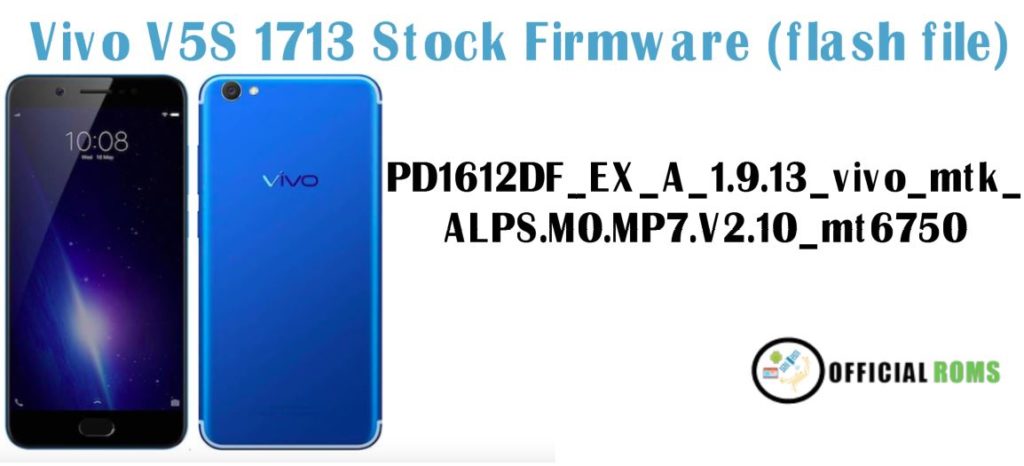
Download Vivo V5S 1713 Stock Firmware (flash file)
Password: officialroms
| PD1612DF_EX_A_3.9.1_vivo_mtk_ALPS-MP-N0.MP7-V1.24_mt6750 |
| PD1612DF_EX_A_3.14.2 |
| PD1612DF_EX_A_1.9.13_vivo_mtk_ALPS.M0.MP7.V2.10_mt6750 |
| SP Flash Tool |
| MTK Driver |
How to Flash Vivo V5s:
- Install MTK Driver.
- Download and extract SP Flash Tool package.
- Double click on Flash_tool.exe; this will launch the tool on your PC; on right side, look for Scatter Loading icon.
- Now assign the firmware in “Android_scatter.txt”.
- Click Download to begin flashing.
- Switch off your mobile and connect it to PC by pressing either Volume down or Volume up key
- this should lead to successful flashing!
- Vivo V5s Hang On Logo Done || Using Sptool Without Full Flash
- Vivo v5s 1713 Frp Unlock Nougat 7.0 (Google Account Remove) without box
- Vivo Adb Format Tool Unlock Pattern Unlock Frp Tool Free Download
- New Update Vivo USB Driver for All Devices Full Guide
- Diablo 2 CD Key Free List 2024 Key Generator
Readme Once:
[*] Make a Backup: Before flashing the stock firmware on your Vivo V5S device, be sure to take a backup of everything as all personal data will be erased after flashing it.
[*] The firmware provided on this page has been officially released by the company and can help you recover your device if you ever experience bootloop, software error, update error, hanging or dead issues.