If you’re an Android technician, developer, or enthusiast working with Samsung, LG, or MTK/SPD-powered devices, then the MFA Tool BETA 0.1.0 Free Download is your new best friend. Developed by Bashir Tech Channel, this multifunctional tool offers a powerful suite of features—ranging from FRP bypass, WhatsApp unlocking, VoLTE configuration, and system localization to deep customization of Android 6 to Android 14 devices.
The best part? It’s completely free and made especially for Arabic-speaking users—though it works just as well globally with translation tools.
Let’s explore why the MFA Tool is becoming the go-to utility for Android specialists.
Table of Contents
What is MFA Tool BETA 0.1.0?
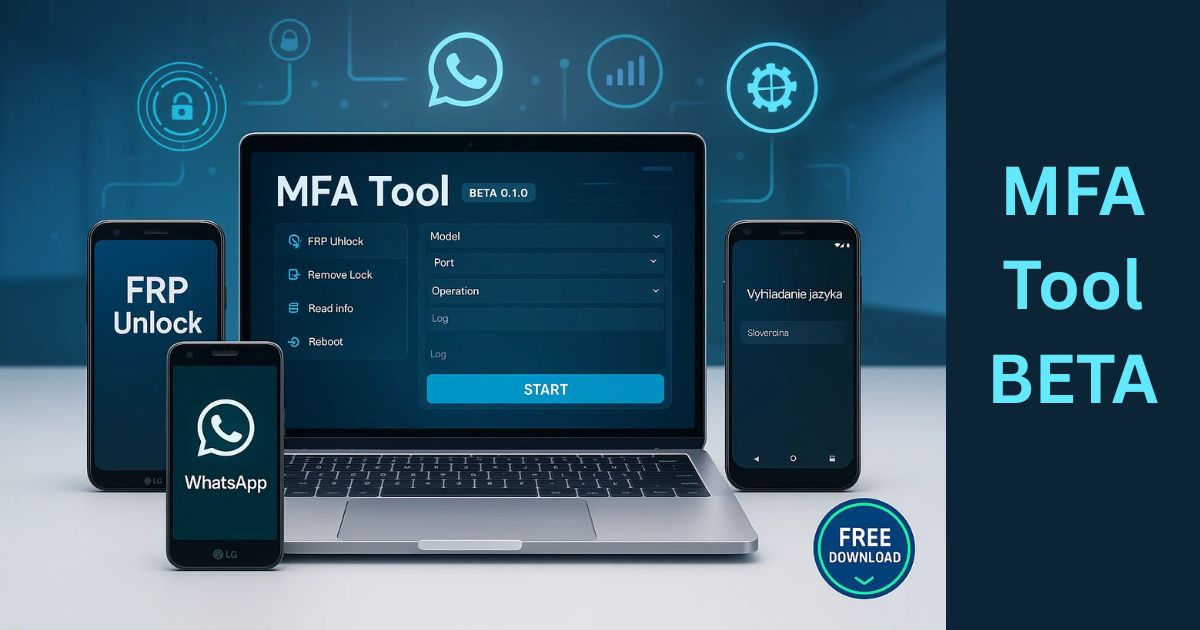
MFA Tool BETA 0.1.0 is a PC-based software designed to give users deep access to Android device settings. It simplifies tasks like:
- Changing system languages
- Bypassing Google FRP lock
- Unlocking WhatsApp
- Modifying VoLTE/network settings
- Managing installed applications
- Localizing devices with branding/credits
Whether you’re troubleshooting or customizing, MFA Tool offers one-click solutions for common and advanced Android operations.
Why MFA Tool BETA 0.1.0 is Free
This tool is released as a gift from Bashir Tech Channel to the Android tech community. The idea is to empower technicians, especially in the Arabic world, with a robust solution that saves time and enhances productivity without the hefty license fees.
What’s New in MFA Tool BETA 0.1.0?
The latest version of the tool brings powerful new enhancements:
- Official WhatsApp Unlock: Fix verification issues
- VoLTE Activation: Support for Samsung, MTK, SPD
- Full Localization: Supports Android 6–14
- CSC Changer: Adjust country-specific features
- Device Reboot Suite: Soft reset, recovery, fastboot
Key Features of MFA Tool BETA
Let’s dive deeper into its capabilities:
1. Full Localization Support
MFA Tool allows seamless localization of Android systems:
- Supports Samsung and other brands running Android 6 to 14
- Tools included: Language Enabler, MoreLocale 2
- Keyboard language adjustments (new + legacy)
- Pre-built presets for LG L713, L413, L212
- Add personal branding or company credits
2. Samsung CSC Modification
Samsung users can:
- Change CSC (Country Specific Code)
- Enable or disable SIM conversion messages
- Unlock advanced network features based on region
3. WhatsApp Unlock & Management
Ideal for technicians facing issues with WhatsApp:
- Bypass WhatsApp’s official verification screen
- View WhatsApp network settings
- Enable or disable VoIP features
- Manage permissions and active sessions
4. Network & Accessibility Tools
Improve or troubleshoot device connectivity:
- Show data and LTE signal indicators
- Modify access points and network parameters
- Enable IMS settings for VoLTE
- Wi-Fi and LTE debugging
- Force LTE and open VoLTE configurations
5. Android, Samsung, and LG Tab Tools
Each brand has its own customization options:
- Samsung Tab: FRP bypass, Knox check, debug mode, service menu
- LG Tab: Debugging tools, FRP removal, network config
- Android Tab: LTE force, debug enable, overlays control
6. App Management
A complete toolkit for managing applications:
- List and search installed apps
- Force stop, clear cache, or uninstall APKs
- Backup or reinstall applications
- Check app usage statistics
7. Extra Functions
Additional tools enhance workflow:
- Reboot options: normal, recovery, download, fastboot
- Google account removal (FRP)
- Localization via screen tools
- VoLTE tab with diagnostic and enabling functions
Download MFA Tool BETA
Here’s a safe and simple way to download the latest version of the tool:
| Tool Name | Download Link |
|---|---|
| MFA Tool BETA 0.1.0 | Click Here to Download |
| Telegram Channel for Support | Join Now |
How to Download and Use MFA Tool BETA 0.1.0
✅ Step 1: Download the Setup File
Download the .zip file from above provided file:
✅ Step 2: Extract the File
- Use WinRAR or 7-Zip
- Extract contents to your Desktop or preferred location
✅ Step 3: Install the Software
- Run MFA Tool Setup.exe as Administrator
- Follow on-screen installation prompts
✅ Step 4: Launch the Tool
- Find the shortcut on Desktop
- Right-click → Run as Administrator
✅ Step 5: Login
- The login window may auto-fill credentials
- Just click “Login” to begin using the software
Is MFA Tool Safe to Use?
While the tool is publicly available and widely used, it’s essential to:
- Only download from trusted sources like our website and telegram channel.
- Avoid using cracked or modified versions
- Use it for ethical and legal phone servicing only
FAQs – MFA Tool BETA
Q1. Is MFA Tool completely free to use?
Yes, it’s released as a free tool by Bashir Tech Channel.
Q2. Can I use MFA Tool on Android 14?
Yes, it supports Android 6 to 14.
Q3. Is it only for Arabic users?
While it’s designed for Arabic users, it can be used globally with translation tools.
Q4. Does it support FRP removal?
Yes, for Samsung, LG, and other Android devices.
Q5. What should I do if the tool interface is in Arabic?
Use tools like Google Translate (Live), OCR, or language overlay software.
Conclusion: Why You Should Download MFA Tool BETA
MFA Tool BETA brings a powerful combination of customization, unlocking, and localization features for Android phones—for free. Whether you’re fixing devices, personalizing them for clients, or managing apps and networks, this tool is a major time-saver.
With support for major brands like Samsung, LG, MTK, and SPD, plus detailed tabs for WhatsApp, VoLTE, and app management, the MFA Tool is a must-have utility for Android technicians in 2025 and beyond.
⚠️ Disclaimer
This article is for informational purposes only. Always ensure that your usage of MFA Tool complies with local laws and that you have permission before modifying or unlocking any device.