T Tool Pro is a highly trusted software among smartphone technicians and advanced Android users. Its latest version, v5.0.16, brings exciting improvements and broader compatibility, making it even more powerful for flashing, unlocking, repairing, and managing various smartphone chipsets. Let’s dive into the latest T Tool Pro version and how to download it safely.
Table of Contents
What Is T Tool Pro?
T Tool Pro is a professional software utility developed for servicing Android devices. It is widely used in mobile repair shops and by advanced users to perform:
- Flashing stock firmware
- Factory reset and FRP removal
- Unlock bootloaders
- IMEI repair (for legal purposes)
- Read/write partitions
- Backup & restore device data
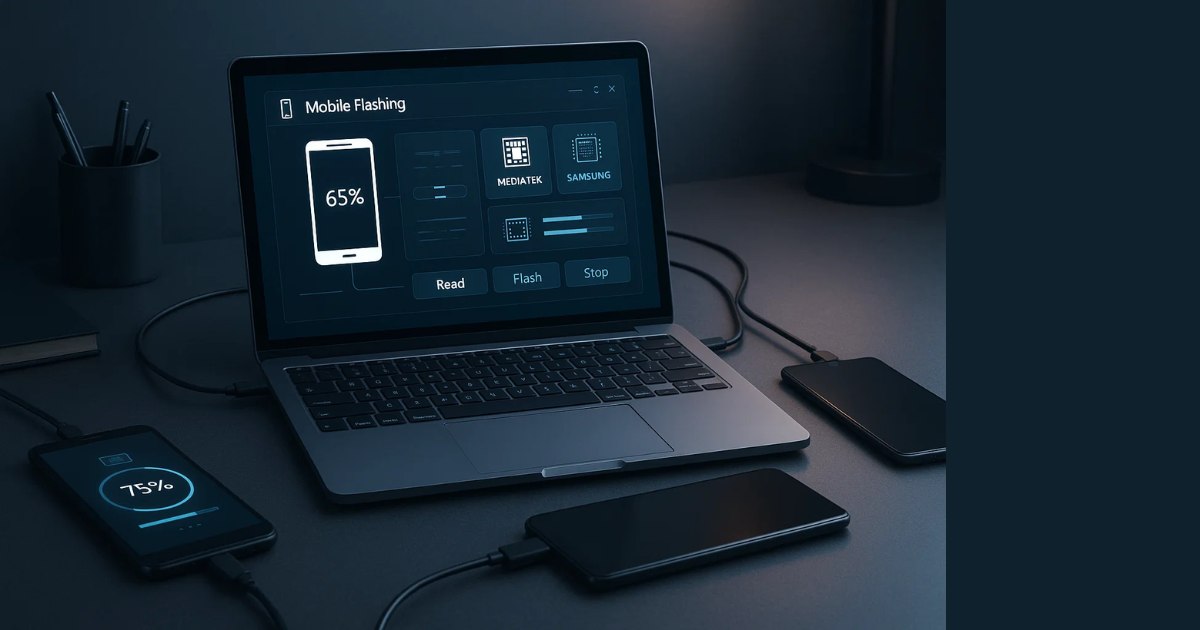
The tool is compatible with MediaTek (MTK), Unisoc (Spreadtrum), Qualcomm, and Samsung devices.
What’s New in T Tool Pro v5.0.16?
Version 5.0.16 is a major update that adds support for the latest chipsets and Android versions. Here are the key highlights:
✅ 1. Unisoc Tiger T760 and T820 Supported
- Full read/write and flashing capabilities added for newer Unisoc chipsets used in entry-level Android phones.
✅ 2. MTK Enhancements
- Support for MT6877, MT6893, MT6886, and more.
- A/B boot slot switching feature now added.
- Enhanced read/write of RPMB and preloader partitions.
✅ 3. Oppo / Realme / OnePlus (Android 15 Support)
- FRP reset, factory reset, and bootloader unlock features updated to support Android 15 on MediaTek-powered models.
✅ 4. Samsung Device Additions
- Broader support added for Galaxy A series, S series, Tab series, and Foldables (Z Flip/Z Fold).
- Supported BIT versions listed in the tool.
✅ 5. Bug Fixes and UI Improvements
- Optimized speed and performance.
- Fixed firmware writing errors on some devices.
Supported Brands and Devices
T Tool Pro supports a wide range of Android brands and models, including:
- Samsung: A03, A12, A14, A32, A52, M12, Tab A7, Tab S6, Z Fold3, etc.
- Xiaomi / Redmi / Poco
- Realme / Oppo / OnePlus
- Vivo / iQOO
- Tecno / Infinix
- Itel / Lava / Micromax
- Motorola (MTK and Unisoc models)
How to Download T Tool Pro
Here’s a safe and simple way to download the latest version of the tool:
You will find the .exe file or compressed .zip version. Always verify the MD5 hash if available to ensure file integrity.
System Requirements
To run T Tool Pro, ensure your system meets the following:
- OS: Windows 7 / 8 / 10 / 11 (32-bit or 64-bit)
- Processor: Intel Core i3 or better
- RAM: Minimum 4GB
- Storage: At least 200MB free
- USB Drivers: Ensure proper drivers for MTK, Qualcomm, Unisoc, and Samsung are installed
- Internet: Required for login and updates
How to Install and Use T Tool Pro
- Download the tool from the official site.
- Extract the ZIP file using WinRAR or 7-Zip.
- Run as Administrator the TToolPro.exe file.
- Login using your credentials (requires a license).
- Connect your device via USB (enable USB debugging if required).
- Select your task – flashing, unlocking, FRP, etc.
- Follow on-screen instructions carefully.
Licensing and Activation
T Tool Pro is not a free tool. You need to purchase a license or activation code through official resellers or distributors. Avoid cracked versions – they can contain malware and are illegal.
Tips for Better Usage
- Always back up your data before flashing or resetting.
- Battery should be charged at least 50%.
- Double-check your selected partition or operation to avoid soft-bricking.
- If the tool fails to detect the device, reinstall USB drivers or try a different USB cable/port.
Final Words
The T Tool Pro update is a powerful toolkit for Android servicing, offering advanced features like support for the latest chipsets, FRP bypass, firmware flashing, and partition-level access. It’s a valuable tool for technicians and power users alike.
Download it only from official sources, ensure you have a valid license, and always operate within legal and ethical boundaries. With proper use, T Tool Pro can make Android repairs faster, safer, and more effective than ever.
Disclaimer
T Tool Pro is a legitimate utility designed for authorized servicing and repair of smartphones. Misuse for illegal activities like bypassing paid protections, IMEI tampering, or stolen device unlocking is strictly prohibited and may be punishable by law.
- Always ensure the device is yours or authorized by the owner.
- Perform factory resets and FRP unlocks only on your own device or with customer consent.
- Use licensed software – pirated or cracked versions violate software policies and laws.