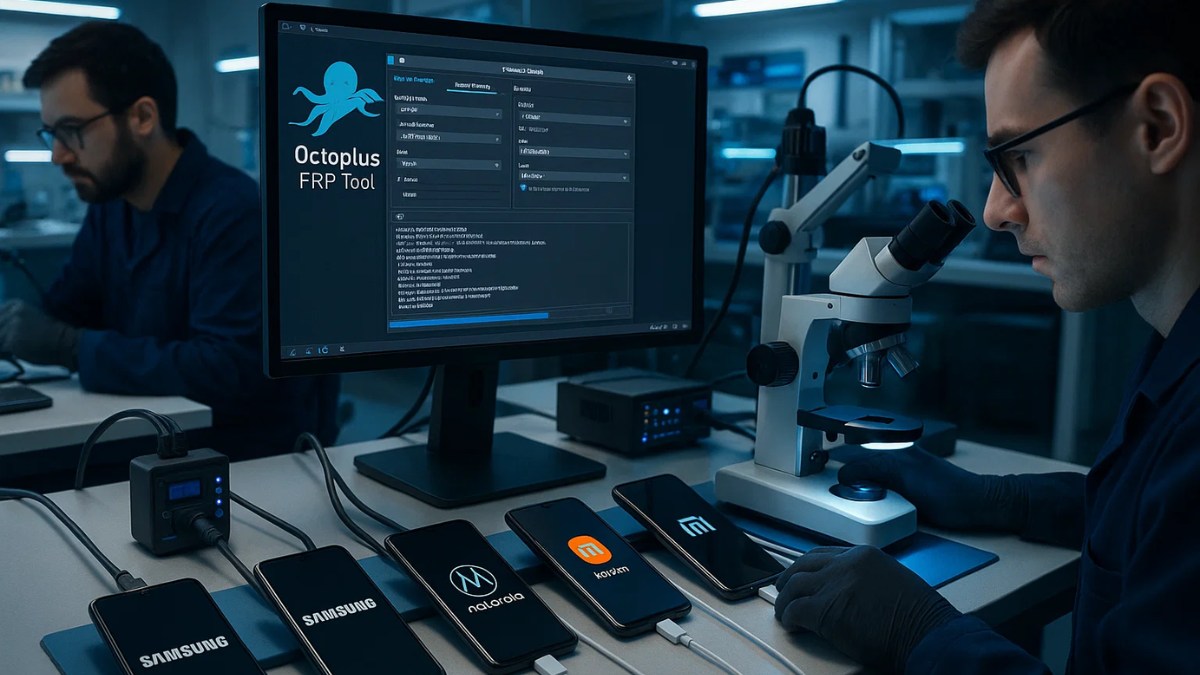
The long-awaited Octoplus FRP Tool v2.8.0 is here, packed with powerful upgrades to make smartphone servicing faster, broader in scope, and more user-friendly. Whether you deal with Unisoc, Qualcomm, or MediaTek devices, this update offers critical tools like firmware flashing, FRP reset, and factory reset options for a wide range of smartphones and tablets.
In this guide, we’ll cover everything that’s new in v2.8.0, how it benefits mobile technicians, and what devices are now supported.
Table of Contents
What’s New in Octoplus FRP Tool v2.8.0
Here’s a quick rundown of the most important features in the latest update:
1. Firmware Flashing for Unisoc Devices Using .pac Files
Octoplus now supports writing firmware to Unisoc-powered devices using .pac files, making it easier to restore or update such devices.
✅ Tip: Just select the correct CPU type before flashing.
2. Unified FRP Reset Method for Tiger T606 and T616
Instead of juggling multiple methods, a new unified solution for Unisoc Tiger T606 and T616 chipsets is now available. This simplifies workflows and reduces the risk of errors during servicing.
3. FRP & Factory Reset – Newly Supported Devices
✅ Motorola (FRP + Factory Reset + Firmware Write)
- Moto E14 (XT2421-13)
- Moto G04 / G04s (XT2421-2 / XT2421-8)
- Moto G14 (XT2341-3)
✅ Xiaomi
- Redmi A3x – FRP Reset + Factory Reset
✅ Infinix (FRP Reset)
- GT10 Pro (X6739)
- Note 12 Pro (X676)
- Note 30 NFC (X6833)
- XPad 11.0 (X1101B)
- Zero 40 4G (X6860)
- Zero Flip (X6962)
✅ Tecno
- MegaPad 10 (T1001)
- Spark 20 Pro Plus (KJ7s)
✅ Other Brands
- Condor GT60 Pro (SP-660)
- Haier P20
- Haitech HIP-T66
- KAT SM1
- myPhone Hammer Blade Va 5G
- Q.touch Q624
- TCL Tab 10L Wi-Fi (8491XN)
- Ulefone Armor 23 Ultra
- Vivo Y17s (V2310)
- Wiko T50 (W-P861)
4. Samsung Qualcomm EDL Mode – FRP Reset Support
Octoplus FRP Tool v2.8.0 adds EDL mode support for Samsung devices running on Qualcomm CPUs, including:
- Galaxy A05s (SM-A057G/M)
- Galaxy A23 5G (SM-A236M/U)
- Galaxy A9 Pro (SM-G887N)
- Note 20 / Note 20 Ultra 5G (SM-N981/986)
- Galaxy S20 FE / FE 5G (SM-G780G / SM-G781)
- Galaxy S22 5G (SM-S901E)
- Tab A 10.5 (SM-T597P)
- Tab S8 (SM-X706B)
- Tab S9 Plus (SM-X816B)
- Z Fold 4 (SM-F936N)
This is a major boost for technicians working on locked or bricked Samsung Qualcomm models.
5. Improved Connection Support
Connection and communication with the following devices have been enhanced for better reliability:
- Nokia G11
- Nokia G2
This ensures smoother resets and firmware operations with fewer disconnection errors.
How to Check Octoplus FRP Tool Activation Status
To verify if your tool is active and doesn’t need renewal:
- Open the Octoplus FRP Tool software.
- Connect your smartphone or tablet.
- The software will automatically notify if activation is expired or needs renewal.
Why This Update Matters
- Expanded device support means more flexibility and value.
- Simplified methods reduce technical barriers for users.
- Faster service with improved connection and unified reset procedures.
- Better support for major brands like Samsung, Motorola, and Xiaomi makes this tool even more powerful in a technician’s toolkit.
Download Octoplus FRP Tool New Update
To get started with Octoplus FRP Tool v2.8.0, make sure to download the official setup from the Octoplus Box website or your authorized reseller.
| File Name | Octoplus FRP Tool v2.8.0 |
| File Size | 270.21 MB |
| Support: | Telegram Channel |
FAQs – Octoplus FRP Tool
Q1. Is the Octoplus FRP Tool v2.8.0 update free?
Yes, if your license is active. Otherwise, renewal is needed.
Q2. Can I use .pac files to flash Unisoc devices?
Absolutely! This version officially supports firmware writing for Unisoc via .pac files.
Q3. Is Samsung FRP reset in EDL mode supported now?
Yes, Qualcomm-based Samsung devices in EDL mode now have FRP reset support.
Q4. Do I need to uninstall the previous version before updating?
No, you can install the new version over the existing one.
Q5. Where can I download the Octoplus FRP Tool?
You can download it from the official Octoplus website.
Final Words
Octoplus FRP Tool v2.8.0 is a must-have upgrade for mobile service professionals. From firmware writing on Unisoc chips to FRP reset for Qualcomm-powered Samsung phones, this release delivers all-around improvements.
Whether you handle devices from Motorola, Xiaomi, Infinix, Tecno, or Samsung, this update will boost your success rate and reduce repair time.