In today’s digital world, smartphone security is essential. However, users may find themselves locked out of their own devices due to forgotten passwords, FRP (Factory Reset Protection), or other security measures. The VG QuickUnlocker Tool is a powerful software solution designed to bypass these issues efficiently. Whether you’re a technician or an individual facing lock issues, this guide will help you understand how the VG QuickUnlocker Tool works and how to use it effectively.
Table of Contents
What is VG QuickUnlocker Tool?
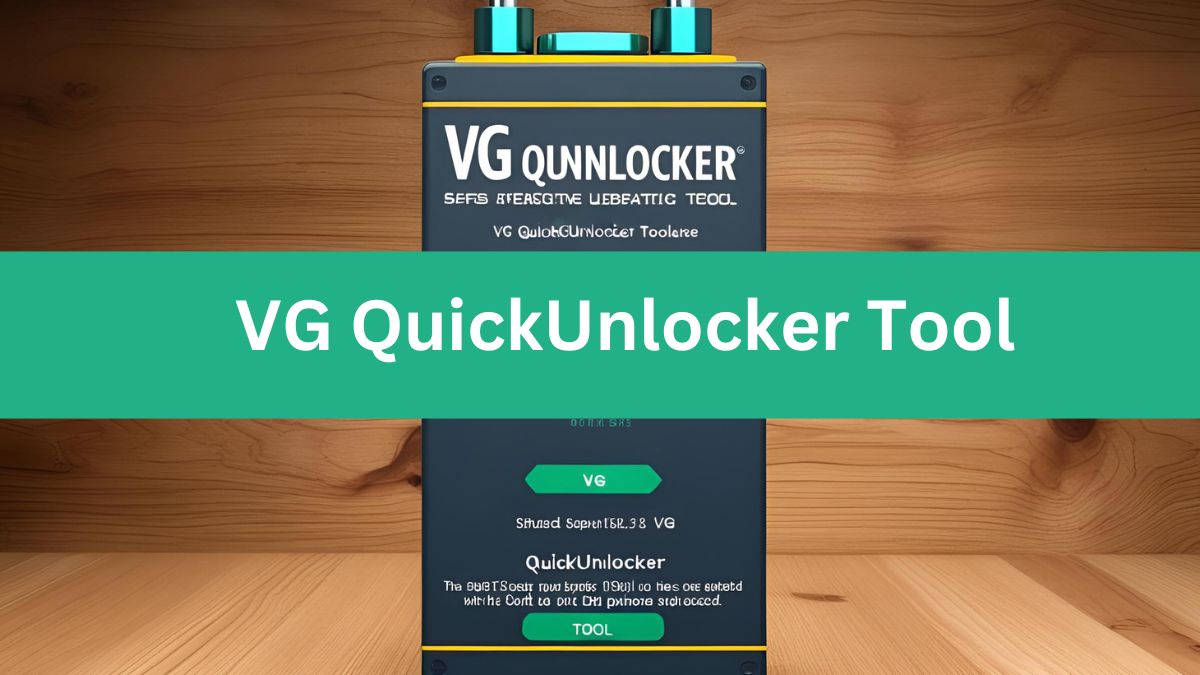
VG QuickUnlocker Tool is an advanced software designed to unlock and repair Android devices. It is particularly useful for removing FRP locks, screen locks, pattern locks, PIN locks, and bootloader locks on a variety of smartphones, including those with MediaTek (MTK) and Qualcomm chipsets. The tool is widely used by mobile repair technicians and users who need to regain access to their locked devices.
Key Features of VG QuickUnlocker Tool
1. FRP Bypass
Factory Reset Protection (FRP) is a security feature introduced by Google to protect Android devices from unauthorized access after a reset. VG QuickUnlocker can bypass FRP on brands like Samsung, Xiaomi, Vivo, Oppo, and more.
2. Screen Lock Removal
If you’ve forgotten your password, PIN, or pattern, VG QuickUnlocker allows you to remove the lock without losing your data (in some cases).
3. Mi Account Removal
For Xiaomi users locked out due to a forgotten Mi Account password, this tool helps in bypassing the account verification.
4. Bootloader Unlock
VG QuickUnlocker can unlock the bootloader of various devices, enabling users to install custom ROMs or root their smartphones.
5. ADB & Fastboot Operations
The tool provides options to execute ADB (Android Debug Bridge) and Fastboot commands for troubleshooting and device management.
6. Samsung Special Functions
Samsung users can benefit from additional features such as opening the browser, enabling the Galaxy Store, and flashing stock firmware.
7. MTK & Qualcomm Chipset Support
VG QuickUnlocker supports multiple Android brands running on MediaTek and Qualcomm processors, making it a versatile tool for different smartphone models.
Supported Devices
VG QuickUnlocker is compatible with a wide range of Android brands, including:
- Samsung
- Xiaomi (Redmi, Poco, Mi)
- Vivo
- Oppo
- Huawei
- Realme
- Motorola
- OnePlus
How to Use VG QuickUnlocker Tool?
- Download and install VG QuickUnlocker on your Windows PC.
- Connect your locked Android device to the computer using a USB cable.
- Select the appropriate unlocking method (FRP Bypass, Pattern Unlock, etc.).
- Follow on-screen instructions and wait for the process to complete.
- Restart your device and set it up as a new phone.
VG QuickUnlocker Tool V1.0 2025: Latest Update Download
| Info | Details |
|---|---|
| Tool Name | VG QuickUnlocker Tool |
| Tool Version | V1.0 – 2025 |
| Release date | 19 March, 2025 |
| Supported | Windows |
| File Size | 75 Mb |
Read also: MRT Latest Setup 2025 Best Alternatives for Mobile Repair Tools
Download and Installation
VG QuickUnlocker can be downloaded from trusted sources. Before installation, make sure to disable Windows Defender or antivirus software, as unlocking tools are often flagged as false positives.
Is VG QuickUnlocker Safe to Use?
VG QuickUnlocker is safe when used responsibly. However, unlocking a device without proper authorization may void warranties or violate terms of service. Use it only for legal and ethical purposes.
Read also: Best Flash Tool by Boss V1.2 (BFT Tool) 2025
FAQ About VG QuickUnlocker Tool
1. Is VG QuickUnlocker Tool free to use?
VG QuickUnlocker offers both free and paid versions. The free version includes basic unlocking features, while the premium version provides advanced options for technicians.
2. Can VG QuickUnlocker remove iCloud locks?
No, VG QuickUnlocker is designed for Android devices only. It cannot remove iCloud locks from Apple devices.
3. Will using VG QuickUnlocker void my warranty?
Yes, unlocking or modifying your phone’s software can void the manufacturer’s warranty. Use it at your own discretion.
4. Does VG QuickUnlocker support all Android brands?
It supports major brands like Samsung, Xiaomi, Vivo, Oppo, Huawei, Realme, and Motorola, but compatibility may vary based on model and security updates.
5. Do I need a Windows PC to use VG QuickUnlocker?
Yes, VG QuickUnlocker is a Windows-based tool and requires a PC to operate.
6. Is there any risk of data loss when using this tool?
Some unlocking methods may erase your data, so it is advisable to back up your important files before proceeding.
7. Where can I download VG QuickUnlocker safely?
Only download VG QuickUnlocker from official or trusted sources to avoid malware or fake software.
Read also: Gen Pro Tool Preloader Exploit 2025 – Ultimate Guide to Unlocking & Flashing
Conclusion
VG QuickUnlocker Tool is an essential software for Android users and technicians looking for a reliable way to bypass FRP, remove screen locks, and unlock bootloaders. With support for a wide range of devices and chipsets, this tool simplifies the process of regaining access to locked Android smartphones.
By following this guide, you can confidently use VG QuickUnlocker Tool to solve common lock-related issues and restore access to your device quickly and efficiently.