Nokia Pattern unlock
Users may encrypt their Nokia phones using a pattern rather than a conventional password or PIN thanks to a function called Nokia pattern unlock. The user must access the settings menu of the phone, choose “Security,” and then choose “Screen lock” to configure a pattern unlock. The user may then choose “Pattern” as their desired lock type before connecting at least four dots on the screen in a certain sequence to form a pattern. The user must input the pattern each time they wish to unlock their phone after it has been configured.
The device will prompt the user for the credentials associated with the Google account that was previously synced to the device if the user repeatedly tries to input the forgotten pattern. The user must reset the device and all data will be lost if they can’t recall their Google account login information.
-
Frp unlock Trick
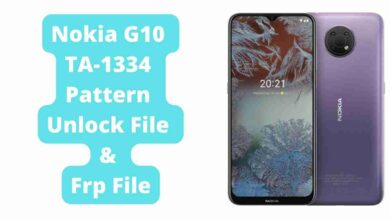
Nokia G10 TA-1334 Pattern Unlock File & Frp File 2024
Nokia G10 TA-1334 Pattern Unlock File and FRP File: You can unlock your Nokia G10 with a simple pattern, PIN,…
-
Nokia frp Unlock

Nokia 3.1 Plus TA-1118 Pattern Unlock Frp Remove Without Box
Nokia 3.1 Plus TA-1118 Pattern Unlock Frp Remove Without Box or Google Account Verification with Miracle Toolbox. If your Nokia…
-
Frp unlock Trick
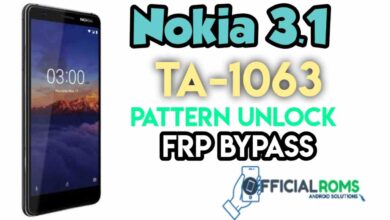
Nokia 3.1 TA-1063 Pattern Unlock Frp Remove Without Any Box
How To Unlock Nokia 3.1 Pattern Without Dongle or Google Account Verification with One Click This Post If your Android…
-
Frp unlock Trick

Nokia 5.1 Plus Pattern Unlock Frp Bypass TA-1102, TA-1105
Take Control of Nokia 5.1 Plus TA-1102 Or TA-1105 FRP or Google Account Verification with Miracle Toolbox. If your Nokia…
-
Frp unlock Trick
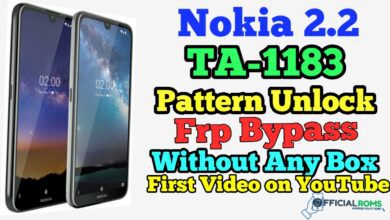
Nokia 2.2 TA-1183 Pattern Unlock frp Remove Without Any Box
Nokia 2.2 TA-1183 Factory Reset File with Miracle Tool Box If your Nokia 2.2 TA-1183 Android smartphone is stuck in…