Roblox Coding Simulator Codes (July 2025): Roblox’s Coding Simulator has gained immense popularity among players who love both gaming and the world of programming. In this exciting simulator game, players write virtual code, upgrade their setups, and unlock new areas to become coding tycoons. To speed up your progress, using promo codes is a smart strategy. These codes help players earn free cash, diamonds, and special rewards that make advancing in the game easier.
In this article, we’ll explore everything you need to know about Roblox Coding Simulator codes, including active codes, how to redeem them, and tips for staying updated with the latest ones.
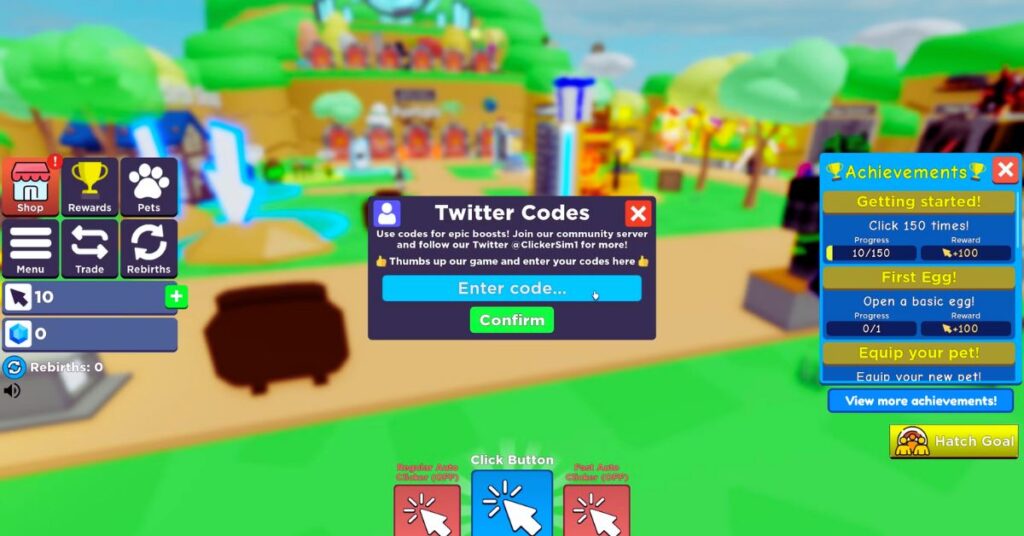
Table of Contents
What Are Roblox Coding Simulator Codes?
Roblox Coding Simulator codes are special combinations provided by the game developers that players can redeem for free in-game rewards. These rewards typically include:
- Cash: Used to upgrade computers, desks, and other coding equipment.
- Diamonds: A premium currency that unlocks special items.
- NFTs (in-game items): Exclusive collectibles that enhance gameplay.
- Multipliers: Temporary boosts that increase cash and diamond earnings.
Developers release these codes to celebrate milestones like achieving a certain number of likes, group members, or updates.
Active Roblox Coding Simulator Codes (July 2025)
Here are the active Roblox Coding Simulator codes as of July 2, 2025:
| Promo Code | Reward |
|---|---|
| 100KGROUPMEMBERS | 5,000 Diamonds |
| 10KLIKES | Lizard NFT |
| 10KGROUPMEMBERS | 5,000 Diamonds |
| FREEDIAMONDS | 5,000 Diamonds |
| FREECASH | 5,000 Cash, 1x Luck Multiplier, 1x Diamond Multiplier |
| ilovecodingsimulator | Free NFT |
Note: Make sure to enter the codes exactly as shown, including capitalization, to ensure they work properly.
How to Redeem Codes in Roblox Coding Simulator
Redeeming codes in Roblox Coding Simulator is simple and only takes a few steps:
- Launch the game on Roblox.
- Look for the blue checkmark button on the side of the screen.
- Click on the button to open the codes window.
- Enter your code in the field labeled “Enter Code.”
- Press Submit, and if the code is valid, your reward will be credited instantly.
Where to Find New Codes
The developers of Roblox Coding Simulator frequently release new codes. Staying updated can help you claim fresh rewards before they expire. Here are some reliable sources for finding the latest codes:
- Official Social Media Channels
Follow the game’s official Twitter or Discord server, where developers often share new codes during special events or game updates. - Roblox Group
Joining the official Roblox group of the game is a great way to receive notifications when new codes are available. - Gaming Websites and Communities
Many Roblox gaming communities and websites maintain regularly updated lists of codes. Bookmarking trusted sources can save you time.
Tips for Using Roblox Coding Simulator Codes
- Redeem Codes Quickly: Some codes have an expiration date, so use them as soon as possible.
- Check for New Codes Frequently: Codes are often released during special milestones, updates, or holidays.
- Double-Check Your Input: Codes are case-sensitive, so enter them exactly as they appear to avoid errors.
Final Words
Roblox Coding Simulator offers an engaging experience for players who love building virtual empires through coding. By redeeming active codes, players can gain an edge and progress faster without spending Robux. Make sure to bookmark this guide and check back regularly for the latest codes and updates.