Factory Reset Protection (FRP) is a built-in Android security measure developed by Google to ensure that only the rightful owner can access a device after it’s been reset. This feature is designed to protect users’ personal data from theft or misuse. However, in certain situations—like when users forget their credentials or technicians need to unlock phones for legitimate repairs—FRP can become an obstacle. In such cases, a dependable utility like Phone FRP Tool proves to be extremely useful.
In this article, we’ll explore the Phone FRP Tool Free Download (2025) version — what it does, how to use it safely, and why it has become a go-to option for technicians and everyday users alike.
Table of Contents
What is FRP (Factory Reset Protection)?
FRP is a built-in Android feature that activates when you add a Google account to your phone and then reset it via recovery. After the reset, the phone asks for the same Google account credentials. Without this, you cannot proceed to use the device.
This system helps deter phone theft and unauthorized access. However, if you forget your Google credentials or purchase a second-hand phone with FRP enabled, accessing the phone becomes difficult.
What is the Phone FRP Tool?
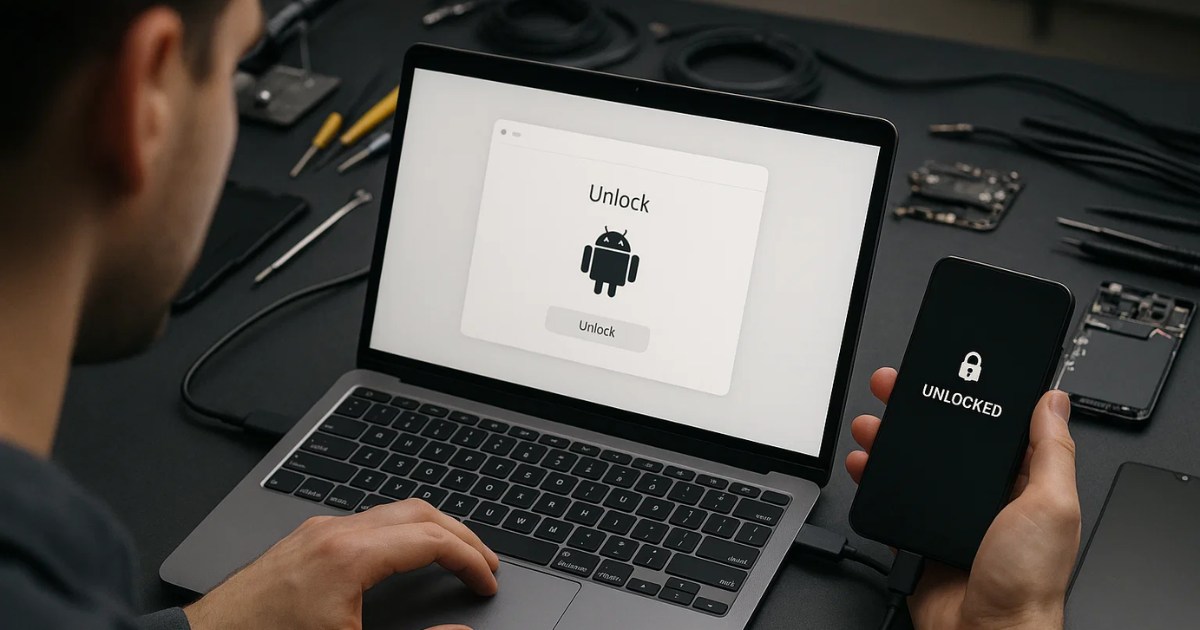
The Phone FRP Tool is a lightweight Windows-based utility designed to help bypass FRP locks on Android phones using the MTP (Media Transfer Protocol) mode. It supports a wide range of Android brands and allows you to bypass the Google verification screen without requiring complex flashing tools or bootloader unlocking.
This tool is especially popular in 2025 due to its user-friendly design, fast performance, and compatibility with the latest Android versions.
Key Features of the Phone FRP Tool (2025)
1. MTP Mode Support
- Works directly when the device is connected in MTP mode.
- No need for ADB drivers or flashing boxes.
- Fast and minimal interaction needed.
2. FRP Bypass Without Data Loss
- Bypasses Google account verification without needing to wipe the device again.
- Preserves existing apps and data on supported models.
3. Open YouTube or Settings
- Sends a command to open browser/YouTube, allowing access to exploit-based FRP bypass methods.
- Works on Samsung, Vivo, Oppo, and other Android devices.
4. One-Click ADB Enable
- Triggers hidden settings or developer options (if allowed) to enable ADB.
- Once ADB is active, you can fully control the device from your PC.
5. Reboot to Multiple Modes
- Offers reboot options for Download Mode, Recovery, Fastboot, and EDL without using hardware keys.
- Perfect for phones with damaged volume buttons.
6. Device Information
- Shows key details like device model, Android version, security patch, and serial number.
- Helps identify compatibility and risks before proceeding.
How to Use the Phone FRP Tool Safely
⚠️ Important Note: Only use this tool on devices you legally own or have permission to repair. Misusing FRP bypass tools on stolen or unauthorized phones may be illegal in your country.
Here’s how to use it:
Step 1: Download the Tool
Visit a trusted source like Officialroms to get the latest version.
Step 2: Connect Your Phone
- Power on the device and connect it to your PC using a USB cable.
- Ensure it’s in MTP (File Transfer) mode.
Step 3: Run the Tool
- Open the
.exefile. No installation is needed. - Click “Scan” to detect your connected phone.
Step 4: Choose Your Action
- If your device is supported, you can choose “Open YouTube” or “Bypass FRP.”
- For advanced users, the “Enable ADB” or “Reset FRP” options may be useful.
Step 5: Complete the Bypass
- Follow on-screen instructions.
- Once done, reboot the phone and set it up with a new Google account.
Which Phones Are Supported?
Here’s a list of commonly supported brands and models (based on user feedback):
| Brand | Supported Series | Notes |
|---|---|---|
| Samsung | A-series, M-series, J-series | Best support via MTP |
| Xiaomi | Redmi Note series | Some models need test point |
| Vivo | Y-series | Good success rate via YouTube |
| Oppo | A-series | Mixed success, patch-dependent |
| Realme | Narzo, C-series | Works via browser method |
| Infinix | Hot, Smart | ADB Enable sometimes required |
| Tecno | Camon, Spark | Browser injection works well |
Benefits of Using This Tool
- ✅ No complex setup like flashing or TWRP required.
- ✅ Beginner-friendly interface — just plug and play.
- ✅ Saves time for mobile repair shops.
- ✅ Free to download — no subscription or credit needed.
- ✅ Portable — run from a flash drive on any Windows PC.
Limitations & Warnings
- ❌ Does not unlock carrier-locked phones.
- ❌ May not work on devices with the latest security patches.
- ❌ Some features require user interaction (like tapping “View” or “Settings”).
- ❌ Antivirus software might flag the tool as unsafe due to its nature — use at your own discretion and always scan before use.
Is It Safe to Use?
The Phone FRP Tool itself does not contain malware if downloaded from trusted sources. However, since it interacts with system-level permissions, your antivirus may show a warning. This is normal for any tool that can bypass security features.
Recommendation: Always scan the downloaded tool using Windows Defender or other reliable antivirus software.
FAQs About Phone FRP Tool
Q1. Can I use this tool on Android 13 and above?
It depends on the brand and patch level. Some newer models have stronger FRP locks. You may still try browser or ADB methods.
Q2. Is this tool legal to use?
Yes, if used on devices you own or have permission to repair. Avoid using it on someone else’s locked phone without consent.
Q3. Do I need to root my phone?
No. This tool works without rooting or unlocking the bootloader.
Q4. What if the tool doesn’t detect my device?
Try changing the USB cable or port, or install the latest USB drivers for your phone brand.
Conclusion
The Phone FRP Tool Free Download (2025) offers a simple, fast, and reliable method to bypass FRP locks on Android devices. Whether you’re a technician or a user locked out of your own device, this tool can be a lifesaver.
Always ensure ethical use and keep the tool updated. For the safest experience, download from trusted sources and scan files before launching.
Disclaimer
This article is for educational and informational purposes only. We do not support or encourage the misuse of FRP bypass tools for illegal or unauthorized access. Always use such tools ethically and legally.
Read Also: Tecno Flash Tool All Latest Version Free Download