The MTK Bootloader Analyzer 2025 is a powerful tool designed to analyze and interact with bootloader states on MediaTek (MTK) powered devices. With the rapid evolution of mobile device firmware and security, this updated version delivers enhanced compatibility, deep-level analysis, and expanded functionality for both beginners and advanced users involved in Android firmware development, repair, and customization.
Table of Contents
What is MTK Bootloader Analyzer 2025?
The MTK Bootloader Analyzer 2025 is a software utility that allows users to:
- Identify the bootloader status (locked/unlocked).
- Parse and extract bootloader metadata.
- Detect secure boot and preloader versions.
- Analyze memory mapping for bootloader interaction.
- Support flashing and unlocking operations in a secure test environment.
It is widely used by mobile repair technicians, developers, and modders working with MediaTek-based smartphones and tablets.
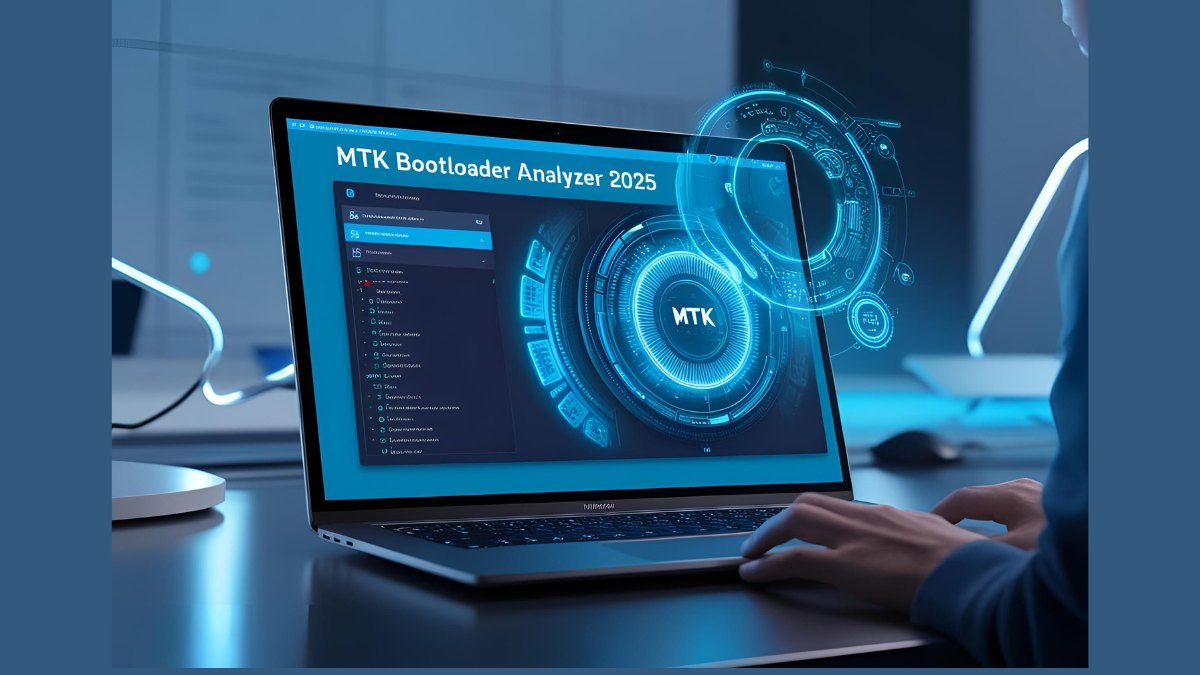
Key Features: MTK Bootloader Analyzer 2025
✅ Bootloader Status Detection
Automatically detects whether the bootloader is locked or unlocked, and provides recommendations for unlocking.
✅ Preloader & Secure Boot Analysis
Analyzes the preloader binary and checks for secure boot implementations to guide in secure firmware flashing.
✅ Scatter File Compatibility
Supports parsing of MTK scatter files for deeper insight into partition structures and boot processes.
✅ DA File Loader
Allows custom or stock DA (Download Agent) file integration for advanced flash operations.
✅ Memory Dump & Analysis
Advanced memory dump functionality to analyze critical boot regions and recover bricked devices.
✅ Platform Support
Supports the latest MTK chipsets including Dimensity series (e.g., 9000, 8200, etc.) and legacy Helio series (G90T, P60, etc.)
✅ Cross-Platform Interface
Available for Windows, with a command-line tool for Linux users. An Android version (with limited features) is expected later this year.
System Requirements
- OS: Windows 7/8/10/11 (64-bit), Linux (Ubuntu/Debian preferred)
- RAM: 4GB minimum (8GB recommended)
- USB Drivers: MediaTek USB VCOM Drivers
- Additional: DA files, Scatter files for specific devices
Use Cases
- Unlocking bootloader for custom ROM installations
- Repairing stuck or soft-bricked MTK phones
- Firmware downgrading/upgrading
- Forensics and mobile security analysis
- OEM/ODM pre-flashing verification
Installation Guide
- Download the software from the official site or a trusted distributor.
- Install MediaTek USB VCOM drivers.
- Launch the tool and select the target DA and scatter files.
- Connect your MTK device in preloader mode.
- Start analysis to view bootloader details or proceed with unlocking/repair.
What are some alternatives to this tool?
- SP Flash Tool
- MTK Client (CLI)
- MCT MTK Tool
- Hydra Tool (Paid)
- Maui Meta (for IMEI & NV data)
What is the difference between DA file and scatter file?
- DA File: Download Agent — handles flashing and interaction with the device’s memory.
- Scatter File: Text-based file describing memory partition layout, used for flashing tools like SP Flash Tool.
FAQ: MTK Bootloader Analyzer 2025
Is MTK Bootloader Analyzer 2025 free?
Basic version is free with limited analysis features. Pro version (licensed) includes full unlocking, flashing, and advanced analysis capabilities.
Can it brick my device?
If used improperly (e.g., flashing incorrect files), it can brick your device. Always ensure you have a full backup and understand the firmware you’re flashing.
Does it support all MediaTek phones?
It supports the vast majority of MediaTek phones, including models from Xiaomi, Realme, Infinix, Tecno, Oppo, and others. However, some newer devices with enhanced secure boot may have partial support.
Can I use this tool to unlock the bootloader without OEM permission?
No. Unlocking bootloaders of some devices may still require official OEM permission or authorization tokens. The tool only assists in analysis and compatible unlocking.
Where can I find DA and scatter files for my device?
Official forums, XDA Developers, or firmware repositories like NeedROM or FirmwareFile.com.
Conclusion
The MTK Bootloader Analyzer 2025 is a must-have toolkit for developers and technicians working with MediaTek-based Android devices. With updated support for the latest chipsets and security features, it’s a smart choice for those looking to go beyond surface-level flashing and truly understand MTK bootloader internals.
Whether you’re recovering a bricked phone, unlocking for a custom ROM, or conducting forensic analysis, this tool provides the power and flexibility to get the job done.