iBypass LPro Premium V5.0 is a powerful tool for Windows that helps you bypass iCloud activation locks on iPhones and iPads. Whether you’ve bought a second-hand device or need to assist someone with tech issues, this software is designed to make unlocking quick and easy.
Table of Contents
Why Choose iBypass LPro Premium?
iBypass LPro Premium stands out for its reliability and speed. Regular updates ensure compatibility with the latest iOS versions, making it a preferred choice for bypassing iCloud locks on Windows.
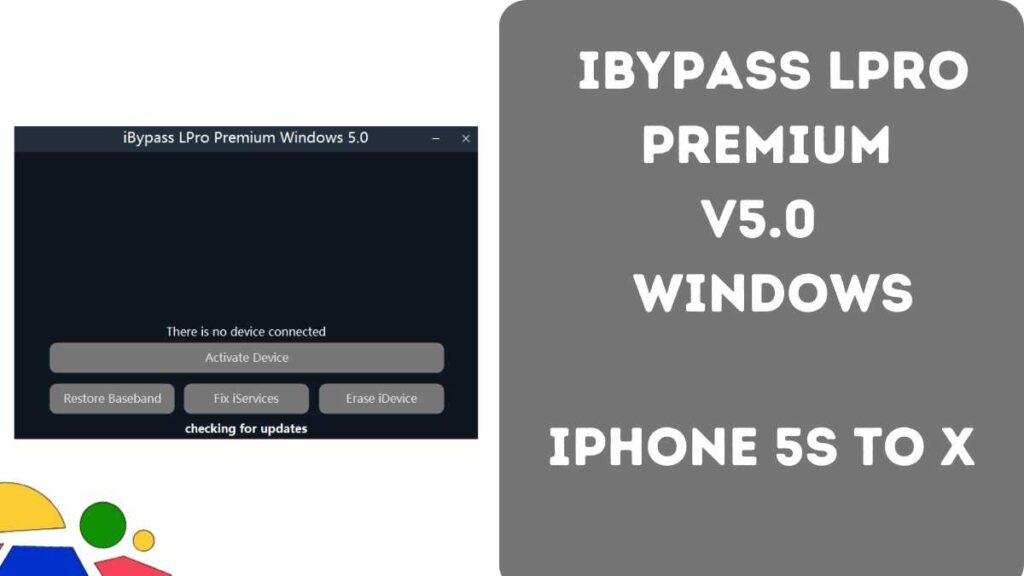
Key Features:
- Device Compatibility: Supports iPhone 5s through iPhone X and iPads from 2013 to 2018.
- iOS Support: Works with iOS versions 12.0 and later.
- Windows Compatible: Designed for both 32-bit and 64-bit Windows PCs.
- Jailbreak Functionality: Includes built-in jailbreak features.
- iCloud Integration: Fully supports iCloud features like Facetime and iMessage.
- Additional Options: Features fake resets and lock OTA.
How to Download iBypass LPro Premium
Password: officialroms
| Attribute | Details |
|---|---|
| File Name | iBypass LPro Premium.zip |
| File Size | 56MB |
| Type | .exe |
| Compatible OS | Windows (32-bit & 64-bit) |
| Password | gsmofficialteam.com |
| Download Link | Click Here |
Supported Devices
iPhone Models:
- iPhone SE
- iPhone 6S & 6S Plus
- iPhone 7 & 7 Plus
- iPhone 8 & 8 Plus
- iPhone X
iPad Models:
- iPad Air 2 4G (A1567)
- iPad Mini 4 4G (A1550)
- iPad 5 2017 4G (A1823)
- iPad 6 2018 4G (A1954)
- iPad 7 2019 4G (A2198) (A2200)
- iPad Pro 9.7 4G (A1674) (A1675)
- iPad Pro 10.5 4G (A1709) (A1852)
- iPad Pro 12.9 4G (A1652)
- iPad Pro 12.9 2nd Gen 4G (A1671) (A1821)
How to Use iBypass LPro Premium
Service Time: 24-48 Hours
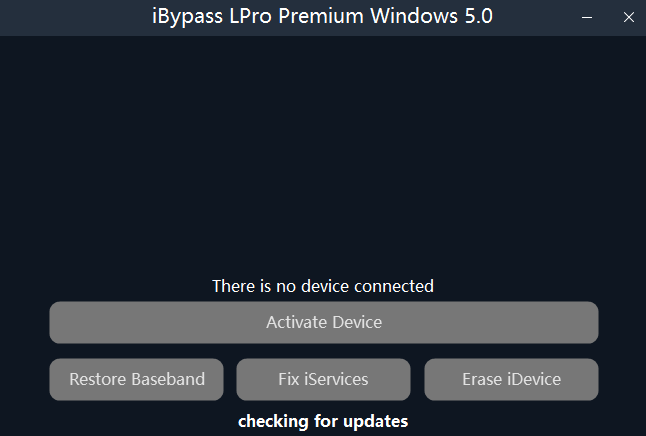
- Use iBypass LPro, checkra1n, or palera1n to jailbreak.
- Click ‘Activate Device’ until ‘Congratulations’ appears.
- Register your device’s serial number.
- Wait 24-48 hours for activation.
- Connect to Wi-Fi (for FaceTime, notifications, etc.).
- Click ‘Activate Device’ until ‘Successfully’ appears.
- You’re all set!