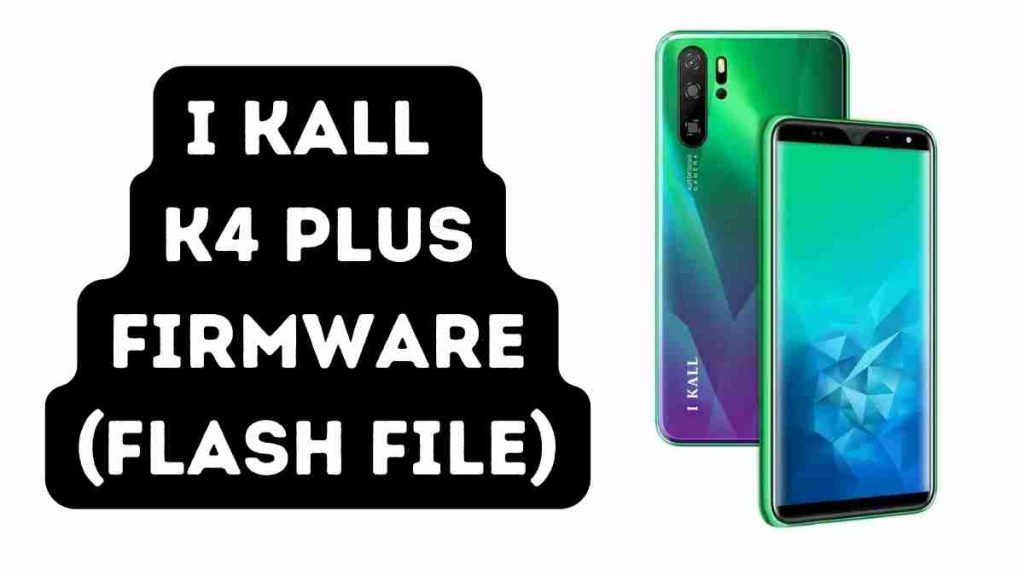
You will find the exact link to download the I KALL K4 Plus Flash File (Firmware) New Update to your computer on this page. The Flash File, Flash Tool, USB Driver, and How-to Flash Manual are all included in the stock ROM’s compressed zip bundle.
I KALL K4 Plus Firmware (Flash File) Tested 2024
Password: K2Plusofficialroms.com
| K2Plusofficialroms.com |
| SP Flash Tool Latest Version |
Problem Fixed?
- to downgrade a device
- to upgrade a device
- Remove FRP, Pin lock and Pattern
- Repair boot loops and software issues to the device
- Completely Re-Installation of Board Software
Install MTK Driver to Flash I KALL K4 Plus Flash File :
- Download and extract the SP Flash tool from the package.
- Double-click Flash tool.exe from the icon that appears.
- It will start the tool on your computer; click Scatter-Loading on the tool’s right side.
- Now, assign the firmware in the format “Android scatter.txt.”
- To begin flashing, click Download.
- Turn off your phone and connect it to your computer by clicking the Volume down or Volume up keys. If that doesn’t work, connect in off mode without pushing any keys.
- You will be able to flash successfully as a result of it.
Read Also: