Huawei USB COM 1.0 Driver can assist in the resolution of driver issues for Huawei android devices on PCs and aiding flashing stock ROMs or unlocking them. You will find two mirror links below this article with two mirrors to download Huawei’s USB Driver for Windows computers; note: It comes as a zip file.
Table of Contents
Here you can download and install the most up-to-date Huawei USB COM 1.0 drivers for Windows at no cost, straight from official servers. These latest Huawei drivers provide access to devices connected with PC OS; therefore, drivers allow devices to communicate.
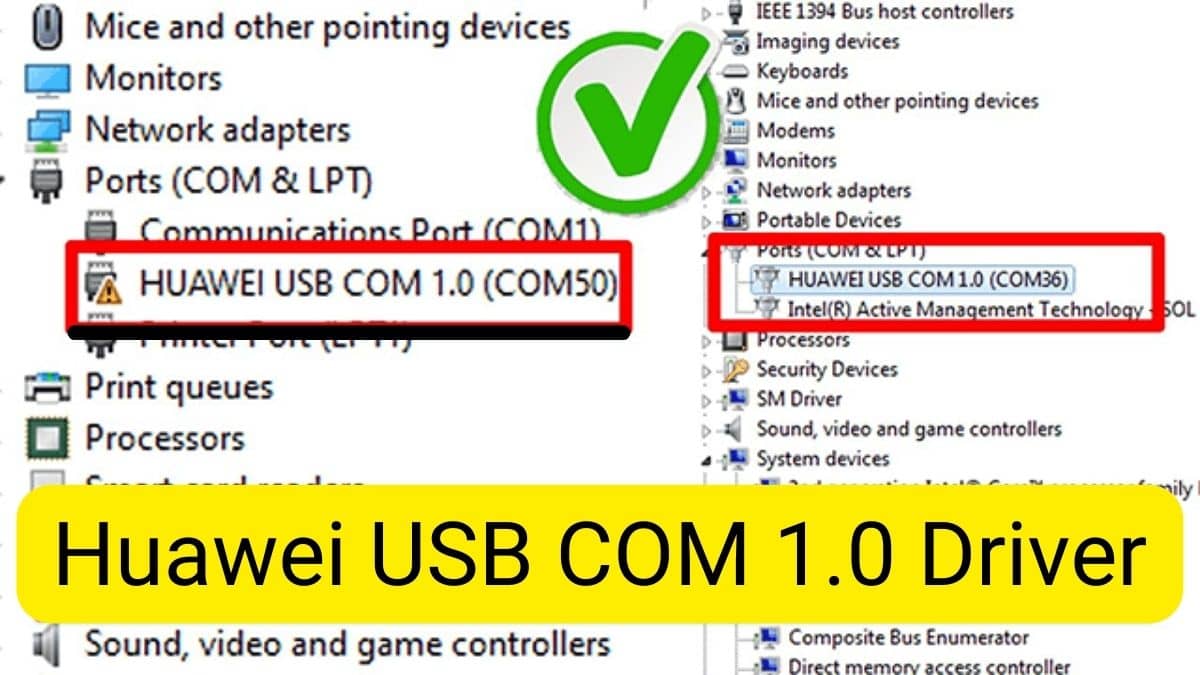
HUAWEI USB COM 1.0 Driver Windows 7,8,10,11 (64bit and 32 bit)
Name: Huawei USB COM 1.0 Drivers.zip
Size: 9 MB
Password: officialroms
Link: MediaFire
Read Also: Best Easy Samsung Frp Tool 2024 | Latest Samsung Mobile
How Do I Install Huawei USB Driver?
- Download Huawei COM 1.0 Driver.
- Extract the driver from the computer.
- After extracting, the driver will be able to view the driver.
- Select the folder, and then choose the version of driver you want for installation on your PC There you’ve discovered two folders
- that are x86 and x64..
- Right-click on the driver , and select Install.
- After that, you will navigate to the installer menu. Then select
- click the next button, and go through on to follow the steps that come next.
- Then, click the”I agree” button and proceed to on to the following step.
- Now, you’ll be likely to see a pop-up box. Click Yes.
- Click Next.
Read Also: