Download Samsung Galaxy S21 FE 5G SM-G990E Flash File, Stock ROM. Official Indian Firmware File for Samsung Galaxy S21 FE 5G is the version of the India Version.
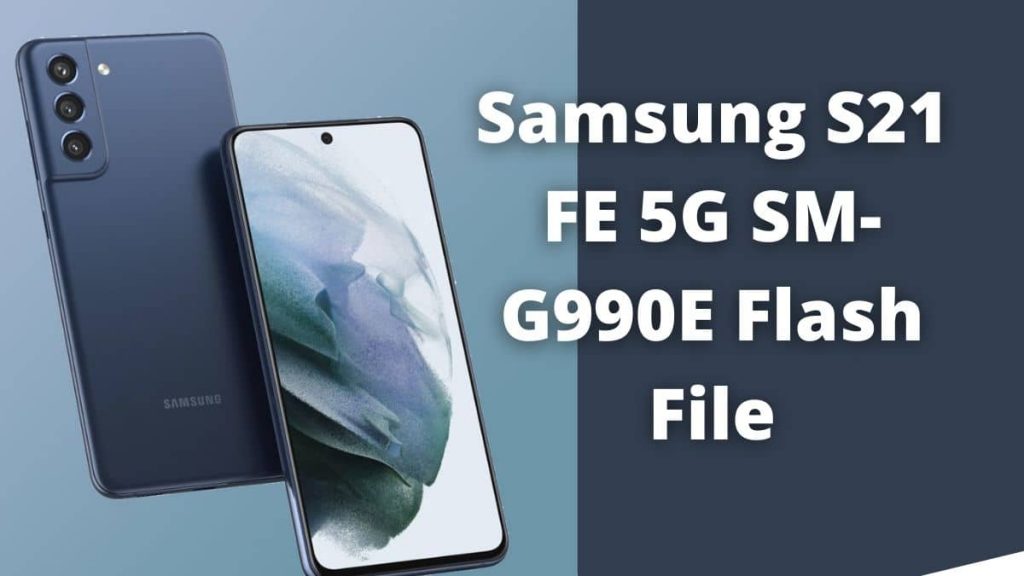
The file comprises four files that include BL, AP, CP, and CSC files. If you’re searching for the most recent version of Samsung Firmware and want to download the latest version, this is the perfect option for you. You can download it using Flashtool and Driver. Also, here you can find the Flashing Guide Step-by-Step.
Name: SM-G990E
Size: 6.6 GB
CPU: Qualcomm Snapdragon 888 5G
Country: INDIA
Version:
How to Flash Samsung S21 FE 5G:
- Download Samsung S21 5G FE SM G990E Flash File and install Samsung Driver. charge the phone for 30 percent before flashing.
- Copy all files into in the file.
- Open the tool and choose the entire Files (BL, AP, CP as well as CSC.)
- After that , turn off the phone and re-install the battery in order to join the device to the tool.
- For the phone to go to download mode, press the volume up home button and the power button at the same time.
- Hit the volume up button to continue.
- Connect the data cable to the phone.
- It is the Odin tool will detect that the port starts showing.
- Click the button that starts to flash.
Read Also:
- Itel S21 FRP Unlock & Pattern Unlock Using SP Flash Tool
- Samsung M52 SM-M526B Flash File (official Firmware)
- Samsung October 2024 patch is out for to a bunch of phone
- Redmi Note 10 5G Flash File (IN or China) official Firmware
- Download Oneplus 8 5G flash file Stock ROM