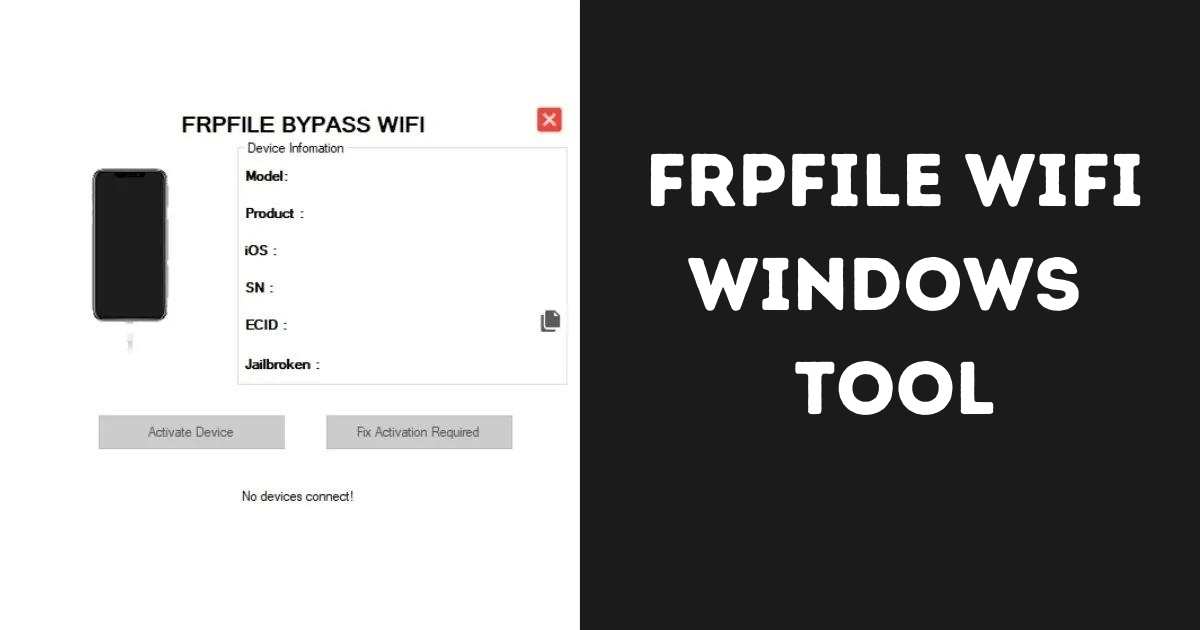
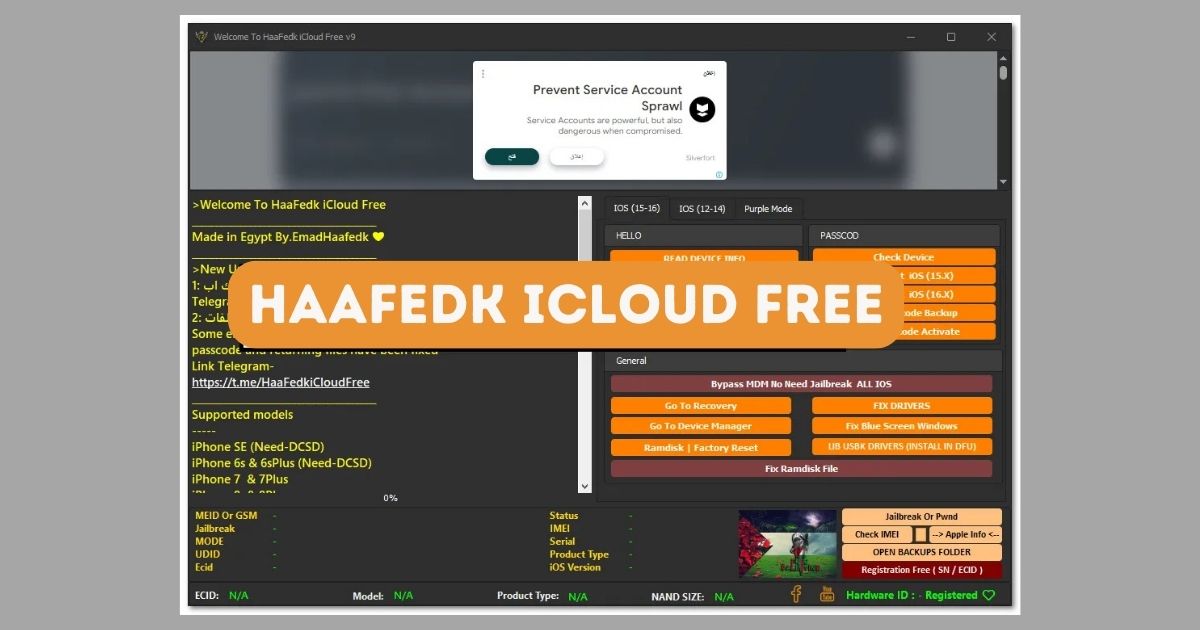
The MinaActivator A12 Windows Tool is a powerful utility that has emerged as a go-to solution for users seeking to manage and bypass activation locks on iPhones and iPads running A12 chipsets. With the increasing number of people facing Activation Lock issues, especially after restoring or buying second-hand Apple devices, tools like MinaActivator offer a user-friendly way to unlock your device and regain access.
In this article, we’ll explore what the MinaActivator A12 tool is, its key features, how it works, system requirements, benefits, precautions, and much more. This guide is educational and does not promote any illegal activity—always follow official Apple policies and use third-party tools responsibly.
Table of Contents
What Is MinaActivator A12 Windows Tool?
The MinaActivator A12 Windows Tool is a third-party software designed to bypass iCloud Activation Lock on iPhones and iPads powered by Apple’s A12 chipset. Devices such as the iPhone XS, XR, and some iPads often come locked due to forgotten Apple IDs or second-hand purchases. The MinaActivator provides an alternative solution when users cannot retrieve their Apple ID credentials.
It runs on Windows OS and is compatible with checkra1n-based jailbreak environments, offering support for bypassing Hello screen, MDM lock, and iCloud Activation Lock, depending on the model and iOS version.
Supported Devices
MinaActivator A12 Windows Tool primarily supports the following iOS devices:
- iPhone XS
- iPhone XS Max
- iPhone XR
- iPad (6th Gen and above with A12 chip)
- iPad Mini (5th Gen)
- iPad Air (3rd Gen)
Note: Device support depends on jailbreak compatibility. Checkra1n support for A12 devices may require additional patches or steps.
Key Features of MinaActivator A12 Windows Tool
Here are some of the features of this tool:
- ✅ Bypass iCloud Activation Lock on A12 devices.
- ✅ Windows-based GUI, user-friendly interface.
- ✅ Fast unlocking process, with minimal technical knowledge required.
- ✅ Supports iOS versions up to 14.x or specific 15.x, based on jailbreak status.
- ✅ Can handle MDM (Mobile Device Management) bypass on supported devices.
- ✅ Tethered and untethered options depending on jailbreak.
- ✅ Free and paid versions available for different levels of access.
System Requirements
Before using the MinaActivator A12 Tool, ensure your PC meets the following specifications:
| Requirement | Details |
|---|---|
| Operating System | Windows 7/8/10/11 (64-bit preferred) |
| RAM | Minimum 4 GB |
| Disk Space | At least 5 GB available |
| USB Port | Lightning USB support |
| Jailbreak Tool | Checkra1n or equivalent (macOS or bootable USB required) |
Download MinaActivator A12 Windows Tool
| Feature | Windows Tool (MinaActivator A12) | Mac Tool (MinaUSB, Mina Meid) |
|---|---|---|
| OS Requirement | Windows 7/8/10/11 | macOS 10.13 or later |
| Device Support | iPhone/iPad (A12) | iPhone/iPad (up to A14 depending on tool) |
| Jailbreak Required? | Yes (done beforehand via Mac/Linux) | Yes (Checkra1n or other) |
| Activation Lock Bypass | ✅ | ✅ |
| Signal Support | ❌ (No signal) | ⚠️ Limited (Meid only) |
| Re-bypass Feature | ✅ | ✅ |
| Ease of Use | Medium (extra steps needed) | Easier on native macOS |
| iCloud Removal | Partial (bypass only) | Partial (bypass only) |
| Jailbreak Included? | ❌ (must jailbreak separately) | Some tools include jailbreak |
| Version | 5.1.2 | 5.1.2 |
| Download Link | Mega Server | Mega Server |
How to Use MinaActivator A12 Windows Tool (Educational Purpose Only)
Here’s a general step-by-step process for using MinaActivator A12:
- Jailbreak Your Device:
- Use a tool like Checkra1n to jailbreak your device.
- Jailbreak is mandatory for bypassing locks using MinaActivator.
- Connect Your Device to PC:
- Use a USB cable and ensure proper drivers are installed.
- Open MinaActivator Tool:
- Launch the tool on Windows.
- The interface should detect your connected iDevice.
- Click on “Start Bypass” or Relevant Option:
- Select the appropriate mode: Activation Lock, MDM bypass, etc.
- Wait for the Process to Complete:
- Your device will restart automatically after bypassing is successful.
- Verify the Bypass:
- Make sure the iCloud lock or Hello screen is no longer present.
- Note: Some services (like FaceTime or iMessage) might remain limited.
Benefits of Using MinaActivator A12
- Quick Solution for users locked out of their own devices.
- Windows Compatibility – no need for Mac-based tools.
- Simple UI – even beginners can follow the instructions.
- Multiple Use Cases – bypass iCloud, MDM, and supervision.
- Free-to-use for basic features.
Limitations and Warnings
Despite its usefulness, the MinaActivator tool has a few limitations:
- ❌ Not Official – It is not endorsed by Apple Inc.
- ❌ May Void Warranty – Using third-party software can affect AppleCare.
- ❌ Requires Jailbreak – Which in itself can introduce security vulnerabilities.
- ❌ No Support for A13 or Newer Chips – As of now, only A12 and older.
Always use such tools responsibly and only on devices you legally own.
Common Issues and Solutions
1. Device Not Detected?
- Try reinstalling Apple drivers or restarting the tool.
2. Jailbreak Failed?
- Ensure you’re using the latest checkra1n version compatible with A12.
3. Bypass Incomplete?
- Some locks may require re-running the tool in tethered mode after each reboot.
Is MinaActivator A12 Safe to Use?
The MinaActivator A12 Windows Tool is generally safe if downloaded from an official or trusted source. However, users must understand the risks associated with using third-party bypass tools, including:
- Data loss
- Incompatibility with updates
- No access to certain Apple services
That’s why it’s strongly recommended to back up data and use the tool on secondary or experimental devices.
Legal Considerations
While unlocking your own device is legal in many countries, bypassing iCloud Activation Lock on stolen or unverified devices is illegal. Apple has strong protections in place to prevent unauthorized access. This article is solely for educational and informational purposes and does not encourage unethical use.
Alternatives to MinaActivator
If MinaActivator A12 doesn’t suit your needs, here are a few other tools people use for similar purposes (again, for legal and ethical use only):
- iRemove Tools
- Checkm8
- ihello HFZ
- DoulCi iCloud Unlock
FAQs About MinaActivator A12 Windows Tool
Q1: Is MinaActivator A12 free to use?
A: Yes, the basic version is free, but advanced features may require a license.
Q2: Does it work on iOS 16 or newer?
A: No, it mainly supports iOS versions up to 14.x or 15.x depending on jailbreak.
Q3: Can I use it without jailbreaking?
A: No, jailbreaking is essential to access and bypass system-level restrictions.
Q4: Will this unlock my carrier?
A: No, MinaActivator only works for iCloud/MDM. It doesn’t unlock SIM/network restrictions.
Q5: Where can I download it?
A: Always download from the official site or verified sources to avoid malware.
Final Thoughts
The MinaActivator A12 Windows Tool serves as a valuable utility for users who have legal access to A12-powered iPhones or iPads but are unable to proceed due to iCloud Activation Lock or MDM restrictions. When used responsibly, it can help regain access to devices without relying on Apple support for every instance.
However, the importance of ethics, legality, and safety cannot be overstated. Always use such tools with caution, and preferably on test or development devices. Apple’s security mechanisms are there for a reason—to protect users. So make sure you stay within the bounds of fair use.
⚠️ Disclaimer: This guide is intended solely for educational use. Attempting to unlock a device you do not legally own may breach Apple’s terms and conditions and could be unlawful.