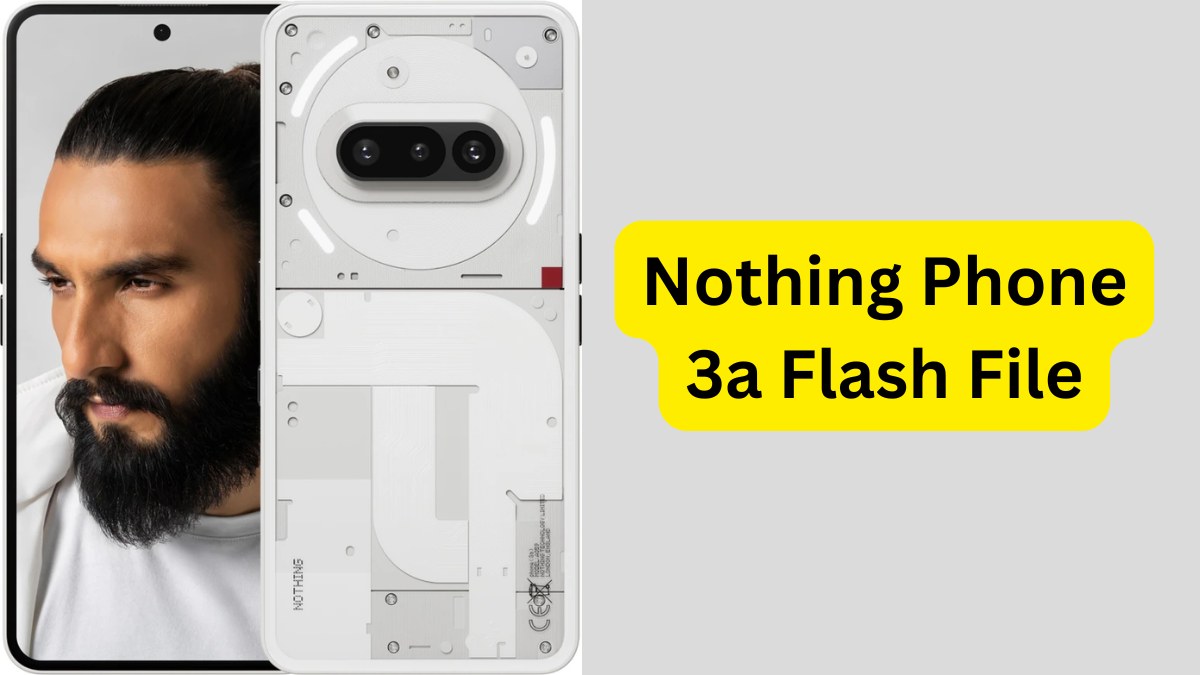
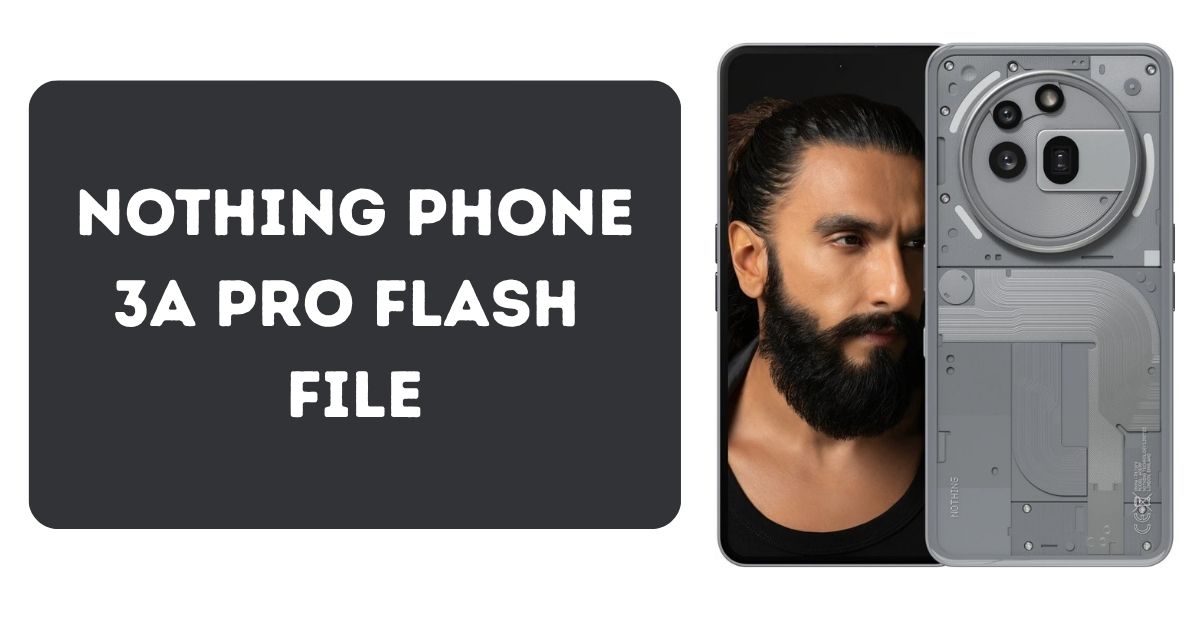
If your Nothing Phone 3a Pro is stuck on a logo screen, running slow, or not responding after a software update, reinstalling the original system software also known as flashing can help. This article explains everything you need to know about the Nothing Phone 3a Pro Flash File, why it’s used, and how to safely flash your device for performance restoration.
Disclaimer: This guide is for educational and informational purposes only. We do not encourage any unauthorized modifications or security bypassing. Flashing your device may void your warranty or lead to data loss if done improperly. Please proceed only if you’re aware of the risks.
Table of Contents
What Is a Flash File?
A flash file (or stock firmware) is the official operating system pre-installed on your smartphone by the manufacturer. It contains essential files like the system, boot, vendor, and recovery partitions. If your device encounters software-related issues, flashing the stock ROM can help restore stability.
About the Nothing Phone 3a Pro
The Nothing Phone 3a Pro, launched in 2025, features a modern design and powerful specifications, making it a top-tier Android device. Key specifications include:
- Chipset: Qualcomm Snapdragon 7s Gen 3
- RAM: 8GB / 12GB
- Storage: 128GB / 256GB (non-expandable)
- Battery: 5000mAh with 50W fast charging
- OS: Nothing OS (based on Android 14)
Why Flash the Nothing Phone 3a Pro?
Flashing your device with the official firmware can help resolve several software issues:
| Issue | Possible Solution |
|---|---|
| Device stuck at logo screen | Restore system boot files |
| System software corrupted | Reinstall official OS |
| Lagging or freezing | Clean install improves performance |
| Failed update or bugs | Return to stable software version |
Important: This guide does not promote rooting, bypassing FRP (Factory Reset Protection), or any form of unauthorized modification. Always use official firmware from reliable sources.
Requirements Before Flashing
Before starting, ensure the following conditions are met:
- A Windows PC or Laptop
- Original USB cable
- Qualcomm USB drivers installed
- Nothing Flash Tool (official)
- Nothing Phone 3a Pro firmware file (official release)
- Phone battery at least 70% charged
- Full data backup (flashing erases all data)
Where to Download the Flash File (Official Firmware)
You can find the official flash file for the Nothing Phone 3a Pro on the manufacturer’s official website or through authorized partner platforms that comply with software licensing and intellectual property laws.
Look for the correct version:
Password: officialroms
| Name | Server |
|---|---|
| Nothing Phone(3a) Pro_Nothing_OS_3.0 | Google Drive |
Make sure you:
- Match the model number exactly
- Download files only from verified and trusted sources
- Avoid downloading from third-party or pirated sources
Nothing Phone 3a Flash File Download [Official ROM]
How to Flash Nothing Phone 3a Pro (Step-by-Step)
Step 1: Install Drivers
Install Qualcomm USB drivers on your PC. Reboot after installation for best results.
Step 2: Extract the Firmware
Use safe tools like WinRAR to extract the downloaded firmware zip file.
Step 3: Launch the Flash Tool
Open the official Nothing Flash Tool. Load the firmware .mbn or .xml file into the tool.
Step 4: Enter Download Mode
Turn off your device. Connect it to your PC while pressing Volume Up + Volume Down. This will enter EDL (Emergency Download Mode).
Step 5: Begin Flashing
In the tool, click “Start All.” Wait for the process to complete. Do not unplug the device or interrupt the process.
When finished, the phone will reboot with the fresh operating system.
Flashing Risk Notice
Flashing a smartphone is a technical procedure. While it can restore your phone’s functionality, there are risks involved:
- Flashing the wrong file can permanently damage the device
- Interruptions during flashing may cause failure or brick the phone
- Warranty may be voided depending on your regional service policies
We strongly advise using official tools and firmware only, and to consult an authorized technician if you’re unsure.
Nothing Phone 2a Plus Flash File Guide 2025 (Latest File)
Frequently Asked Questions (FAQ)
Is flashing legal?
Yes, flashing a device with official firmware is generally legal for repair or restoration. However, circumventing security (like bypassing FRP or modifying bootloaders) may violate terms of service and local laws.
Will flashing remove my data?
Yes. Flashing erases all files, apps, and settings. Always create a full backup before starting.
Can flashing harm my device?
Improper flashing may brick the device. Always follow the correct steps, use compatible tools, and avoid interrupting the process.
Is FRP bypass allowed?
No. This article does not promote FRP bypassing, unlocking, or any action that may circumvent authorized access or manufacturer security protocols. Always respect user privacy and device ownership guidelines.
Final Thoughts
The Nothing Phone 3a Pro flash file is a useful solution for restoring your device to its original software condition. Whether your phone is stuck, lagging, or needs a clean software install, flashing with official firmware can help—only when done responsibly.
Always follow manufacturer guidelines, avoid risky downloads, and never attempt to bypass device security features. If you are unsure, it’s best to consult a professional or authorized service center.