If your Realme 5 is stuck on the boot logo, experiencing software bugs, or locked due to forgotten patterns or passwords, flashing the stock firmware can be a quick and effective solution. This article covers everything you need: Realme 5 RMX1911 flash file, tools, drivers, and an easy-to-follow flashing guide.
Table of Contents
What is a Flash File?
A flash file, also known as stock ROM or firmware, is the official software pre-installed on your Realme device. It includes the operating system, bootloader, and system files necessary to run your phone smoothly.
Why you may need a flash file:
- Fix bootloop or stuck-on-logo issues
- Remove screen locks or forgotten patterns
- Restore to factory state
- Fix software bugs or lag
- Unbrick a dead phone
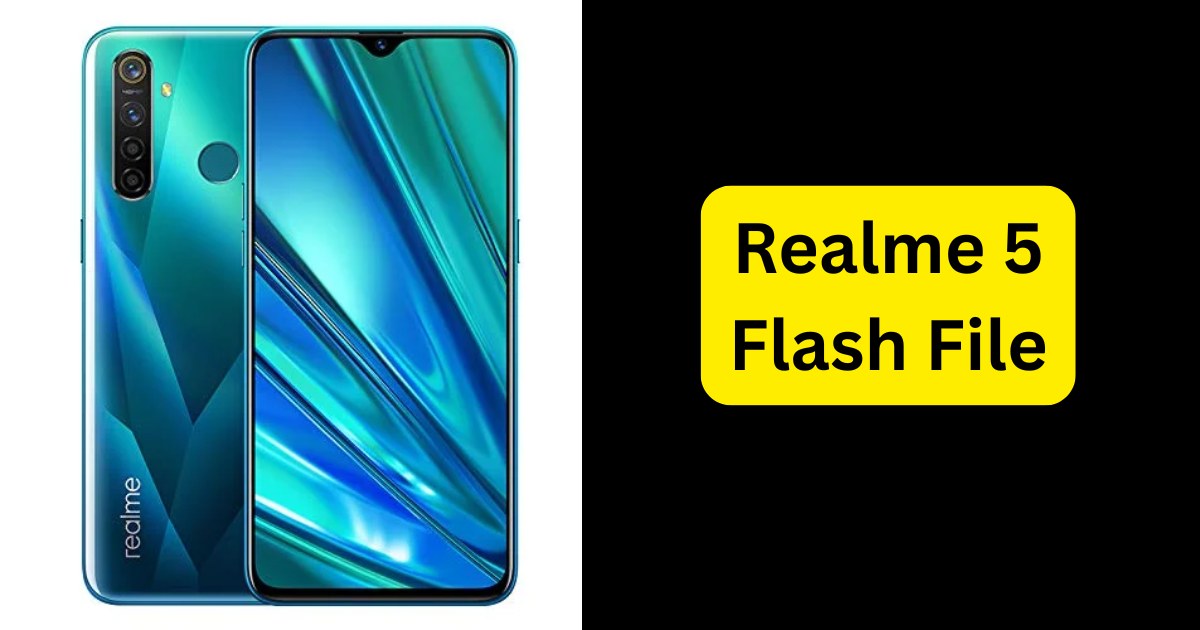
Realme 5 RMX1911 Flash File Download
- Model: RMX1911
- Android Version: Android 10 (latest updates)
- Chipset: Qualcomm Snapdragon 665
- Firmware Type: .OFP / .zip / .mbn (varies by tool)
- Size: ~5GB to 6.5GB
Tools You Need to Flash Realme 5
To successfully flash your Realme 5, you’ll need the following:
1. Realme Flash Tool
Official tool provided by Realme for firmware flashing.
2. MSM Download Tool
Often used for Qualcomm chipset-based Realme devices.
3. Qualcomm USB Drivers
Enables your PC to detect your device correctly in EDL mode.
4. A Windows PC and USB Cable
How to Flash Realme 5: Step-by-Step Guide
Warning: Flashing your device will erase all data. Back up your phone before proceeding.
✅ Step 1: Preparation
- Ensure your device is charged to at least 50%.
- Download the correct flash file and extract it.
- Install the USB drivers on your PC.
✅ Step 2: Use MSM Download Tool
- Open the MSM tool as administrator.
- Load the firmware from the extracted folder.
- Click Start to begin the flashing process.
✅ Step 3: Boot Realme 5
- Power off the device.
- Press and hold Volume Up + Volume Down, then connect the USB cable to your PC.
✅ Step 4: Wait for Completion
- The tool will show “Download Complete” once the process is successful.
Tips Before Flashing
- ✅ Make sure you’re using the firmware specific to RMX1911.
- ✅ Disable antivirus temporarily, as it may block flashing tools.
- ✅ Do not disconnect the cable during flashing.
- ✅ Use a high-quality USB cable.
FAQs About Realme 5 RMX1911 Flash File
Q. Is flashing safe for my Realme 5?
Yes, if done correctly using the right file and tools, flashing is safe.
Q. Will flashing remove FRP (Google Account)?
No, FRP lock remains unless you flash with a specialized tool or firmware that supports FRP bypass.
Q. My device is dead. Will this help?
If it’s a software brick, flashing can restore it. But not if it’s a hardware fault.
Q. Do I need to unlock the bootloader?
No, flashing using MSM Download Tool in EDL mode does not require bootloader unlocking.
Final Words
Flashing the Realme 5 flash file is a practical solution to fix system errors, unlock the device, or restore stock firmware. Just ensure you download the correct version for RMX1911, follow the steps carefully, and always back up your data.
If you’re unsure or get stuck during the process, feel free to ask for help — better safe than sorry!
Disclaimer:
This guide is for educational purposes. Flashing firmware improperly can brick your device. Proceed at your own risk.
Read also: Realme C65 RMX3910 Flash File (Stock ROM)