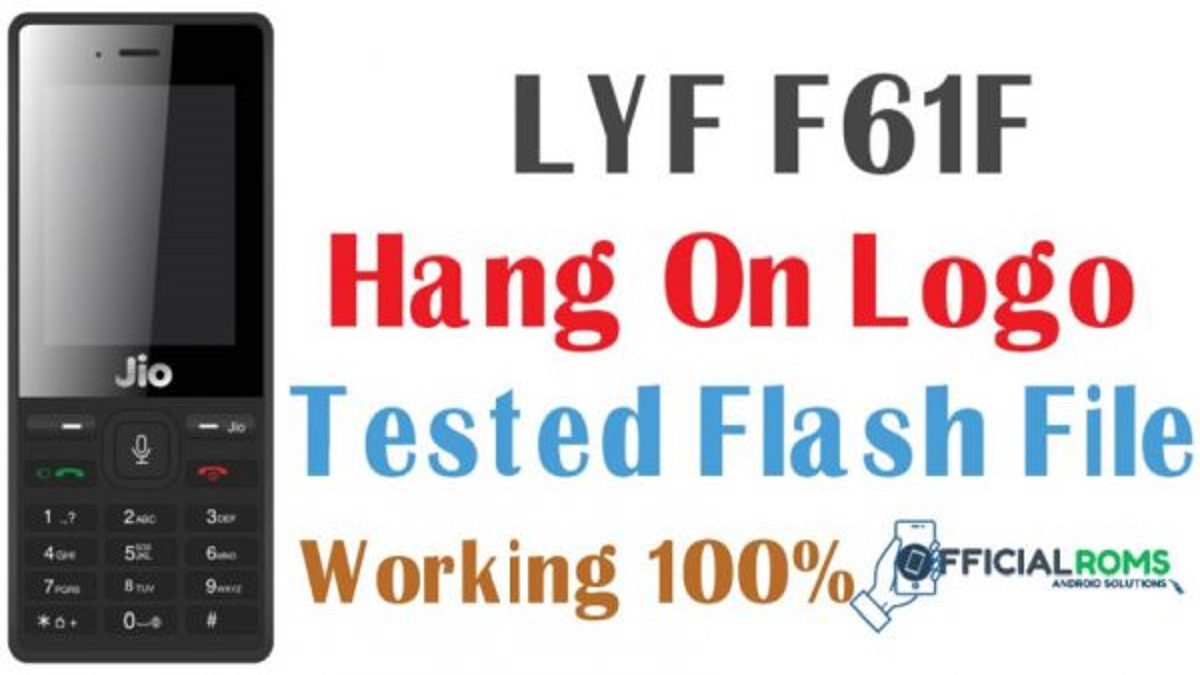
Lyf f61f flash file tested file 2025 You are using LYF Jio F61F keypad mobile and now getting errors like the auto reboot, white or blank display, unable to turn ON or LYF Jio F61F is locked? If yes then you have landed on right place and today we will show you to easiest method to flash LYF Jio F61F firmware. The best thing in this procedure is that there is no need to use any premium or professional flash tool. Free SPD upgrade tool is enough for the flashing of the LYF Jio F61F flash file as an LYF Jio F61F flash tool LYF Jio F61F hang on logo.
Table of Contents
LYF Jio F61F Tested Flash File & Tool
Download the ROM that we have mentioned in this table below. And also, you can update your LYF Jio F61F smartphone anytime, also you can install the Stock Firmware build to revert back to old version also. And also, in case if you have bricked your device, then you can bring back the phone (Unbrick) using the stock firmware anytime. Also, if you ever come across a lag on your LYF Jio F61F or any kind of issue, then you can flash the stock firmware from the list below and save yourself from such a situation. Stock Firmware does not void a warranty on your LYF Jio F61F hang on logo.
The Advantage Of Flash LYF Jio F61F Stock Firmware:
- Flash Stock To Unbrick your LYF Jio F61F
- Flash Stock ROM to Fix the Bootloop issue
- Upgrade and Downgrade LYF Jio F61F
- Unroot or Fix Bugs on your phone
- To fix the lag or stutter on LYF Jio F61F
- Flashing Stock ROM can resolve software problems and hence you can rollback back to stock to attain warranty.
Download LYF Jio F61F Flash File, Tool & Drivers
Password: officialroms
| LYF-F61F-000-02-42-060122 (New) |
| LYF-F61F-000-02-26-290120(VOLTE) |
| LYF-F61F-000-02-24-171019 |
| The LYF-F61F-02-02-251218 |
| LYF-F61F-000-01-29-100818 |
| Spreadtrum spd 6810 8810 android usb driver |
| Lyf Jio F61f Flash tool |
Requirements to Flash LYF Jio F61F Stock Firmware [Flash File]
- Charge the device about 80% so that there is no accidental power off in between the flashing process.
- Download the LYF Jio F61F flash file and save it on pc.
- Install or update “LYF Jio F61F USB Drivers” if needed. Otherwise, let us skip this step.
- Pc/Laptop and the working USB cable is must.
What Is Boot Key And Which Is A Boot Key Of LYF Jio F61F?
- In simple words, the boot key is a key that lets you access the device driver to install the firmware in the mobile phone.
- The boot key of LYF Jio F61F is the Jio button. the step of pressing boot key
- turn off your mobile and remove the battery and reinsert.
- press and hold the select button and insert the USB cable thought mobile to pc.
- The flashing process begins then releases the select button
How to Flash LYF Jio F61F:
- Download the Jio F61F flash file that must be of PAC file format,
- Then you have to download and extract the SPD UpgradeDownload Flash tool
- Now, on opening the extracted folder you will see a list of files, among which you have to open the UpgradeDownload.exe file
- Click the Load Packet button and then select the. PAC LYF Jio F61F flash file from the device storage
- Now just click on the Start Downloading button to flash your firmware.
- No Boot your LYF Jio F61F into download mode by pressing the Jio button and connect USB.
- After the flashing process is successful, it will display in the Progress bar as Passed LYF Jio F61F hang on logo.
- After flashing is done, reboot the phone it might not auto-start.
Read Also: