Micromax IN Note 2 E7446 Flash File (Stock ROM) is now available and can be downloaded from the link below. You may fix all software issues on your Micromax IN Note 2 E74466 with this firmware, including hung logo, frp lock, fastboot mode, display blank or white after flash, dead recovery, dead after flash, and more.
About Micromax IN Note 2
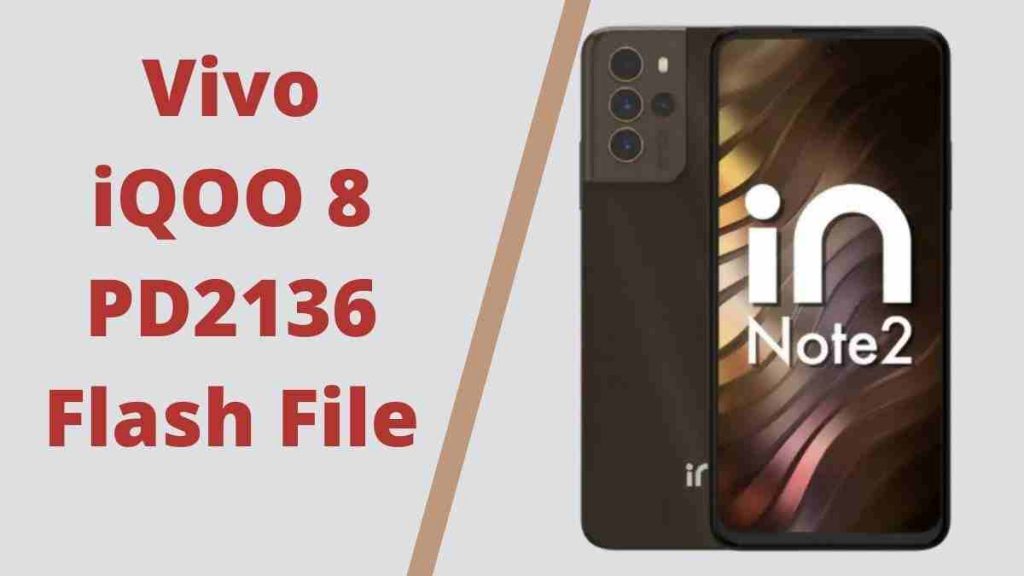
The Micromax In Note 2 smartphone was released on January 25, 2022. The phone has a 6.43-inch touchscreen display with a 1080×2400 pixel resolution and a 20:9 aspect ratio. An octa-core MediaTek Helio G95 CPU powers the Micromax In Note 2. It has a total of 4GB of RAM. The Micromax In Note 2 is powered by a 5000mAh battery and runs Android 11. The Micromax In Note 2 is compatible with Micromax’s proprietary quick charging technology.
Download Micromax IN Note 2 E7446 Flash File
Password: officialroms
| ASW2005IM_2201_T2073 | MediaFire |
| MMX_E7446_SW_V15.0_HW_2.0_20211125 | MediaFire |
| SP Flash Tool | |
| MTK Driver |
How to Flash Micromax IN Note 2 E7446:
MTK Driver should be installed.
1- Download and extract the SP Flash tool from the package.
2- Double-click Flash tool.exe from the icon that appears.
3- It will start the tool on your computer; click Scatter-Loading on the tool’s right side.
4- Now, assign the firmware in the format “Android scatter.txt.”
5- To begin flashing, click Download.
6- Press the Volume Down or Volume Up keys to turn off your phone and connect it to your computer.
7- You will be able to flashing successfully as a result of it.