On this page, you will find the official link to download the Micromax A93 stock firmware ROM (flash file) on your computer. Firmware comes in a zip package, that contains a flash file, a flash tool, a USB driver, and a how-to flash manual.
Download Micromax A93 Stock Firmware (flash file)
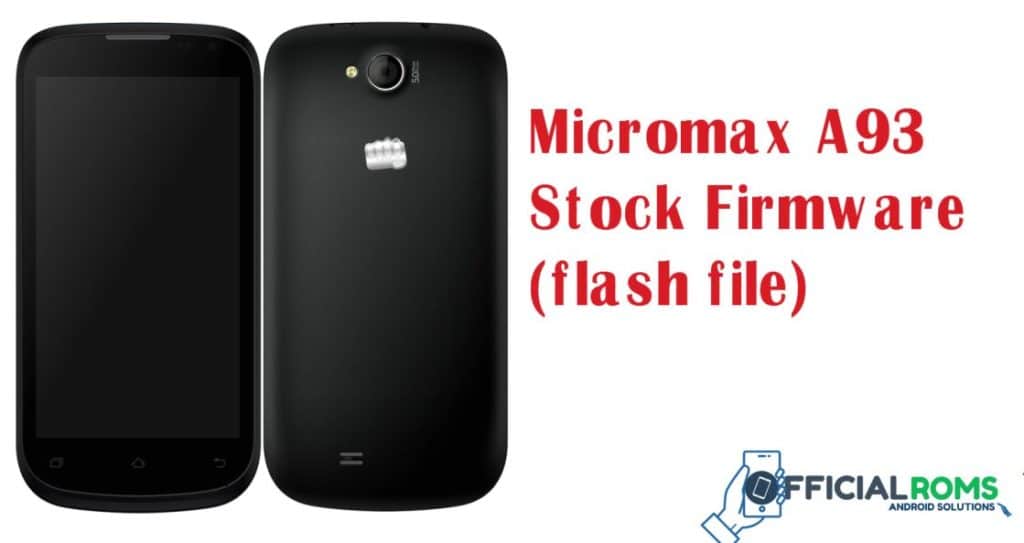
File Name: Micromax_A93_Software_V0_16_MT6572_201401141350.zip
File Size: 474 MB
Android Version: 4.2.2
How to Flash: Follow Tutorial
Firmware Link: MediaFire
How to Flash
- Download the correct firmware or flash file for your specific Micromax A93 Smart model and version.
- Download and install the SP Flash Tool on your computer.
- Connect your Micromax A93 to your computer using a USB cable.
- Open the SP Flash Tool and load the firmware file.
- In the SP Flash Tool, select the options to “download” or “upgrade” and “firmware” or “ROM”.
- Now Press The Start Button than Flashing Process Started
- The flashing process may take a few minutes.
- Now after Few Minutes SP Tool Showing Message indicating That the Firmware has been Successfully Done
- Micromax canvas C1 flash using by ygdp tool (Update File)
- Micromax Bharat 5 frp Unlock (Nougat 7.0) Without Flash & Without Box
- The Micromax IN 1B E7533 Flash File (Stock ROM)
- Micromax HS2 Pattern Unlock & Frp Remove File by Free Tool
- Micromax IN 2B E7544 FRP File & Unlock File Tested SPD 2024
Readme Once:
[*] Take a Backup: Before flashing the stock firmware on your Micromax A93 device, be sure to take a backup of everything as all personal data will be erased after doing so.
[*] The firmware provided on this page has been officially released by the company and can help you recover your device if you ever experience bootloop, software error, update error, hanging or dead issues.